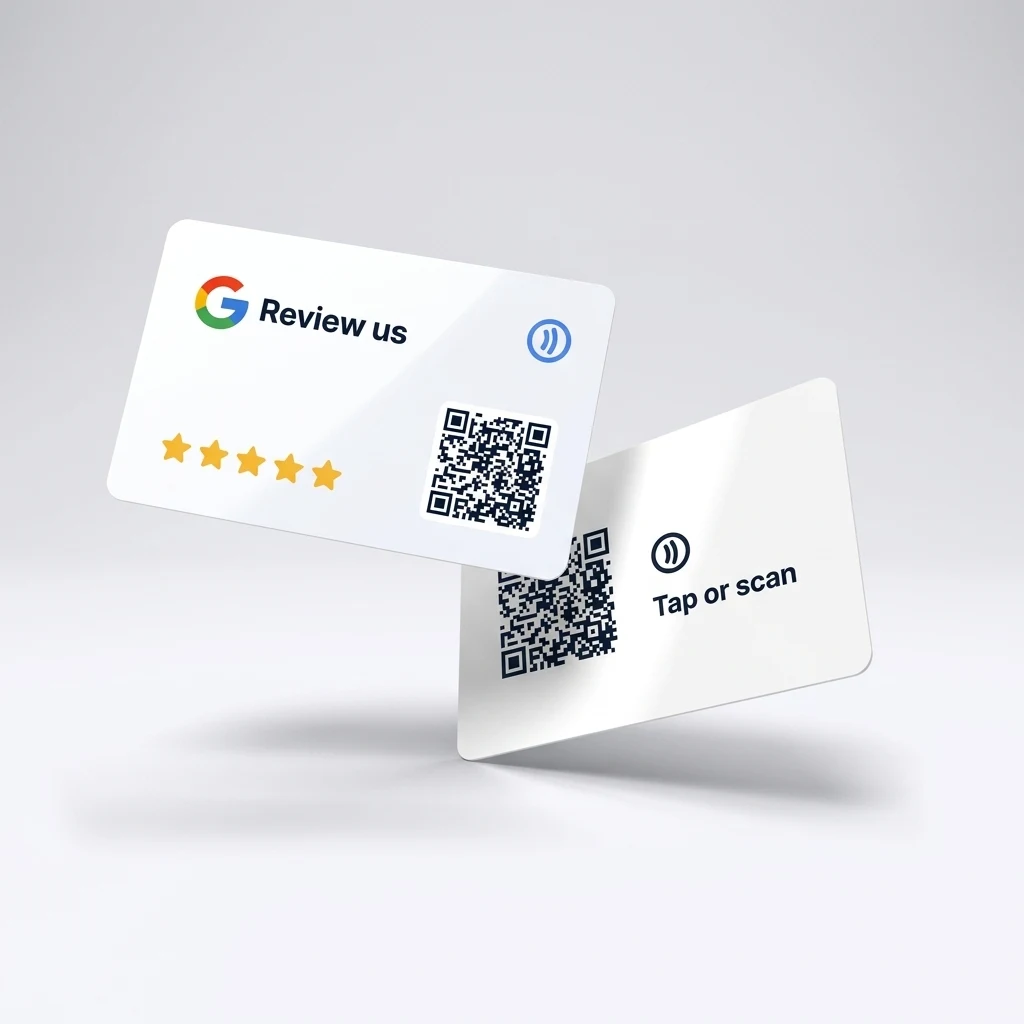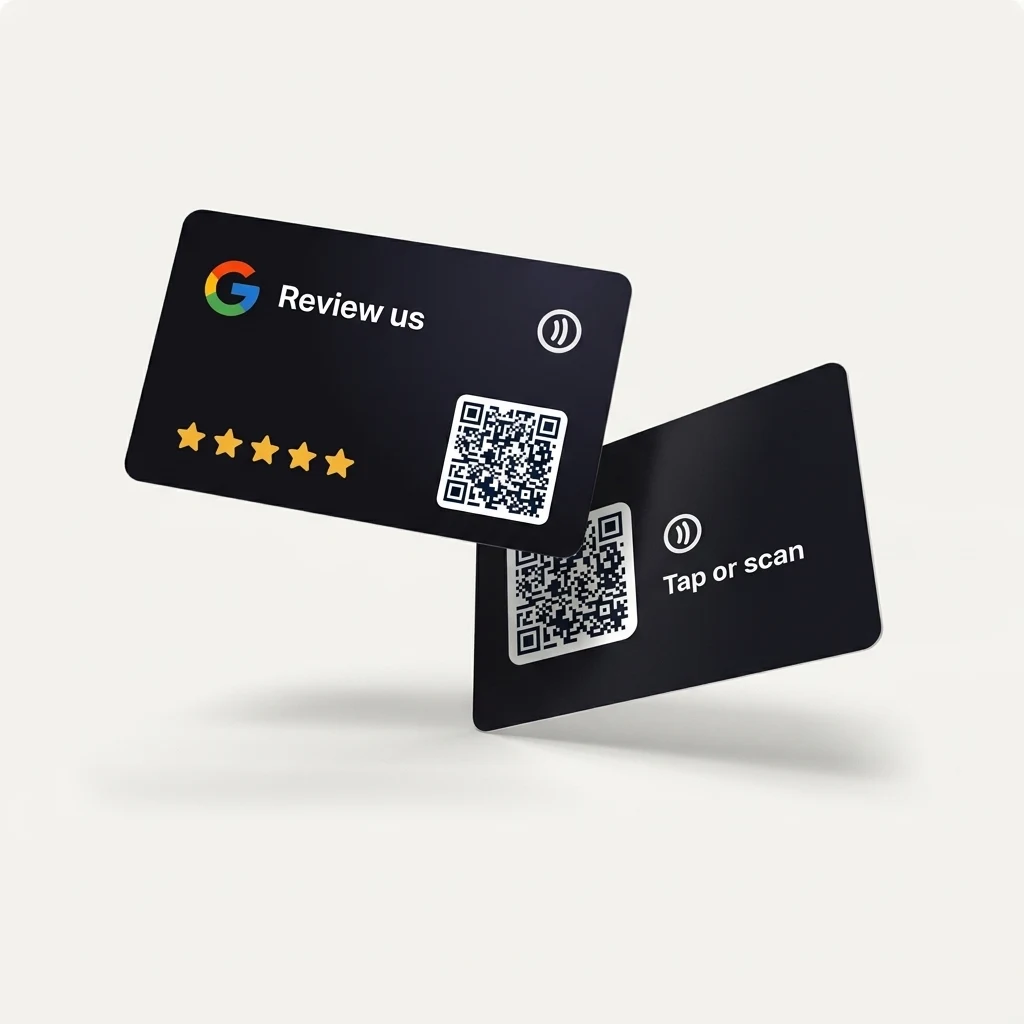
If you want more Google reviews from diners, an NFC Google Review Card gives them a fast, low-friction way to open your review page after the meal. It works well for restaurants, cafés, bistros, and takeaway counters because customers can tap and respond while the experience is still fresh. Instead of asking people to search for your business later, you make the next step obvious right at the table, at the counter, or when the bill arrives.
Why restaurants use an NFC Google review card
Restaurants depend on trust. A strong review profile helps new guests decide where to eat, especially when they are comparing nearby places on Google Maps. An NFC Google Review Card gives your team a simple, polite way to invite feedback without interrupting service. You can place it where guests naturally pause: on the payment counter, next to the receipt tray, on a host stand, or in a table tent setup.
The biggest advantage is convenience. A customer taps the card with a phone, the review page opens, and they can rate the meal while they remember the food, the service, and the atmosphere. That makes the review request feel timely instead of forced. It also reduces the number of steps between a happy dining experience and the review form.
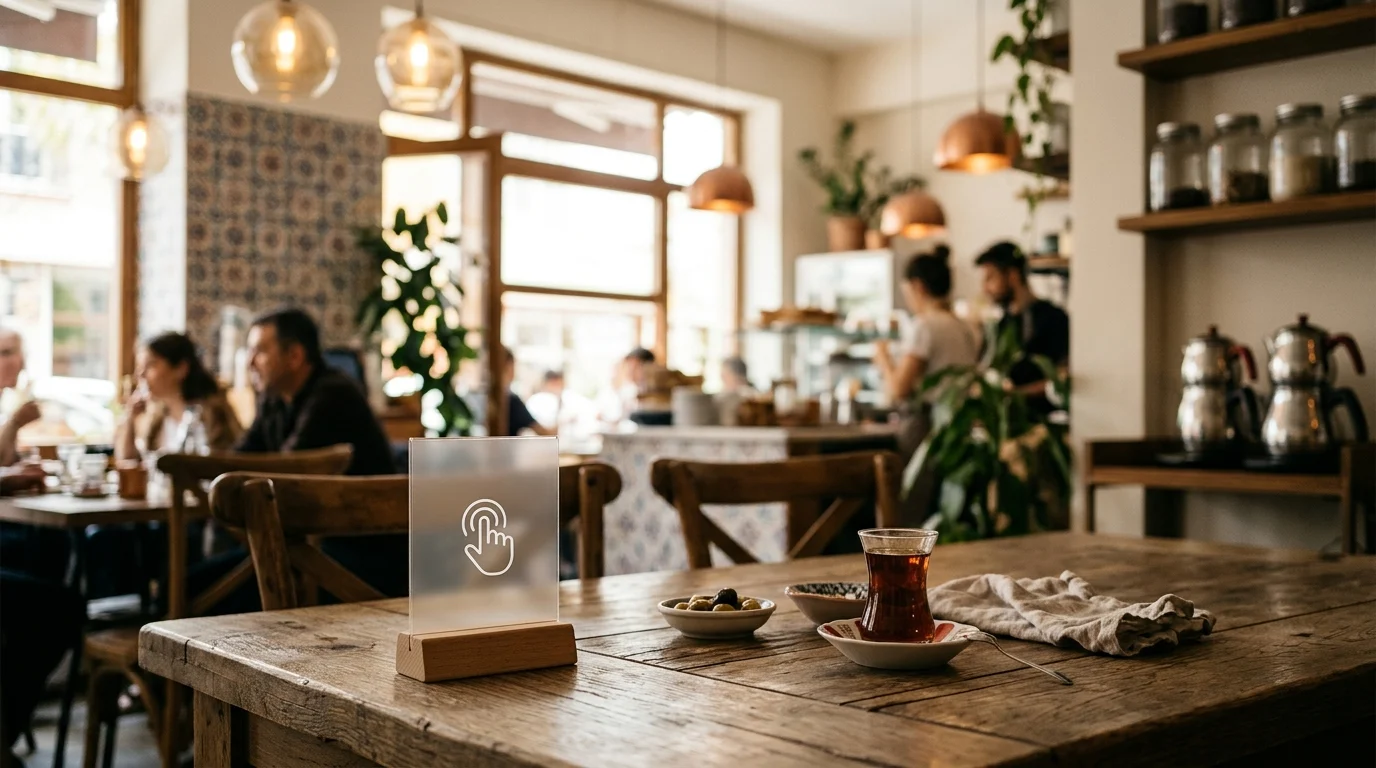
For restaurants that already care about table presentation, the right display matters. A card on its own works well for quick handoff moments, while a stand is better when you want a visible, fixed point on a counter or table. If you want a tabletop solution that combines NFC and QR access, a review stand for the counter is useful for busy service areas. If you prefer a card format that customers can tap directly, the review card collection is the simplest place to start.
How to place it in a restaurant without disrupting service
A good review prompt feels natural. The aim is not to push every guest at once. It is to make the option available when someone is already happy and ready to respond. In a full-service restaurant, the best moment is often after dessert or when the server brings the check. In a café, it may be right beside the card reader or takeaway pickup shelf. In a casual dining spot, the host stand or checkout counter can work well because guests pass that spot on the way out.
Use short, clear language from your staff. For example: “If you enjoyed the meal, you can tap here to leave a Google review.” That is enough. No long explanation is needed. The NFC card does the work, and your team only needs to point it out once.
Here is a simple setup that restaurants can follow:
- Place the card or stand where guests naturally stop.
- Make sure the tap point is easy to reach and clearly visible.
- Test it on different phones before using it with customers.
- Train staff to mention it only at the right moment.
- Check the link from time to time to make sure it still opens the correct review page.
You can also use more than one format in the same venue. A tabletop stand can sit near the cashier, while smaller cards can be placed at the bar or on takeaway counters. That works especially well when you have multiple service points and want to keep the review option visible from several angles.
Fine dining restaurants: use the card as part of the final touch
Fine dining guests expect a polished experience, so the review request should feel just as considered. A discreet NFC Google Review Card on a side table, check presenter, or host stand can fit that setting well. The goal is to let the guest review the experience after the meal without breaking the mood.
A practical example: after the server brings the check, the card can sit inside the bill folder or next to the payment tray. The server may say, “If you’d like to share feedback, you can tap this card.” This works better than asking for a review too early, because the guest has already experienced the full meal and service.
For restaurants that care about presentation, pairing the review process with a clean stand is helpful. A dark or neutral display can blend into a premium interior while still being easy to see. If you want a more visible counter piece, the classic white review card is a simple choice for elegant table settings.
Cafés and brunch spots: turn repeat visits into review moments
Cafés and brunch spots often have a steady flow of regulars, which makes them a natural fit for NFC review collection. Guests already spend time ordering, waiting, and picking up drinks, so there are several moments where a tap-based review prompt can fit smoothly. The best locations are the pickup shelf, payment counter, and community table near the exit.
Imagine a customer finishing a latte and pastry on a Saturday morning. If your review card is placed near the pastry display or by the pickup point, they can tap it as they leave. That timing is useful because the visit is still fresh in mind, and the customer does not need to search for your business later. It is a small interaction, but it can lead to more consistent feedback from regular guests.
For cafés with compact counters, a stand is often more visible than a flat card. A tabletop display can remain in place all day, while staff continue serving without moving it around. If you serve takeaway drinks, the card can also sit beside the card reader so the review invitation becomes part of the checkout area.
Many café owners also combine the review flow with social engagement. That is fine if you keep each message separate and clear. For reviews, stay focused on the review page. For followers, use a dedicated social card instead of mixing multiple calls to action in one place. That keeps the customer journey simple and easier to complete.
Casual dining, takeout, and family restaurants: keep it visible at the exit
Casual dining restaurants, takeout counters, and family-friendly places often have more foot traffic and quicker turnarounds. In these settings, the best place for an NFC Google Review Card is usually the exit path, the checkout area, or the host podium. These are places where guests pause long enough to notice the card, but not so long that it slows the flow of service.
A useful example is a family restaurant that serves lunch and dinner in turns. During busy hours, staff may not have time for long review conversations. A visible stand at the counter solves that problem. Guests who enjoyed the meal can tap it while paying or while waiting for a receipt. The process is fast, and your team does not need to repeat the request at every table.
For takeaway and delivery-first restaurants, the review card can also be placed where guests collect online orders. People picking up food are often in a hurry, so the request should be simple. A short message like “Tap to leave a review if you enjoyed your order” is enough. If you have a loyalty area or pick-up shelf, this is a strong place to keep the card visible without interfering with order flow.
Restaurants that want more than a single tabletop item can use the acrylic tabletop review stand or choose a themed display from the review stand category. Both formats are useful when you need a stable, reusable piece for daily service.
Which product fits your restaurant best
If you are comparing options, think about how your restaurant works during a normal service day. A tap card is best when you want something compact and easy to place. A stand works better when you want the review prompt to stay visible on the counter or table. A wall sign is useful when countertop space is limited.
| Restaurant scenario | Best format | Where to place it |
|---|---|---|
| Fine dining | Card or discreet stand | Bill folder, side table, host stand |
| Café or brunch spot | Counter stand | Pickup shelf, payment counter |
| Casual dining | Tabletop stand | Exit path, cash register, host podium |
| Takeout counter | Card or wall sign | Order pickup area, receipt station |
For a simple starter setup, many restaurant owners choose one card and one stand. That gives you flexibility: you can test the card at a table and keep the stand at the counter. If you later want a more complete setup for a café or restaurant group, you can build out the display with multiple units. A good starting point is the matte black review card for a sleek look, or the T-shape review stand for a clear counter presence.
Ordering and delivery for your restaurant
Ordering is straightforward. Choose the product that fits your layout, place your order online, and prepare your Google review link before production so the setup is ready to use when it arrives. If you manage more than one venue, you can also keep the display style consistent across locations.
Production is same-day on weekdays for orders placed before 3:00 PM. After that, your item is shipped to you by tracked courier, whether your restaurant is in the United States or elsewhere worldwide. That makes it practical for both single-location restaurants and multi-location hospitality teams that need a reliable way to receive branded review tools quickly.
You do not need an app to use the product, and unlimited updates from the dashboard are available, which is useful if your Google review link changes or you want to adjust the destination later. For restaurants, that flexibility helps keep the system easy to maintain.
Using reviews the right way
Ask for honest feedback, not special treatment. Your card should simply make it easier for satisfied diners to reach your review page. Do not offer rewards for reviews or try to influence what guests write. The best results come from good service, clear placement, and a smooth tap-to-review experience.
Once your staff gets used to the system, the card becomes part of the service routine. It is a small addition, but for restaurants it can make a real difference in how easily happy guests share their experience online.
Start with the right review tool
If your goal is to collect more Google reviews from restaurant guests, start with the format that fits your space and service style. Use a card for portability, a stand for visibility, or a wall sign when you want a fixed point near the counter. The important part is making the next step easy for the customer. That is exactly what an NFC Google Review Card is built to do.