How to Use a Google Review Tap Card for Restaurants
A google review tap card for restaurants helps guests open your review page in one tap. Use it at the host stand, counter, or tables to collect more reviews.
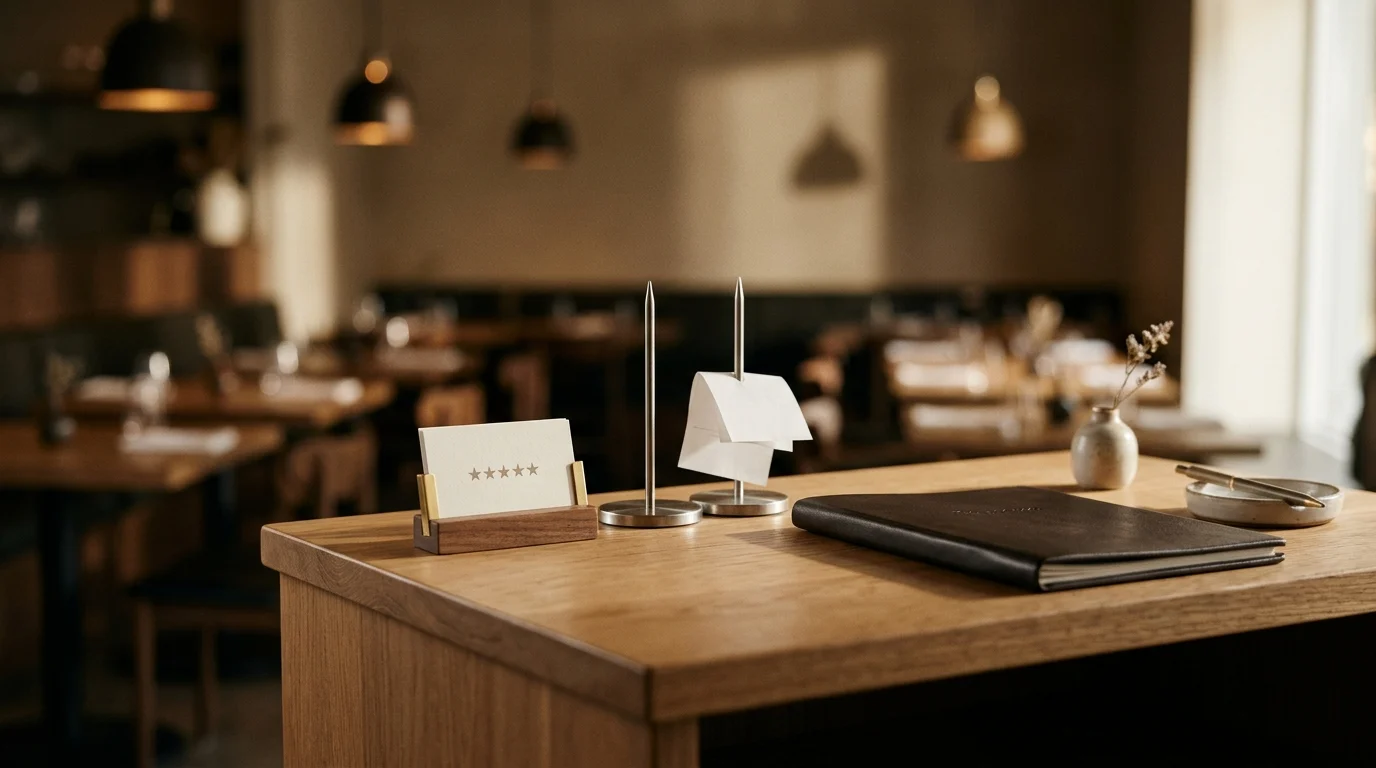
A google review tap card for restaurants makes it easy for guests to open your Google review page in one tap. Put it where customers naturally pause, and you remove the extra steps that usually stop people from leaving feedback.
If you want a ready-made option, the google review cards category includes simple tap-to-review solutions that work well for busy dining rooms, cafés, and takeaway counters.
What is a Google review tap card for restaurants?
A Google review tap card is a small NFC card or stand that opens your review link when a customer taps it with a phone. Many restaurants use it at the host stand, checkout counter, or on tables so the review request feels natural and quick.
For restaurants, the biggest benefit is convenience. A guest who enjoyed a burger, brunch, or espresso is far more likely to leave a review when the path is short and clear.
How does it help your restaurant get more reviews?
People rarely search for your review page on their own. They finish dinner, pay the bill, and move on, so the request has to be simple at the exact right moment.
A tap card reduces friction. Your staff can say, “If you’d like, you can tap here to share your experience,” and the guest can review you before leaving the table or while waiting for the receipt.
That works especially well for cafés, pizzerias, steakhouses, bakeries, and family diners where guests already spend a few minutes at the counter or table.
Where should you place a review tap card in a restaurant?
The best location is the spot where guests already stop and look around. That might be the host podium, payment terminal, pickup shelf, or tabletop near the bill.
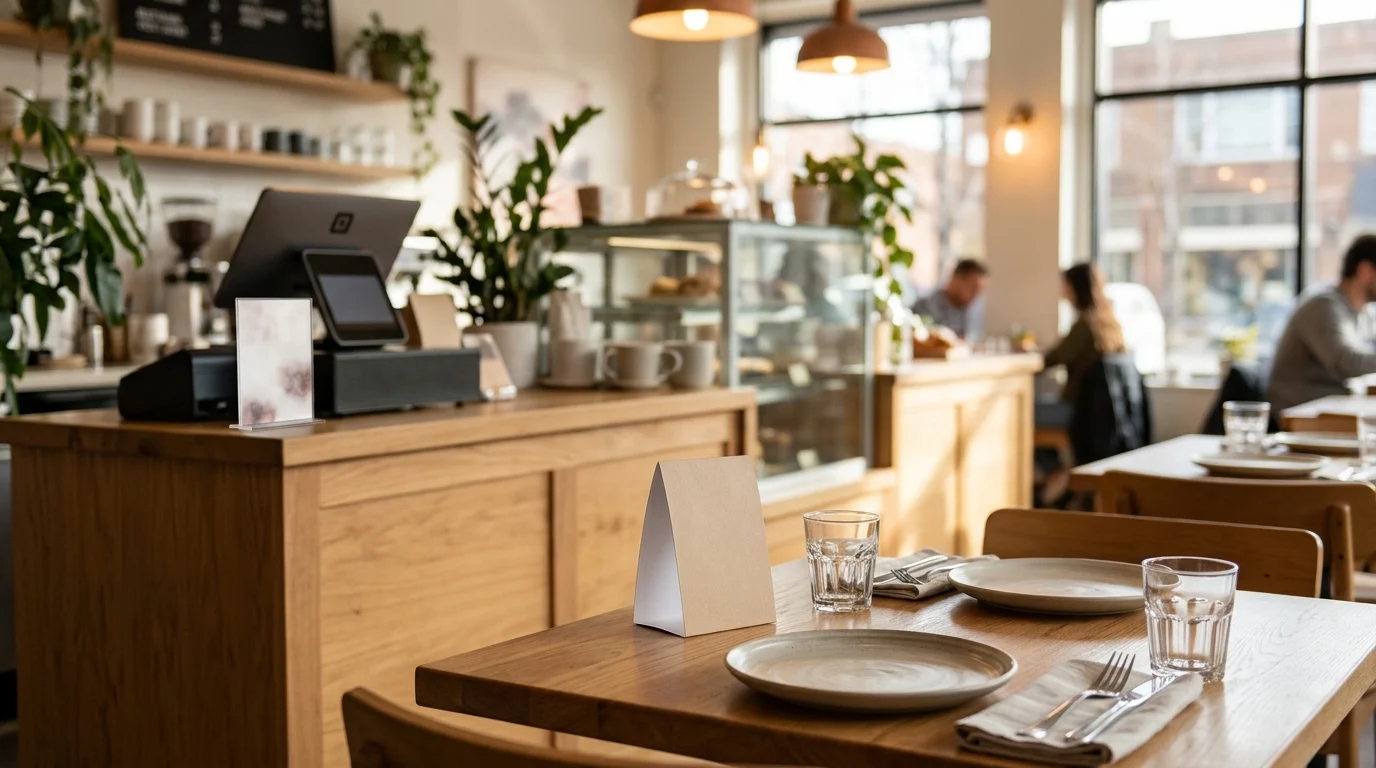
For dine-in restaurants, a small stand on the table often works better than a card hidden near the door. For quick-service spots, place it by the register where the payment moment happens.
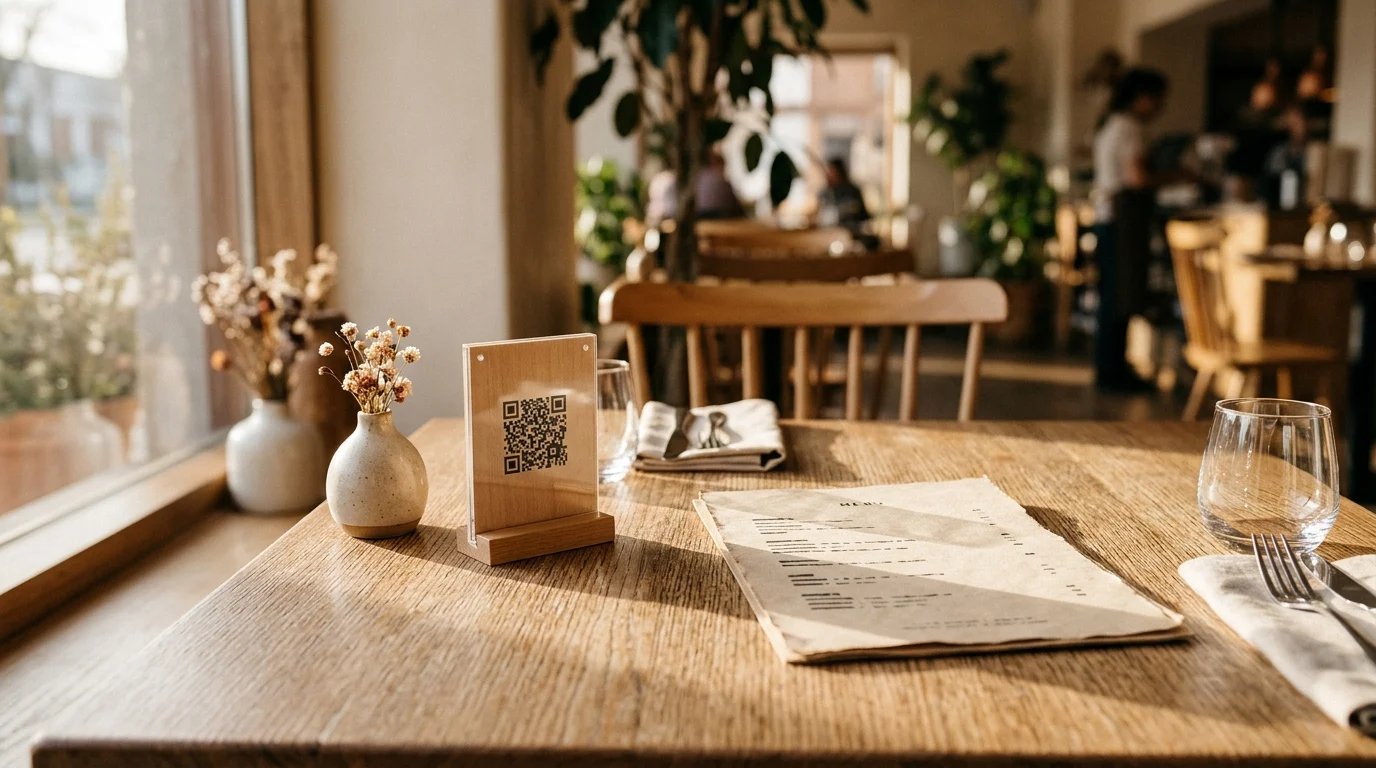
If you want a tabletop option, the google review stand with NFC and QR is useful for counters and tables because it gives guests a visible reminder right where they order or pay.
Good placement examples
- Host stand for full-service restaurants
- Cash register for cafés and bakeries
- Pickup counter for takeout-only businesses
- Bar area for casual dining and pubs
- Window counter for coffee shops and dessert cafés
How should staff ask for a review?
The request should feel polite and brief. A server, cashier, or manager can mention the card after a positive experience, but the language should stay neutral and never push for only good reviews.
Good examples sound like this: “If you’d like to share your experience, you can tap the card here.” That keeps the interaction easy and honest, whether the customer loved the meal or has a suggestion.
Make the review request visible, short, and optional.
How do you set up the card correctly?
Setup is usually straightforward, but it matters because the card should open the right Google review page every time. If the link is wrong or the landing page is confusing, guests will drop off before they review.
- Find your Google review link from your business profile.
- Test the card with both iPhone and Android phones.
- Place the card where customers naturally wait or pay.
- Train staff to mention it in one sentence.
- Check the link regularly after menu, branding, or profile changes.
If you want to understand the tap process better, the page on how NFC cards work explains the phone interaction in a simple way.
Should you choose a card, stand, or wall sign?
Restaurants usually get the best results from a tabletop stand because it stays visible during the visit. A flat card works well if you want something compact for a small register area, while a wall sign is better when counter space is tight.
If you run multiple locations or want a more durable display near the POS, a wall-mounted option may be the better fit. If you want something easy to move between tables or service zones, a stand is usually more practical.
The how to choose the best google review table stand guide can help you decide based on your layout and service style.
What should the customer experience feel like?
It should feel quick, clear, and low-pressure. The customer taps the card, sees your review page, and understands exactly what to do next without needing extra instructions.
That matters in restaurants because guests are often focused on leaving, collecting a takeaway order, or finishing a conversation. A good setup respects their time and makes the review feel like a natural final step.
For restaurants and cafés that want a bundled option, the restaurant and café review pack can help you place review prompts at several high-traffic points instead of relying on one card.
How can a tap card support local SEO?
More reviews can strengthen your Google Business Profile over time, which may help customers trust your restaurant when they search locally. It also gives your business more fresh feedback from real guests, which is useful for diners comparing nearby options.
Reviews are only one part of local visibility, but they are a practical one because they come from people who already visited. If you want to improve the rest of your local presence too, the local seo guide for google maps is a useful next read.
Frequently asked questions
Do Google review tap cards work with iPhone and Android?
Yes, most modern phones can tap NFC cards without an app. Some phones may need the screen unlocked first, so it helps to test the card with a few devices before you place it in service.
Is a tap card better than a QR code for restaurants?
Tap cards are often faster because guests only need to hold their phone near the card. QR codes are still useful as a backup, especially on a stand where the customer can choose tap or scan.
Where is the best place to ask for a review in a restaurant?
The best moment is usually right after a positive interaction, like after dessert, when the bill arrives, or as the guest is leaving. The request should feel natural and never interrupt the dining experience.
Can I use one review card for multiple tables?
Yes, but a single card is easier to miss in a larger dining room. Many restaurants do better with several cards or stands placed at the counter, host stand, and a few tables.
Conclusion
A google review tap card for restaurants works best when it is visible, easy to tap, and paired with a simple staff script. The goal is not to pressure guests, but to remove friction from a moment when they are already willing to share feedback.
If you want to improve your review flow, start with one well-placed card or stand and test it in your busiest service area.