Google Review Plaque for Restaurants: How It Works
A google review plaque for restaurants gives diners a simple tap-or-scan way to open your review page. See how it works, where to place it, and what to pair it with.
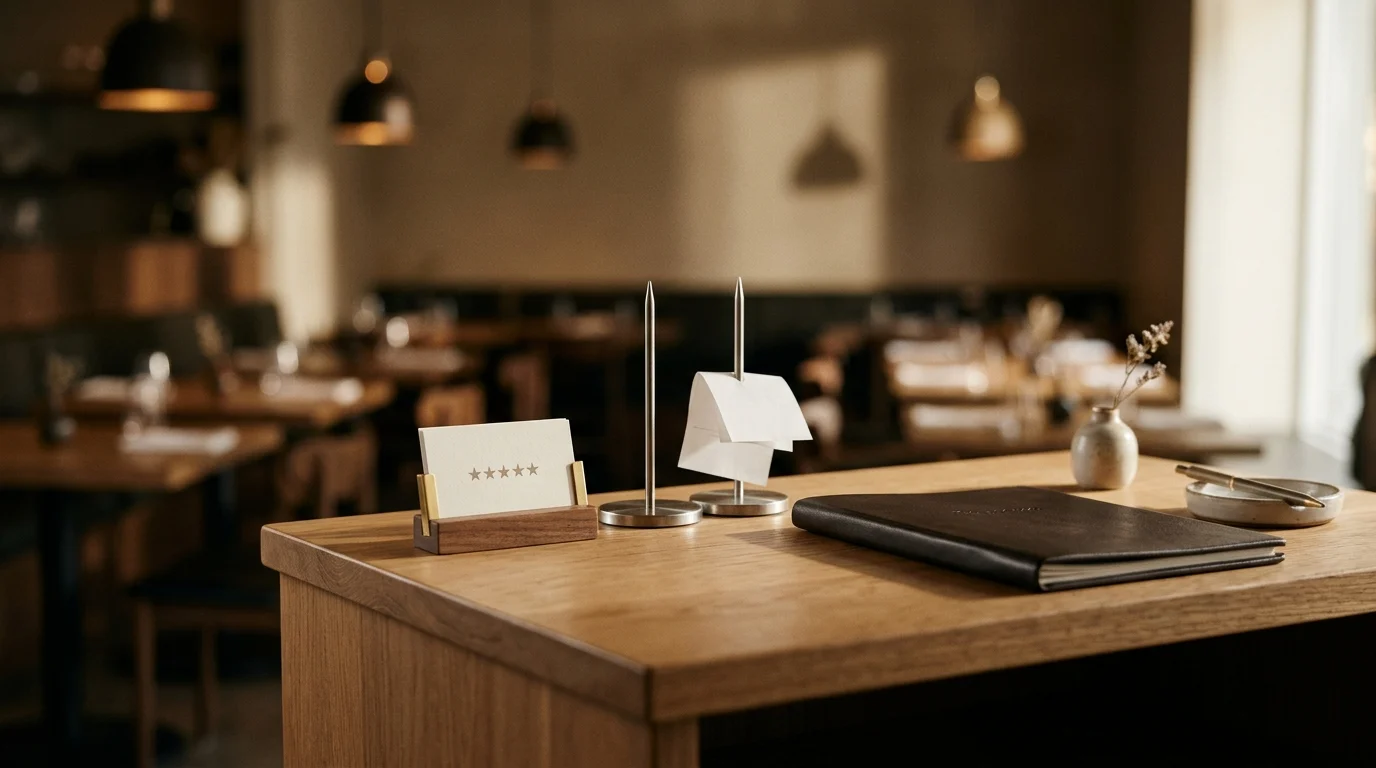
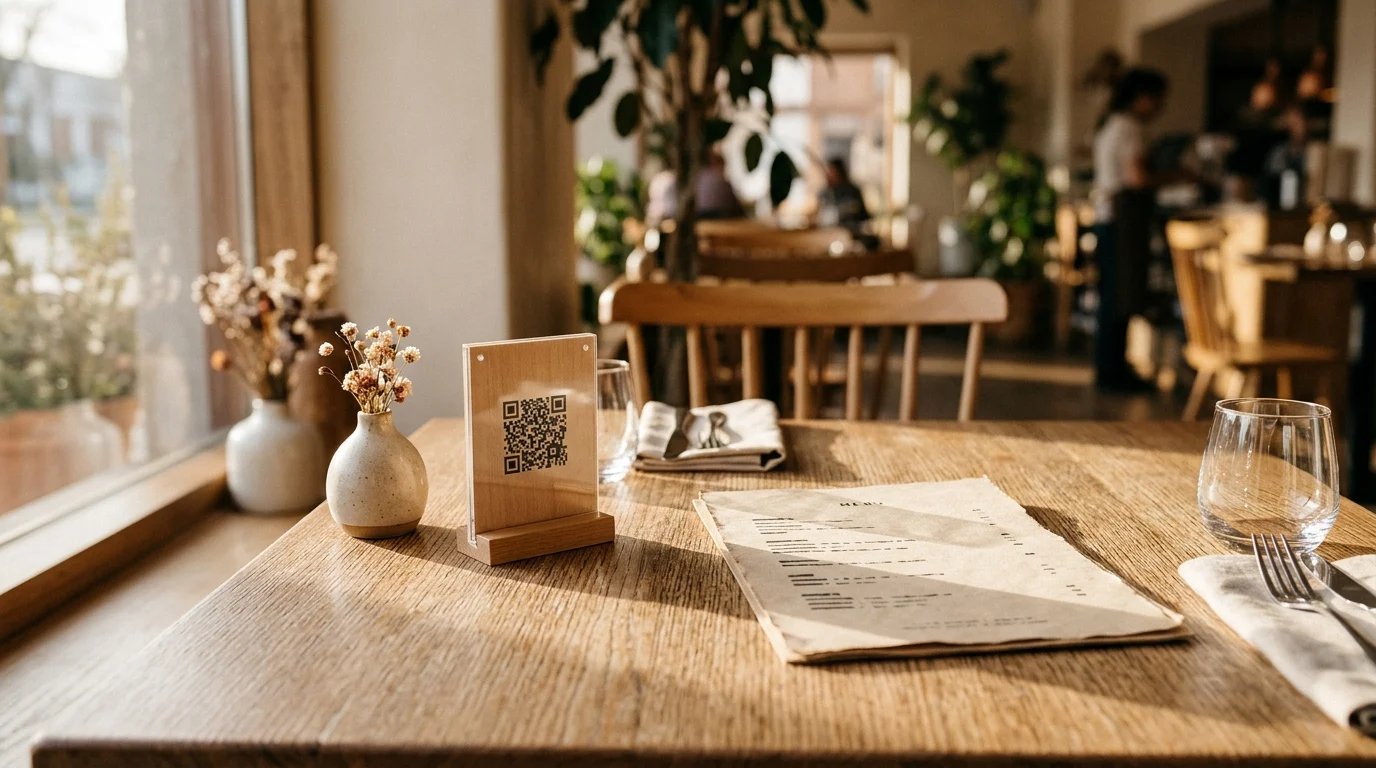
A google review plaque for restaurants gives guests a fast way to open your Google review page from the table, counter, or host stand. The customer taps the NFC area or scans the QR code, then leaves feedback in a few steps.
If you want a simple setup, a tabletop option like a review stand and sticker set works well at the checkout counter, bar, or hostess station. For a ready-made format, many restaurants use the acrylic tabletop review stand because it sits upright and is easy to notice.
How does a google review plaque for restaurants work?
The plaque stores a link to your Google review page through NFC, QR, or both. A guest does not need to type your business name or search for your listing.
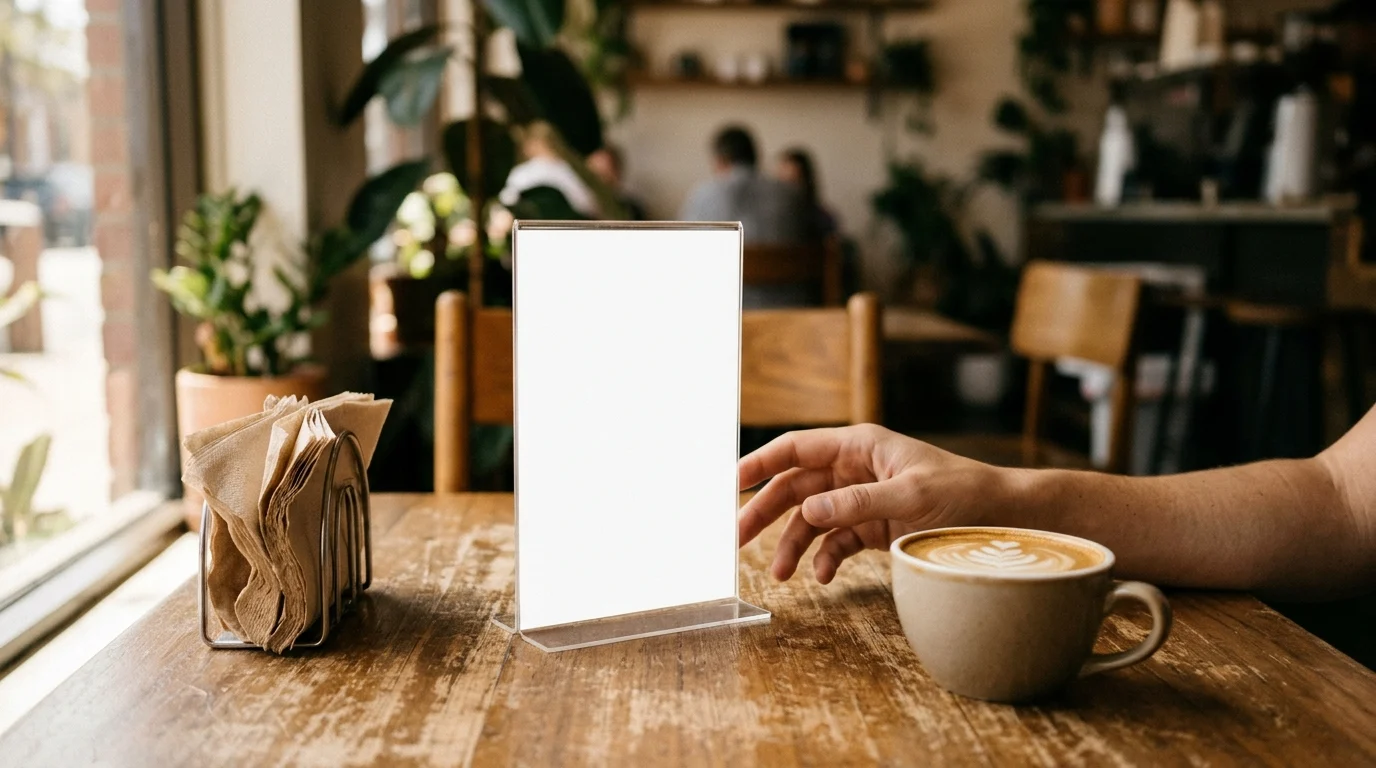
On most phones, the action is simple: tap, open, review. That speed matters in places like cafés, burger shops, sushi bars, and family restaurants where customers are leaving soon after paying.
Make the next step obvious, and more guests will follow through.
Why it helps restaurants get more reviews
Many happy guests never leave a review because the process feels like extra work. A visible plaque removes that friction by putting the review link where the decision happens: at the table, bill tray, or front desk.
That is useful in spots where service is brief and busy, such as breakfast cafés, pizza counters, and takeout windows. It also helps staff avoid awkward verbal reminders because the prompt is already in front of the customer.
Where should you place the plaque?
Placement affects whether customers notice it at the right moment. The best spots are where people pause for a second or two before leaving.
- Place it near the bill or payment area.
- Keep it at eye level on the counter or host stand.
- Use one on tables in dine-in areas.
- Add a second unit near takeout pickup.
For restaurants with several service points, a bundle such as the restaurant and café review pack can cover multiple touchpoints without making the room feel crowded.
What design works best in a dining space?
Simple designs are easier to notice and trust. In restaurants, a clean black, white, wood, or clear acrylic finish usually blends better than a busy sign with too much copy.
If your brand is strong, a custom option like a custom design stand and square card can match your logo and colors while still keeping the review action clear. That works well for bistros, hotel cafés, brunch spots, and upscale dining rooms.
How to set it up without confusing guests
You do not need a complicated process. The goal is to make the plaque open the correct review page every time.
- Choose your Google review link.
- Connect the link to the NFC card or QR destination.
- Test the tap and scan on iPhone and Android.
- Place the plaque where guests naturally stop.
- Ask staff to point to it only when it feels natural.
If you want a deeper setup walkthrough, the article google review plaque setup in 5 minutes is a useful next read.
Should you use NFC, QR, or both?
Both is usually the easiest choice. NFC is quick for newer phones, while QR helps guests who prefer scanning or have NFC turned off.
A combined format also reduces friction in mixed crowds, such as families, older diners, or tourists. If your venue gets a lot of walk-in traffic, the google review card category also gives you smaller handout options for servers, receipts, or takeaway orders.
When a plaque works better than a verbal ask
A plaque is better when staff are busy, the dining room is full, or the customer is already in a hurry. It keeps the request visible without putting pressure on the guest.
It also works well for multi-location restaurants where you want a consistent review process across every branch. For chains, a broader setup like corporate solutions can help keep branding and links organized.
Frequently asked questions
Do guests need an app to use the plaque?
No. Most guests can tap the NFC area or scan the QR code with their phone camera, then open the review page directly in the browser.
Is a review plaque good for takeout restaurants?
Yes. You can place it near the register, pickup shelf, or bagging station so customers see it while they are waiting for their order.
Can I use one plaque for multiple locations?
You should usually use a separate review link for each location so reviews go to the right Google Business Profile. That keeps feedback organized and easier to manage.
What if I want to combine reviews with other actions?
You can pair a review plaque with other digital tools, such as a menu stand or social follow card, but keep each action separate. Guests respond better when the request is simple and focused.
Conclusion
A google review plaque for restaurants works by making your review page easy to reach at the exact moment a guest is ready to leave. For cafés, diners, and full-service restaurants, that small change can make the review process much smoother.
If you are setting one up, start with a clear tabletop format, test it on both phone types, and place it where customers naturally pause. From there, you can expand to other counter and table options as your service flow grows.