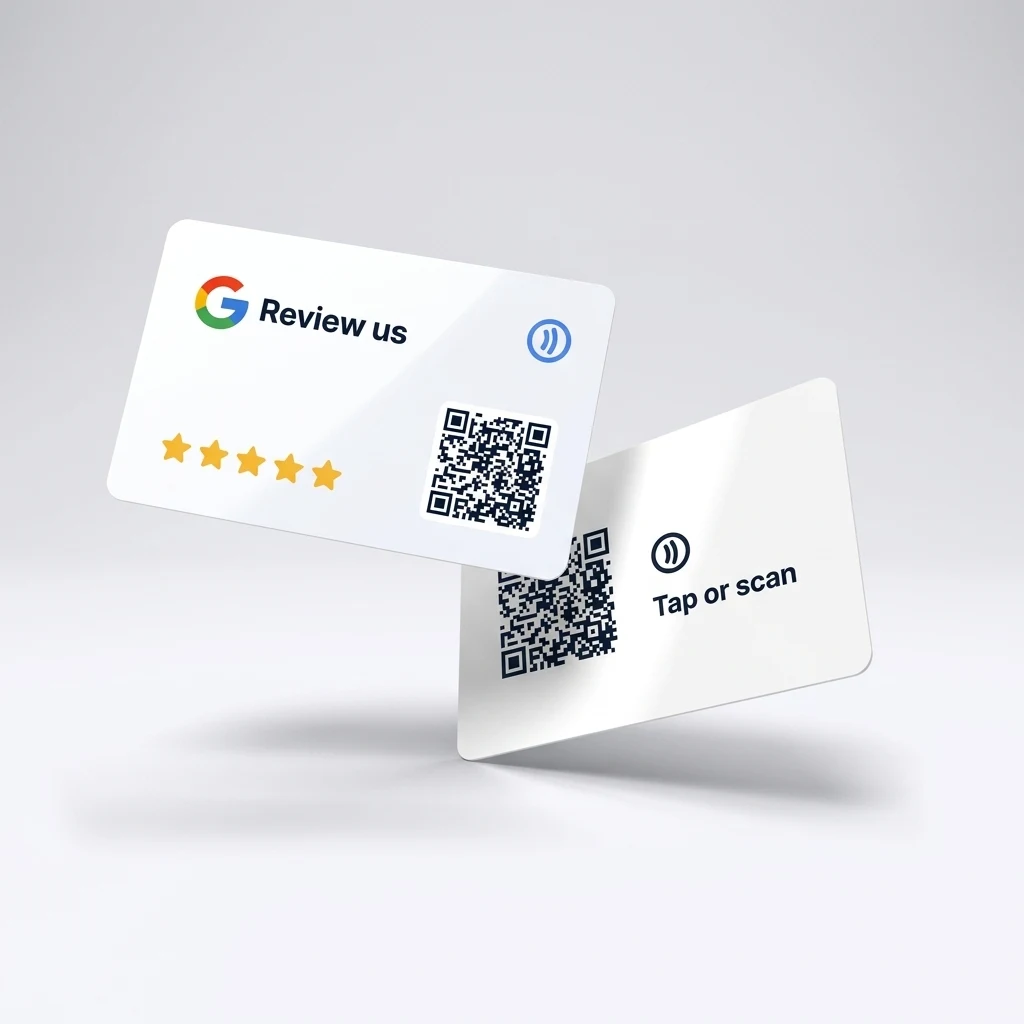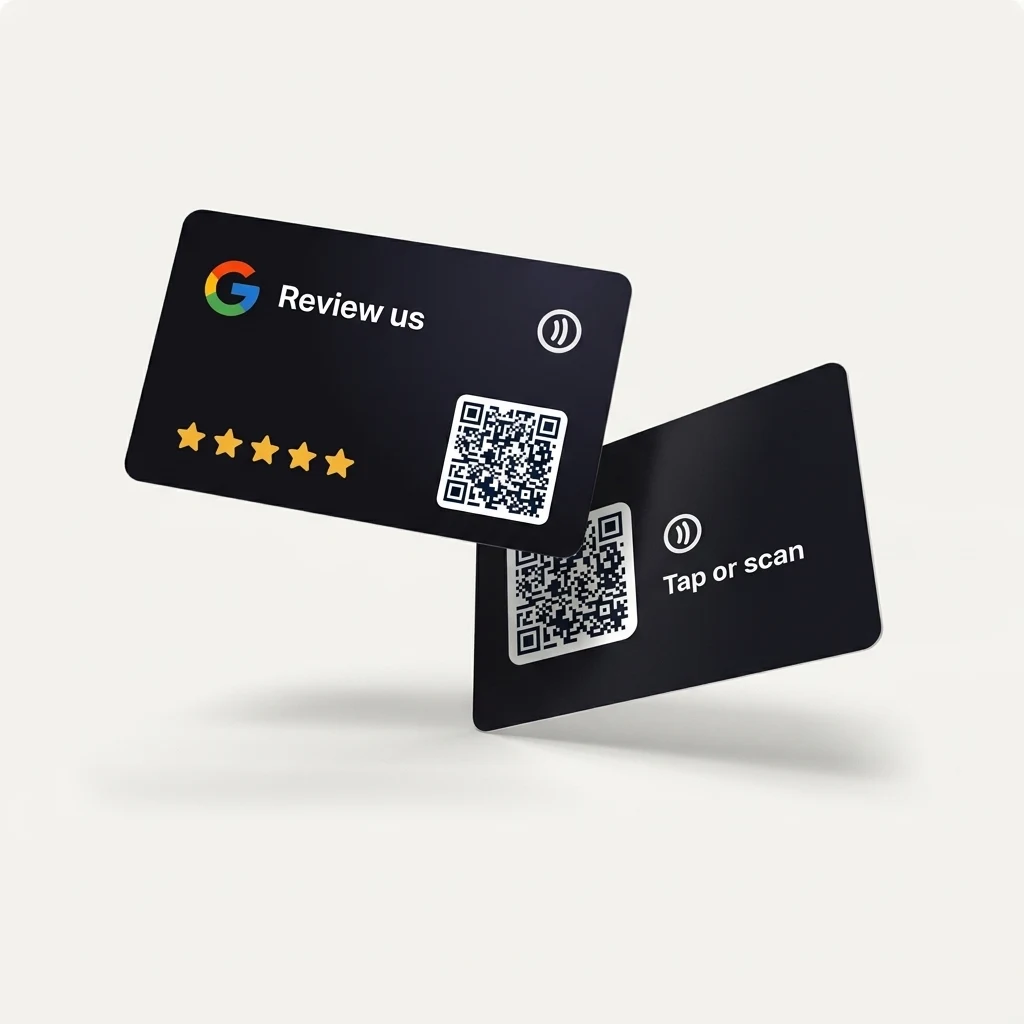
If you want a custom google review card with logo, Egetap lets you create a branded NFC and QR solution that sends customers to your Google review page in one tap or scan. It is a practical fit for businesses that want the review request to look professional, match their brand, and sit where customers naturally pause.
This page is for businesses in the United States and worldwide that need a review card shipped by courier, not a local branch visit. You can choose a card, a countertop stand, or a wall-mounted option depending on where customers will see it first.
What a custom Google review card with logo does
A review card is a small branded touchpoint that opens your Google review link when a customer taps it with a phone or scans the QR code. Adding your logo makes the card feel like part of your business, not a generic sign. That matters at reception desks, checkout counters, host stands, service desks, and waiting areas where customers are already interacting with your team.
The best use is simple: place the card where the conversation ends, then invite the customer to leave a review while the experience is still fresh. You do not need an app, and you can update the link from the dashboard if your review page or destination changes.
For businesses that want a more compact format, the branded review cards category is the most direct choice. If you want something upright for a table or counter, the counter display options are better for visibility.
Which format fits your space
Different businesses need different placement. A card is easy to hand over or place on the counter. A stand is better when you want the message to stay visible all day. A wall sign works well when floor or counter space is limited. If your logo and brand colors matter, a custom stand can make the setup look more polished than a plain insert.
| Format | Best for | Typical placement |
|---|---|---|
| Card | Small counters and direct handoff | Reception desk, payment area, checkout |
| Stand | Ongoing visibility | Tabletop, host stand, front counter |
| Wall sign | Limited surface space | Near entrance, service wall, waiting area |
If you want your logo on the display itself, the custom logo stand and square card category is the best fit. If you need an upright tabletop piece with a stronger branded look, the custom logo stand product is a good place to start.
How businesses use it in daily service
The real value comes from putting the card where a customer is already satisfied and ready to act. A good review request should feel natural, brief, and easy to follow. The best results usually come from staff saying a short line like, “If you have a moment, you can tap the card to leave feedback.”
- Reception and front desk: place the card beside the checkout tray or appointment register so customers see it before they leave.
- Waiting areas: put a stand on the table where customers have time to notice the logo and tap the card after service.
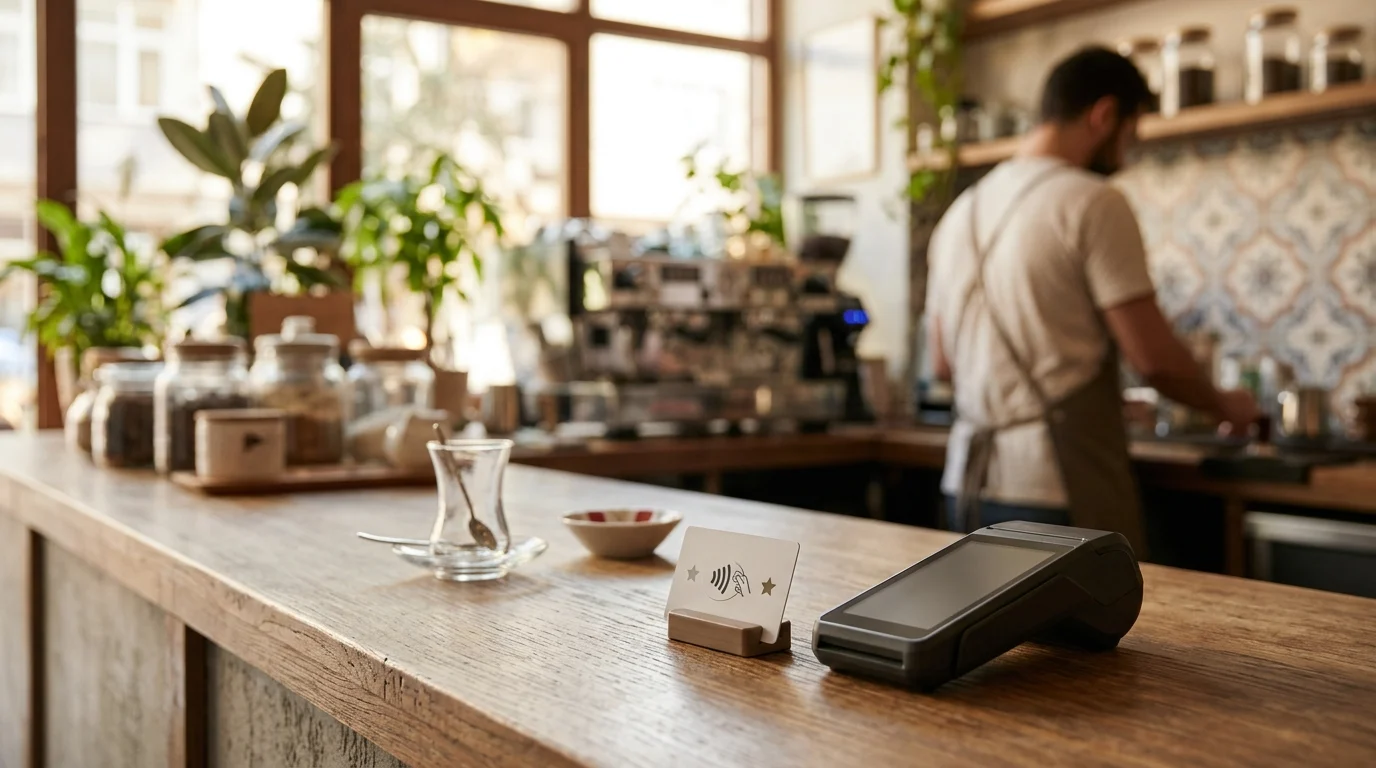
- Service counters: keep the display next to the payment terminal, not hidden behind other items.
- Window or wall placement: use a wall sign when the counter is crowded or the team wants a more permanent review prompt.
For branded setups with a professional finish, some businesses pair a review card with a broader identity package from bulk team solutions. That can help if you need the same look across several locations or staff desks.
Industry uses for custom logo review cards
Restaurants and cafés
Restaurants, cafés, bakeries, and dessert shops can place a custom Google review card near the payment point, host station, or takeaway pickup area. The logo helps the card match the rest of the branding, while the tap-and-scan action keeps the request quick for guests who are leaving after a meal or coffee break. A tabletop stand is especially useful on small tables where a server wants to leave a review prompt without interrupting service.
If your venue has many tables or mixed service areas, a review stand gives more visibility than a flat card. For menu-heavy spaces, you can also compare your setup with the menu and table card options when you want one table display to handle more than one customer action.
Salons and personal care businesses
Hair salons, barbershops, nail studios, and skincare clinics usually get the best response at the checkout desk or mirror-side reception counter. A custom logo card fits well because clients often have a personal relationship with the business and notice details like color, material, and presentation. Place the card where the client settles the bill or books the next visit, then keep the review request brief and polite.
For beauty businesses that also want a contact-sharing tool for future bookings, the digital business card option can support your front-desk workflow alongside the review card.
Clinics, studios, and professional services
Clinics, studios, consultants, and service offices can use a custom Google review card with logo at the reception desk, waiting room table, or check-out point. In these spaces, branding matters because it builds trust before the customer even taps. A wall sign can work well in a narrow reception area, while a stand is better if you want the message to stay in front of visitors throughout the day.
When your team wants to use the same branded look for contact sharing too, a separate social follow card can be added for Instagram or WhatsApp without mixing the review request into a different goal.
Ordering, customization, and delivery
Ordering is straightforward: choose your product style, upload your logo, set the design, and connect the Google review destination. You do not need an app, and you can manage updates later from the dashboard. If you order before 3:00 PM on weekdays, same-day production applies. Once ready, your order is shipped by tracked courier across the United States and worldwide.
That delivery method is useful if you need the card for a new opening, a campaign, a rebrand, or a replacement setup. Because there is no physical branch in another city, everything is handled online and sent to you by courier. This makes it easy for businesses in different cities to get a consistent branded review display without visiting a store.
To compare specific formats, start with the classic white review card if you want a clean portable option, or choose the wall-mounted review sign if you want something fixed and visible. If you prefer a darker look, the matte black review card is a strong match for modern interiors. For a tabletop display with NFC and QR together, the acrylic review stand is a practical choice.
How to get the best response from customers
A custom Google review card with logo works best when the ask is simple and timely. Keep it close to the point of payment or service completion. Make the tap or scan obvious. Ask staff to mention it naturally, not as a script. And make sure the card looks aligned with your logo, colors, and counter setup so it feels like part of the experience.
- Place the card where customers pause naturally.
- Use a clear logo and clean layout.
- Keep the review request short.
- Use a stand if visibility matters more than portability.
- Update the link from the dashboard when needed.
If you want one product that is easy to start with, a branded review card is the most flexible option. If you want a more permanent display, choose a stand or wall sign. Either way, you can ship it directly to your business and start using it as soon as it arrives.