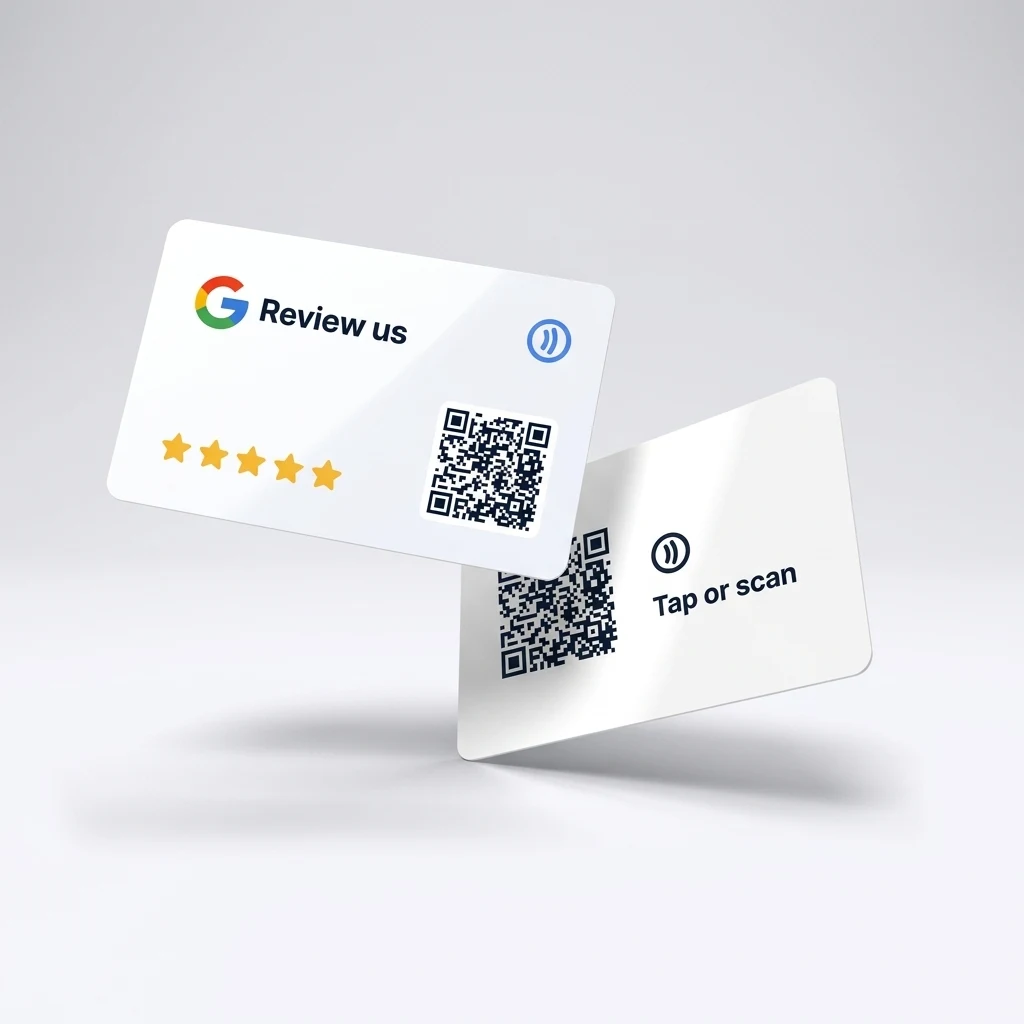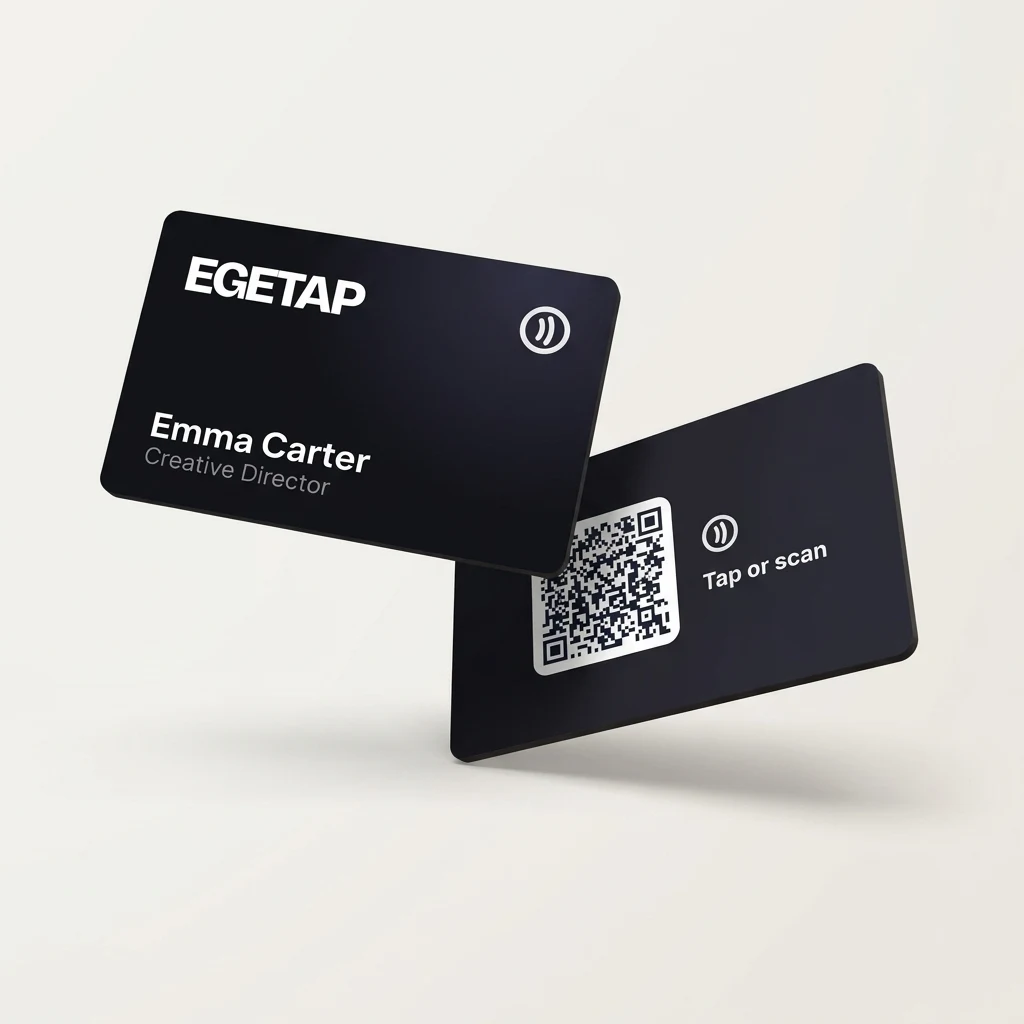
A Google business review card setup gives your customers a fast path to your Google review page with a tap or scan. If you run a shop, salon, clinic, restaurant, showroom, or service desk, the right card or stand can turn everyday customer interactions into more reviews without making the process awkward.
Egetap offers NFC review cards and review stands that are made for this purpose. You can choose a card for hand-to-hand use, a tabletop stand for your counter, or a wall sign for a fixed location. Everything is shipped by tracked courier, and you can update the destination link later from the dashboard without reprinting the physical product.
What Google business review card setup means
When people search for Google business review card setup, they usually want one thing: a practical way to direct happy customers to the correct review page. A good setup is not complicated. You place the card or stand where the customer naturally pauses, they tap with a phone or scan the code, and your review link opens immediately.
The setup works best when it is easy to understand at a glance. That is why many businesses prefer a short message, a clear tap area, and a visible placement near payment, checkout, reception, or the exit. The goal is to remove friction. Customers should not have to search for your business name or type a long web address.
Which format fits your business
There are three common ways to build a Google review setup:
- Review card: good for direct handoff after service, or for placing near a register.
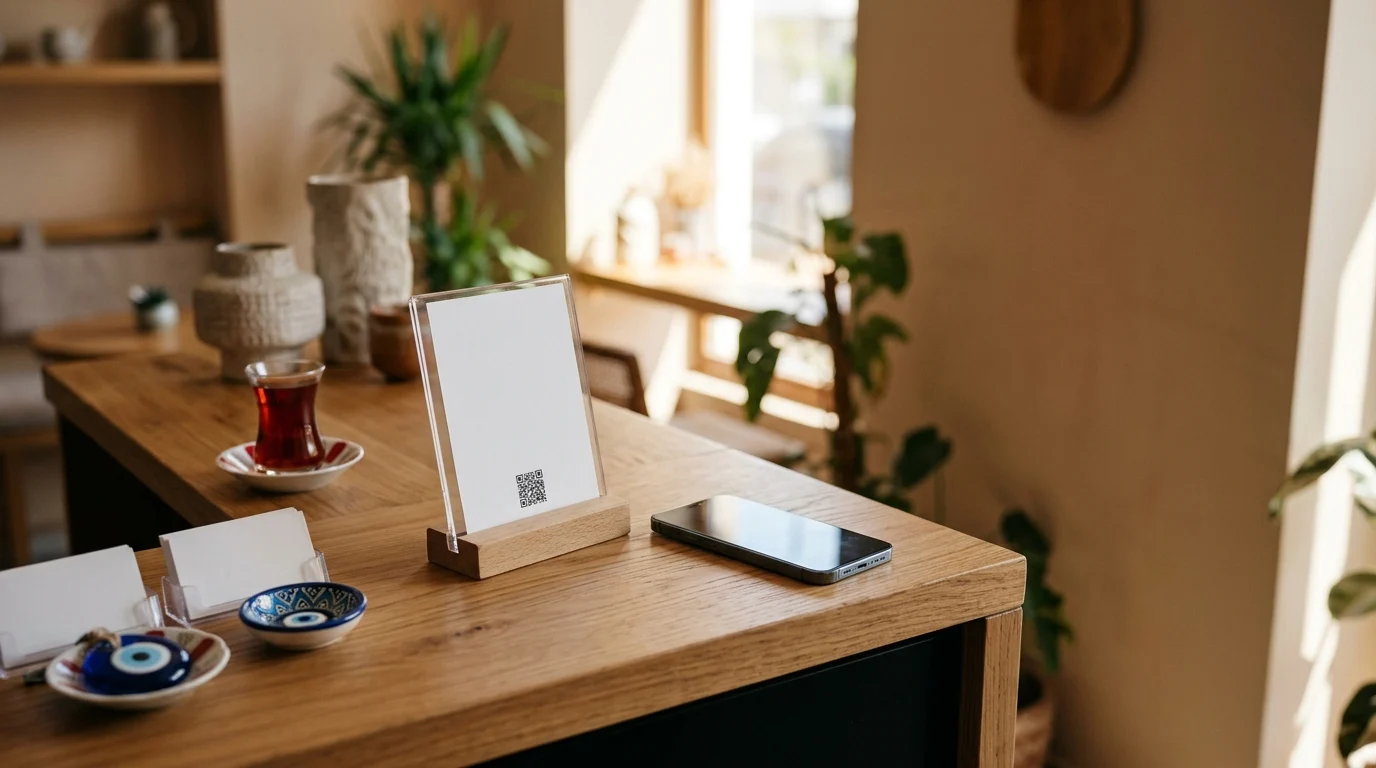
- Review stand: best for counters, tables, reception desks, and waiting areas.
- Wall sign or sticker: useful when you want a fixed point near the entrance, checkout, or service desk.
If you want a neat counter display, start with the review card category or the counter display options. If you need something more durable for repeated use, a tabletop stand is often the best choice. If your business uses team-based service or multiple locations, the bulk management option can keep branding and links consistent.
For a straightforward product pick, the classic review card is a simple starting point, while the acrylic tabletop stand works well on desks and counters. If you want a visible sign that stays in place, the wall-mounted review sign is a strong fit.
Setup steps that actually work
A successful setup is mostly about placement and clarity. Use this simple process:
- Choose the right format for the place where customers naturally stop.
- Connect the physical product to your Google review page link in your dashboard.
- Place it where the customer can see it without being asked twice.
- Keep the message short and direct.
- Test it with a few different phones before regular use.
If you want to direct customers to more than one action, keep the review request separate from contact sharing or social media. A review card should do one job well. That is why many businesses pair review collection with other tools only when needed, such as an NFC contact card for staff introductions or an social follow card for brand growth.
One important note: ask for honest feedback only. Do not offer incentives for reviews or ask for fake ratings. A good Google review setup should simply make it easier for satisfied customers to leave their real opinion.
For salons, clinics, and appointment-based businesses
Salons, dental clinics, med spas, and other appointment-based businesses can use a Google business review card setup at the reception desk or checkout desk. After the service is complete, the customer is already standing in one place and ready to pay or book again. That is the best moment to invite a review.
A compact card or stand works well beside the terminal, appointment book, or front desk menu. For a salon, place it where clients wait for their final look or while they are settling the bill. For a clinic, keep it in a calm, visible reception area where the message feels natural and not rushed. For a spa, a tabletop stand near the payment area is usually enough.
Many service businesses prefer a simple white or black design because it blends into the reception space. If your team also wants digital contact sharing, a separate NFC card can help staff share names, phone numbers, and websites without mixing that function into the review request.
For restaurants, cafés, and hospitality counters
Restaurants, cafés, bakeries, and hotels often get the best results from a review stand near the payment point, host stand, or table pickup area. Guests already have their phones out at the end of a meal, which makes the review request feel natural. A tabletop stand is especially useful on a counter or table because it stays upright and visible.
For these businesses, placement matters more than decoration. Put the stand where guests pause: near the cash register, by the receipt station, or next to the hostess desk. If your restaurant also needs menu access, you can keep the review setup separate from menu tools and use a dedicated QR menu product for ordering. That way, your review request stays focused and clean.
A review card can also work well for cafés that have a shorter customer journey. If the customer buys a drink, receives quick service, and leaves, a card near the register is enough to start the review flow before they step away.
Recommended product types for hospitality
| Use case | Best format | Where to place it |
|---|---|---|
| Quick checkout | Review card | Beside the register |
| Table service | Review stand | On the table or host stand |
| Fixed entrance point | Wall sign | Reception or exit wall |
For retail shops, showrooms, and local service desks
Retail stores, showrooms, repair counters, and local service desks can use review cards to make post-purchase feedback easy. In retail, the ideal moment is usually after checkout, when the customer has confirmed the purchase and is still at the counter. In a showroom, the best place is often the final conversation point where the buyer asks for next steps.
If you run a repair or service desk, place the review stand near the pickup area. The customer has already received the item back, so the request feels appropriate and timely. A clean acrylic stand works well in this setting because it looks professional and does not take much space. For staff that visit clients or attend events, a digital business card can support contact sharing, while the review setup remains at the fixed service point.
Businesses with multiple team members can also benefit from a consistent corporate setup. That is helpful when you want each location or employee to use the same review destination and the same brand look. A centralized system keeps the message clear across all customer touchpoints.
Ordering, production, and delivery
Ordering is simple. Choose the product that fits your counter, table, wall, or team use case, then place your order online. You do not need an app. You can update your destination link later from the dashboard, which is useful if your review page or business URL changes.
Same-day production is available before 3:00 PM on weekdays. After production, your order is shipped by tracked courier across the United States and worldwide. Shipping time depends on location, but the courier tracking helps you follow the parcel after dispatch.
If you are setting up one location, a single card or stand may be enough. If you are building a larger rollout for branches, departments, or multiple counters, explore the corporate setup category for a more unified order. For teams that want a mix of contact sharing and review collection, the digital card category can complement your review setup without replacing it.
How to choose your setup with confidence
Choose the format based on where people stop, how often they interact with the point of sale, and how visible you want the request to be. A review card is light and flexible. A stand is better when you want the message to stay upright and visible all day. A wall sign is best when you want a permanent placement.
If you want a simple recommendation: use a card for mobile or staff-driven service, use a stand for counters and reception, and use a wall sign for fixed customer touchpoints. That is the easiest way to make Google business review card setup work without adding extra steps for your customers.
When you are ready, pick the format that matches your space, connect your review link, and place it where customers naturally pause. That is the most practical setup for getting more honest Google reviews from real customers.