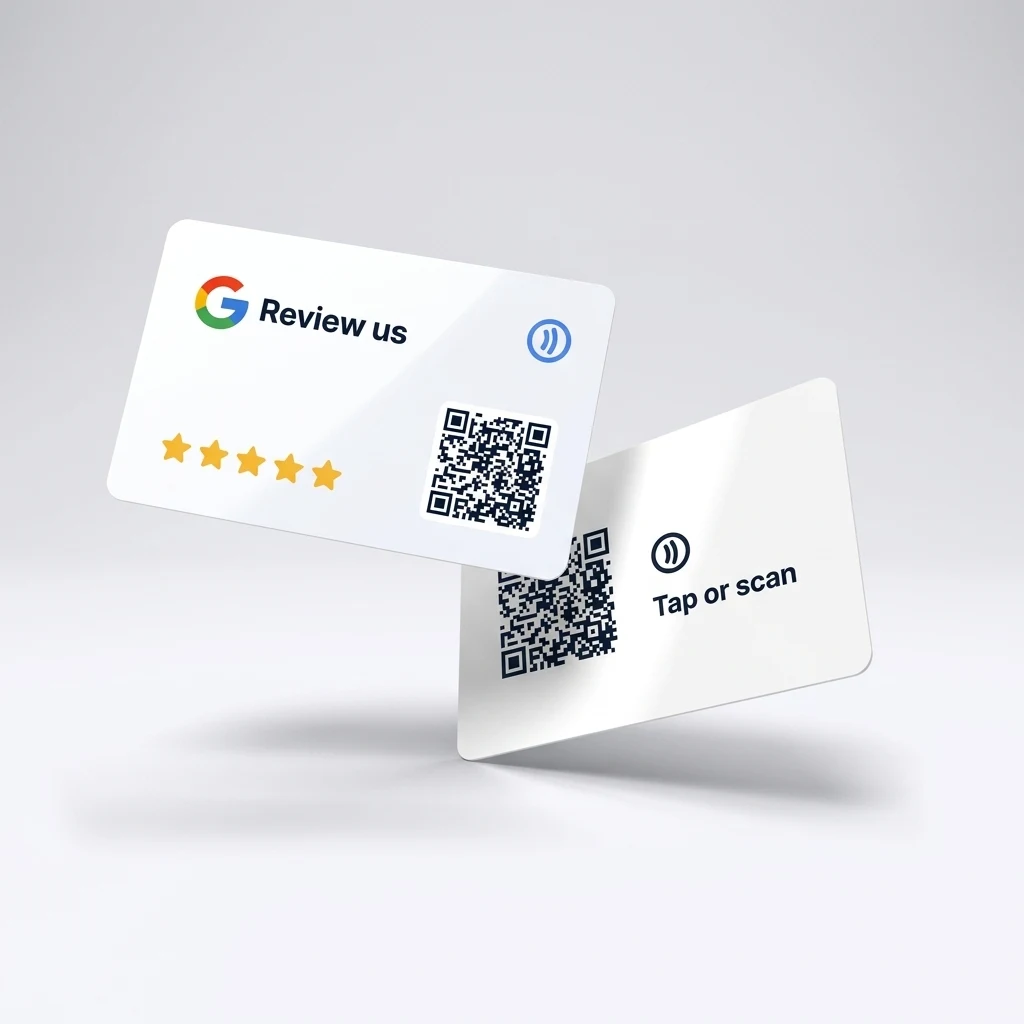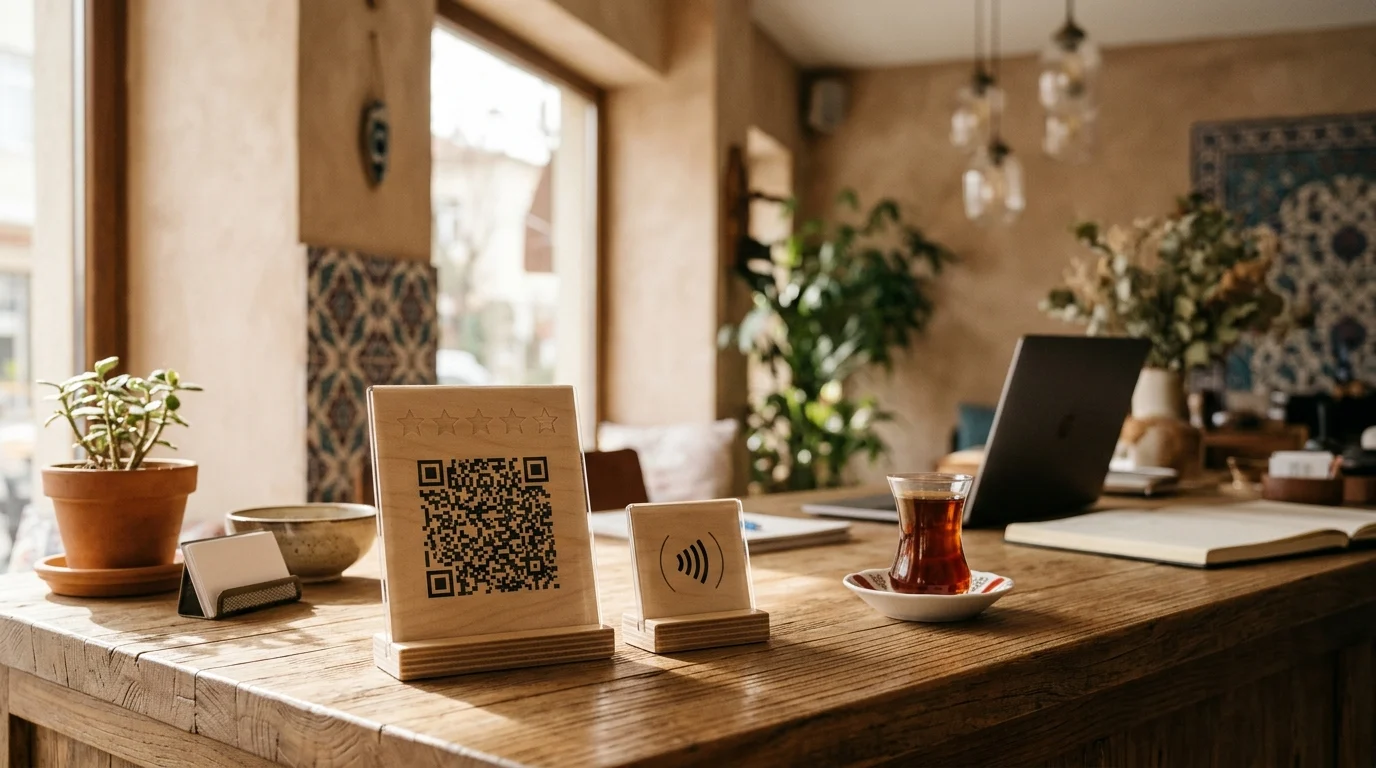
A google review plaque with qr code is a practical way to guide customers straight to your review page from the place where they already pause: the reception desk, checkout counter, service counter, waiting area, or table. Instead of asking people to search for your business later, you give them one clear action right when the experience is fresh.
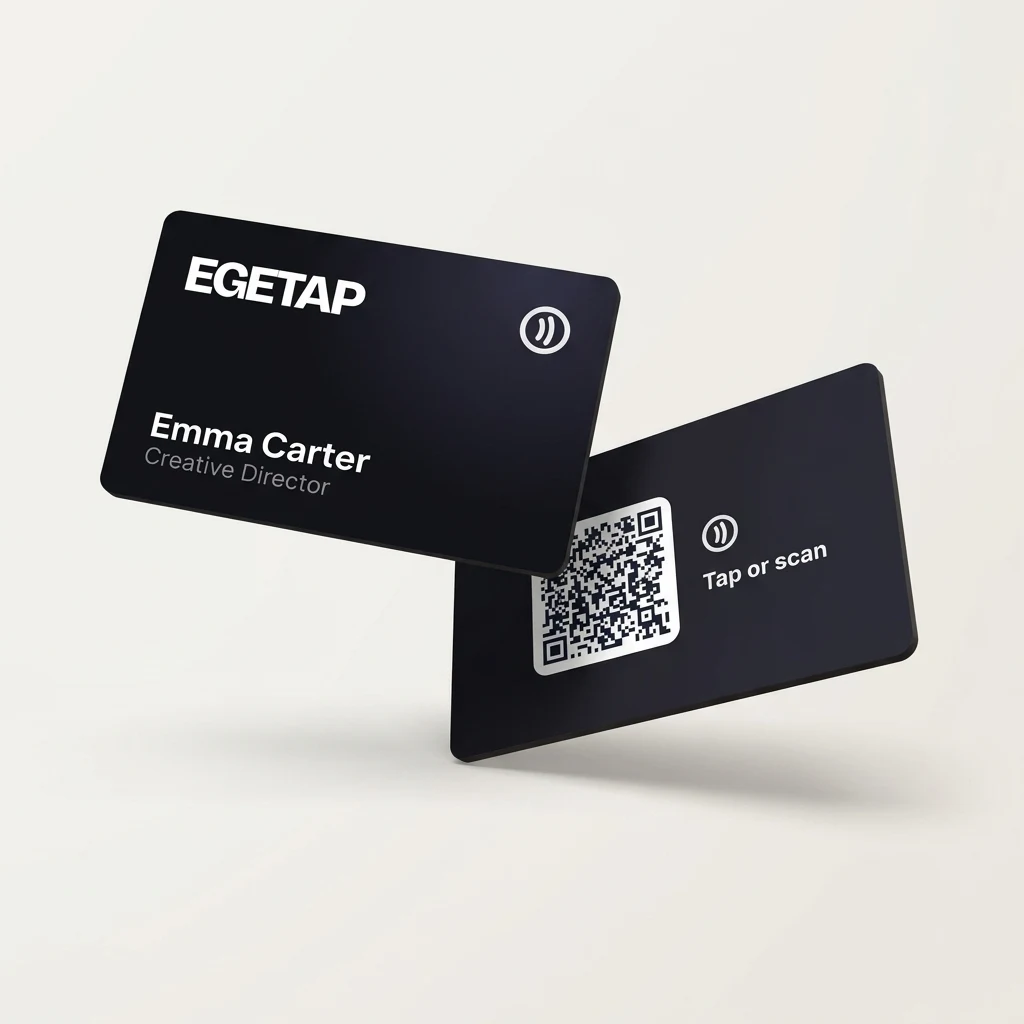
At Egetap, you can choose review plaques, stands, cards, and wall signs that use NFC + QR so customers can either tap or scan. They are made for businesses in the United States and worldwide, and they are shipped by tracked courier. If you want a clean countertop display, a wall-mounted sign, or a compact card for one-on-one service, you can choose the format that fits your space.
What a Google review plaque with QR code does
This product is designed to reduce friction. A customer sees the plaque, scans the QR code, and opens your Google review page on their phone. If the plaque also includes NFC, a tap can do the same job on compatible phones. That makes it easy to use in busy places where staff do not have time to explain the process repeatedly.
The best setup is simple, visible, and placed where customers naturally stop. It should answer three questions at a glance: where to click, what to do, and why it matters. A plaque does that better than a printed paper sign because it looks more durable and more intentional.
- Use it at the counter when customers pay or check out.
- Use it on a reception desk after appointments or services.
- Use it on a table in cafés, salons, and waiting areas.
- Use it on a wall where you want the QR code to stay visible all day.
If you want a ready-made option, see the review stand collection for countertop and adhesive formats. For a more permanent display, the custom design stands and square cards are useful when you want your own logo, color, or link layout.
Which format should you choose?
The right format depends on where the plaque will live and how your customers interact with your team. A counter display works well when people stay in one place for a moment. A wall sign is better when you want the review call to action to remain visible from several angles. A card can be handed to a customer directly, while a stand keeps the message in place without requiring staff to pass anything over.
| Format | Best for | Where it works |
|---|---|---|
| Table stand | Fast review prompts | Reception desks, checkout counters, café tables |
| Wall plaque | Permanent visibility | Hallways, waiting areas, service walls |
| Review card | Direct handoff | Appointments, mobile services, in-person consultations |
If your business wants a compact and polished look, the acrylic review stand is a strong choice for tabletops. If you want a more direct handout piece, the classic white review card gives you a clean, simple surface for reviews.
For salons, spas, and beauty studios
In salons and spas, customers often have a quiet moment after the appointment while they are paying, checking out, or waiting for their next visit. That is a good time to place a review plaque with QR code on the front desk, near the card reader, or next to the mirror station. You are not interrupting the service; you are giving people an easy next step when they already feel satisfied.
A tabletop stand works well for reception areas because it stays visible without taking much space. A wall plaque can work near the exit if you want the review request to appear after the appointment is complete. If your studio has a boutique feel, a black or white acrylic finish keeps the display neat and professional.
For salons that also want contact sharing or follow-up tools, the digital business card category is a useful complement. Some teams use both: a review plaque at checkout and a contact card for bookings, reorders, or repeat visits.
For restaurants, cafés, and dessert shops
Restaurants and cafés need a review prompt that feels natural, not forced. A QR plaque on the host stand, payment station, pickup counter, or table makes sense because customers can scan it while they are still at the venue. If you run a café or dessert shop, a small stand near the register can catch attention without interrupting the flow of service.
This is also where a QR-based display helps reduce confusion. Customers do not need to type a URL or remember the business name later. They can simply scan the code during a short pause between ordering and leaving. For table service, a stand gives you a steady message at eye level, while a wall sign is better at the exit or near the cashier.
If you manage a food service space and want a wider set of tools, look at the QR menu stands and cards. Many businesses combine menu access and review collection in one customer journey, especially when the counter is already a busy part of the room.
For clinics, professional offices, and local service businesses
Clinics, dental practices, legal offices, real estate teams, repair services, and other appointment-based businesses can all use a Google review plaque with QR code in the waiting room or front desk area. The best place is usually where the customer pauses after the service ends, when the experience is still fresh but before they have walked out the door.
For these businesses, the plaque should be easy to notice and easy to understand. A small sign near the check-out area or receptionist desk works well. If staff interact with clients one at a time, a review card can also be handed over as the final step of the visit. That keeps the request personal without adding pressure.
Businesses that manage several staff members or locations may also want a more structured setup. The corporate solutions category is useful when you need consistent branding and coordinated ordering across a team.
How ordering and delivery work
Ordering is straightforward. Choose the format that fits your business, confirm your design or link setup, and complete checkout online. No app is required. Once your order is prepared, it ships by tracked courier to your address in the United States or worldwide.
If you place your order before 3:00 PM on weekdays, same-day production is available. That is helpful when you need the plaque quickly for a new location, an event, a seasonal promotion, or a refreshed front desk setup. Free shipping is available, and you can update your content from the dashboard without reprinting every time your details change.
- Pick a review plaque, stand, card, or wall sign.
- Link your Google review page.
- Review the layout and confirm your order.
- Receive it by tracked courier and place it where customers pause.
If you want a direct review prompt in a countertop format, the white T-stand review display is a clean option. If you want a wall-mounted version, the NFC wall sign is designed for visible, fixed placement.
How to get better results from the plaque
A review plaque works best when it is placed in the right moment of the customer journey. Put it where people already have a reason to stop: payment, checkout, reception, or pickup. Keep the call to action short, and make sure the QR code is large enough to scan without effort. If you use NFC, place a short prompt like “tap or scan to review” in a visible spot.
You do not need to pressure customers or offer incentives. The goal is simply to make the review process easy. When the path is simple, more people follow through because there is less work involved. That is why a plaque often performs better than a verbal reminder alone.
If you want to build a full review collection setup, start with a category that matches your space, then add the product that fits your counter, wall, or table. For most businesses, a plaque with QR code is the right balance of visibility, durability, and ease of use.