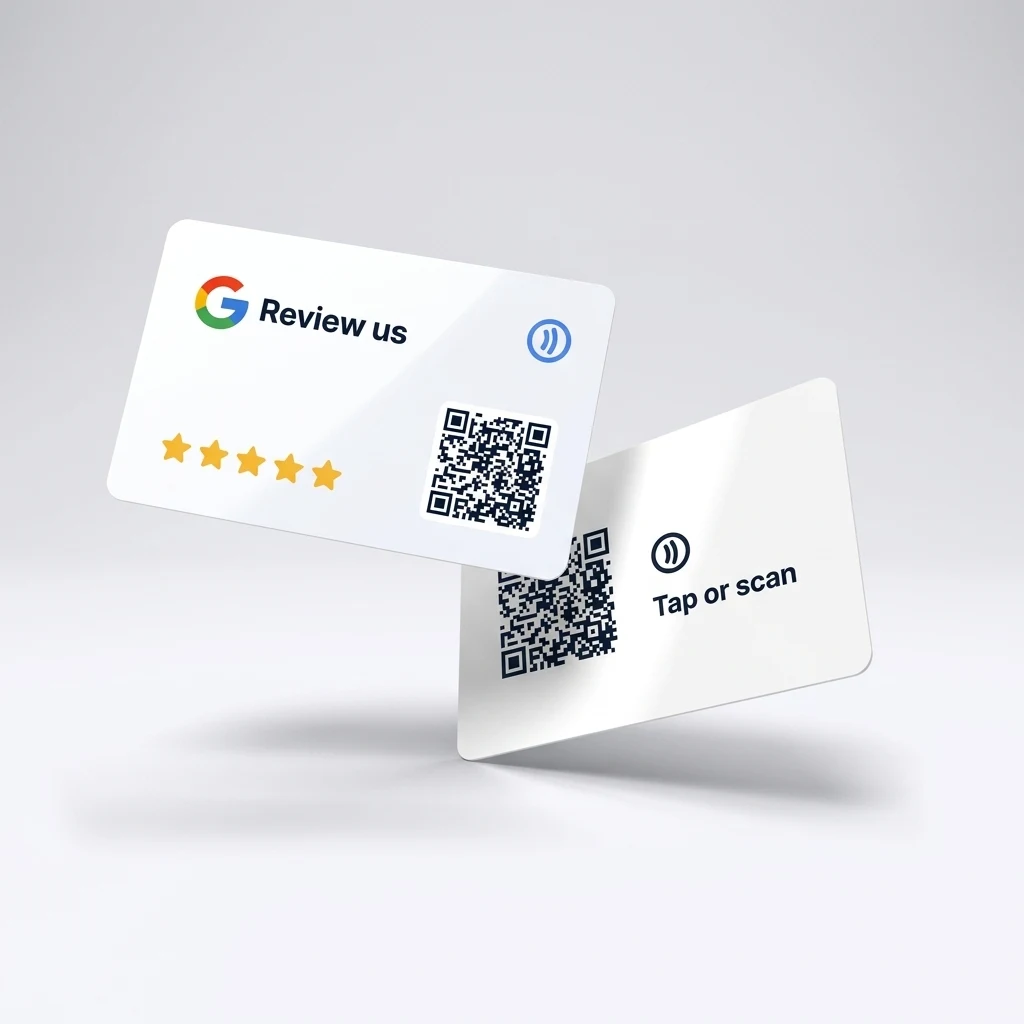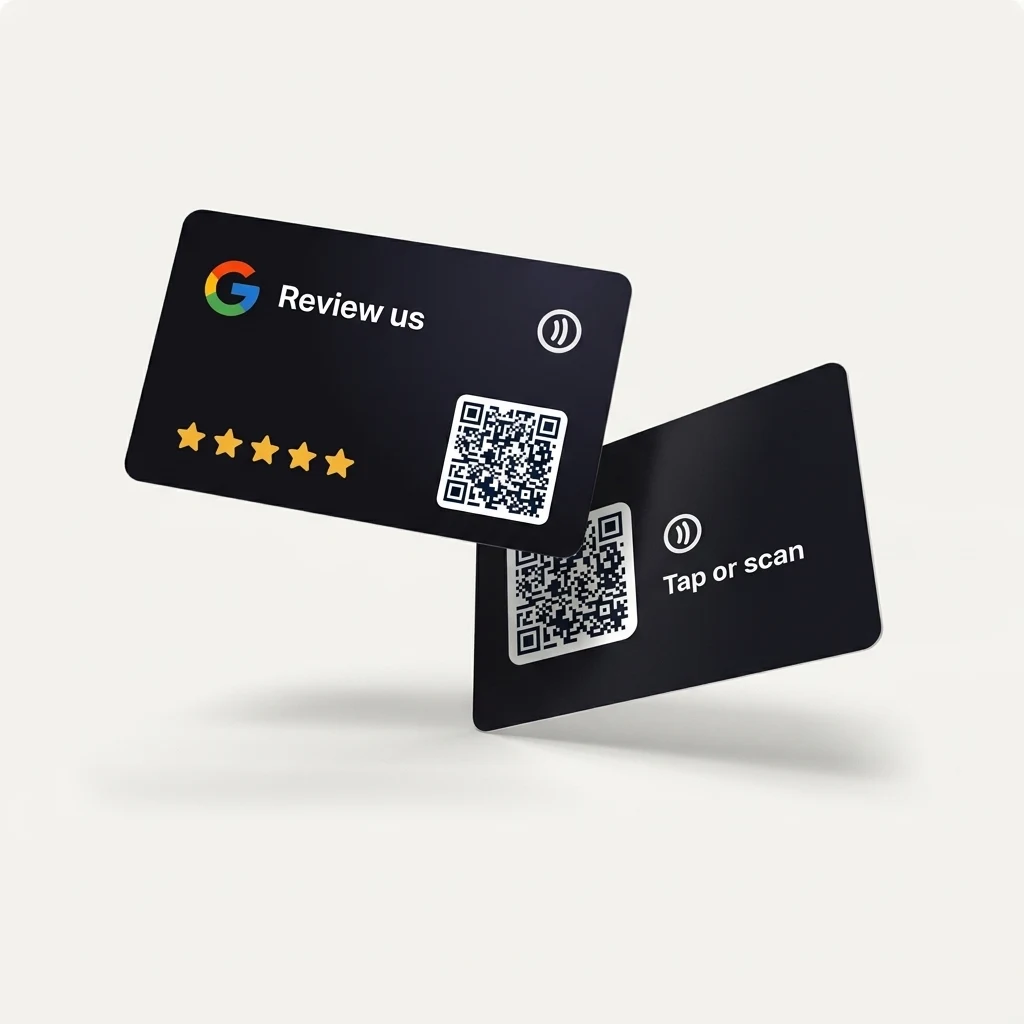
If you are searching for google review tap card how it works, the short answer is simple: the customer taps the card with a phone, and the phone opens your review link. If NFC is not available on the device, the QR option on many cards and stands gives the customer another fast way to reach the same page. You place the card where the customer is already paying, waiting, or finishing service, and the tap does the rest.
Egetap ships these products by tracked courier to businesses across the United States and worldwide, so you can order online and start collecting reviews without setting up an app or extra software. You can also update the destination link from your dashboard when needed, which is useful if your review page changes or you want to adjust the landing link later.
What happens when a customer taps the card
A Google review tap card is usually an NFC card, a tabletop stand, or a wall sign with NFC and QR. The customer holds a compatible smartphone near the card. The phone recognizes the encoded link and opens the browser or the review page. From there, the person can choose a star rating and write a review.
The process is quick because it removes the steps that usually slow customers down. There is no app to install and no need to type your business name from memory. If your setup includes a QR code as well, customers with older phones or disabled NFC can still reach the same destination by scanning.
- NFC tap: best for fast, close-range use at the counter or desk
- QR scan: useful for devices that do not support tap
- Dashboard updates: change the linked page when your workflow changes
- Courier delivery: shipped directly to your business location
Which product fits the way you want to ask for reviews
The right format depends on where you want customers to see the request. A card works well if you hand it to clients or keep it near a cash register. A stand is better when you want the review prompt to stay visible on a counter, bar, or reception desk. A wall sign fits spaces where there is limited table room.
| Use case | Best format | Why it works |
|---|---|---|
| Counter or checkout | Table stand | Easy to see while customers are paying |
| Reception desk | Review card | Simple, compact, and easy to hand over |
| Wall or window | Wall sign or sticker | Good where table space is limited |
| Staff handoff | Tap card | Works well when you personally ask for feedback |
If you want a ready-to-use product, start with the google review card category or the review stand and sticker range. For a direct product option, the classic review card is a straightforward choice for simple tap-to-review use. If you want a tabletop display, the acrylic review stand gives you a more visible counter presence.
How businesses in retail use a Google review tap card
Retail shops benefit from review requests at checkout, because the customer has just finished a purchase and the experience is fresh. A clothing boutique can place a tap card beside the card terminal. A phone accessory store can keep a stand on the payment counter. A gift shop can attach a small review sign near the bagging area so customers see it while waiting for the receipt.
In these settings, the tap card works best when the staff member says a short, clear line such as: “If you had a good experience, you can tap here to leave a review.” That keeps the interaction natural and does not pressure the customer. A compact NFC card or tabletop stand is usually enough, because the customer is already close to the counter.
Retail-friendly product choices
For retail counters, the white review T-stand is useful when you want a clean display, while the matte black review T-stand suits darker interiors and premium branding. If you need something that can sit beside a till or credit card terminal, the black review card gives you a compact option that is easy to hand over or keep on display.
How salons and personal service businesses use it
Salons, barbershops, nail studios, and spa businesses often get the best results when the review request happens right after service completion. That is the moment when the customer is looking in the mirror, standing at reception, or waiting for checkout. A tap card or review stand placed at the desk makes the next step obvious and quick.
A stylist can keep the card near the mirror station for a gentle reminder, then move it to the reception counter when the service ends. A barber shop can place a stand next to the POS terminal. A spa desk can use a sign near the booking area so guests see it when they check out. The key is to keep the review request visible without making it feel pushy.
If you want a larger display, the review stand and sticker category is a strong fit for front desks and counters. For businesses that need more than a single item, the review pack is also useful when you want multiple placements across several service points.
How cafés and food service businesses use it
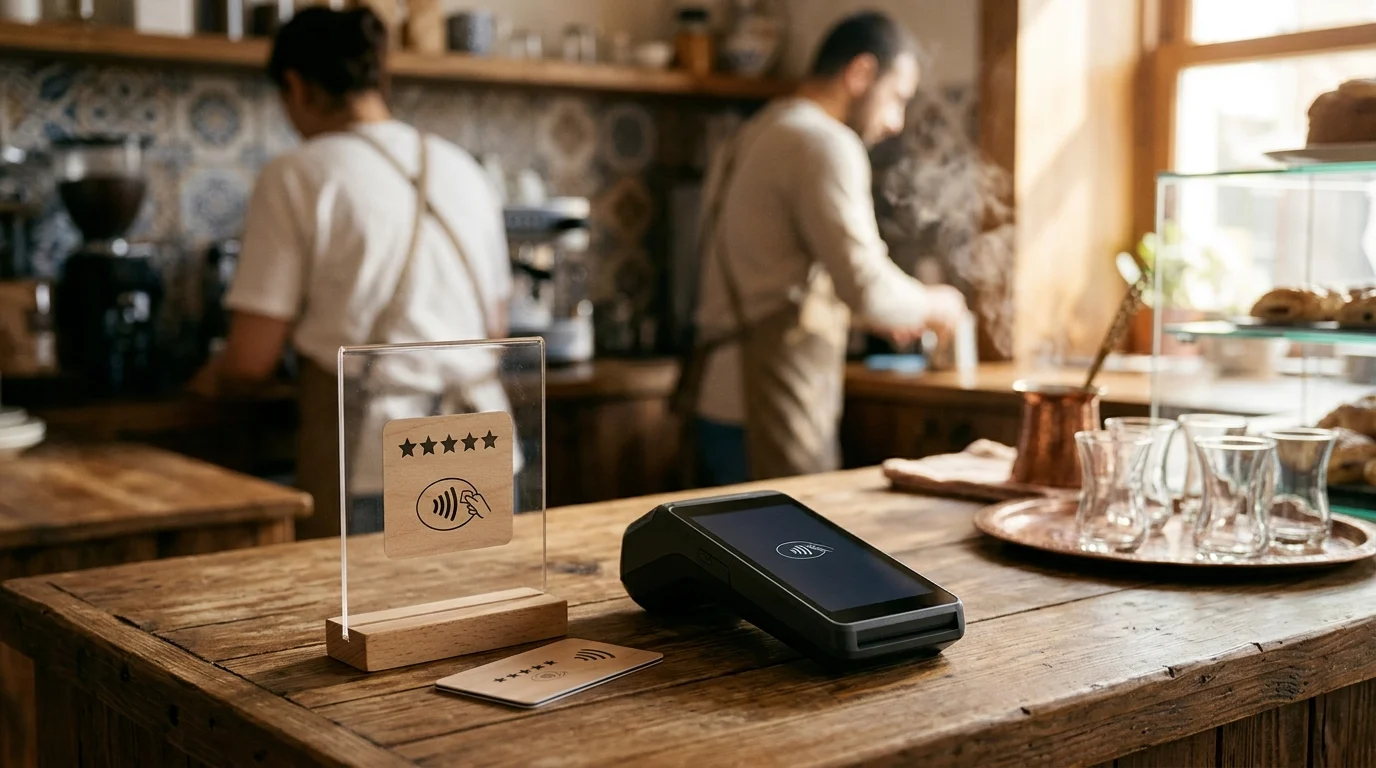
Cafés, bakeries, snack bars, and casual restaurants can use a Google review tap card at the point where guests pick up drinks or pay. A small stand near the register catches attention while the customer is waiting for change or a receipt. On table service setups, a tabletop stand can stay visible during the meal or appear with the bill at the end.
For food businesses, placement matters. Put the display where people naturally pause: the counter, host stand, pickup shelf, or payment area. If you are using one table display in a café and another near takeout pickup, the customer can choose the moment that feels most comfortable. This makes the review request easier to act on than a spoken reminder alone.
For menu-driven spaces, you may also want to explore the QR menu stand and card category, especially if you want the same table display approach to support both menu access and customer engagement. If your venue needs branded tabletop pieces beyond review collection, the custom design stand and square card category can be a useful option for logo-led displays.
Ordering, setup, and courier delivery
Ordering is straightforward. Choose your product, provide the link you want customers to open, and place the order online. You do not need an app. If you order before 3:00 PM on weekdays, same-day production is available. After production, your order is shipped by tracked courier, so you can follow the parcel on its way to your business.
Once the product arrives, you place it where customers already interact with your team. That could be a checkout counter, desk, reception table, waiting area, or window ledge. If the business changes its review link later, the dashboard makes updates easy, which helps when you want to keep the same card or stand in use for longer.
- Choose the right format for your counter, table, or wall
- Enter your review link during setup
- Order online and wait for tracked courier delivery
- Place the card where customers naturally stop
- Ask for reviews at the right moment, not before service is complete
Why a tap card works better than asking customers to search
Asking someone to search for your business later adds friction. A tap card removes that friction by sending them straight to the right page at the right time. That is the real value of a Google review tap card: fewer steps, less confusion, and a smoother ask for feedback. It works especially well when the customer is already satisfied and still in front of you.
If you want a simple, practical setup, start with a dedicated review card. If you want more visibility on a counter, choose a stand. If you want a branded experience across multiple locations or teams, you can also look at corporate solutions for teams to keep the setup consistent across your business.
Whether you run a retail counter, salon desk, or café register, the format stays the same: show the request where the customer is already present, let them tap or scan, and make leaving a review easy.
For more product choices, you can browse all products and select the one that matches your space and customer flow.