Google Review Plaque: Setup in 5 Minutes
Set up a Google review plaque in minutes and make it easy for customers to leave feedback at the counter, desk, or front desk with a simple tap or scan.
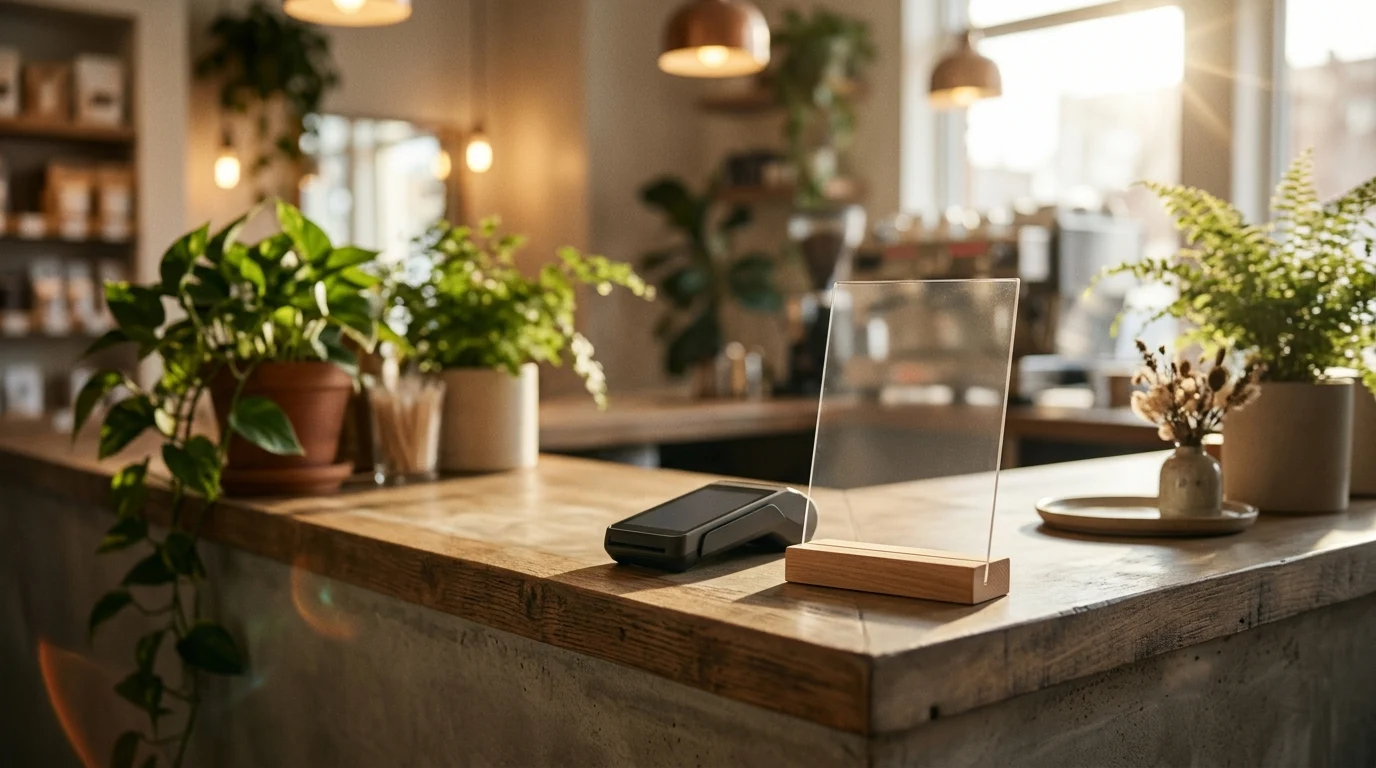
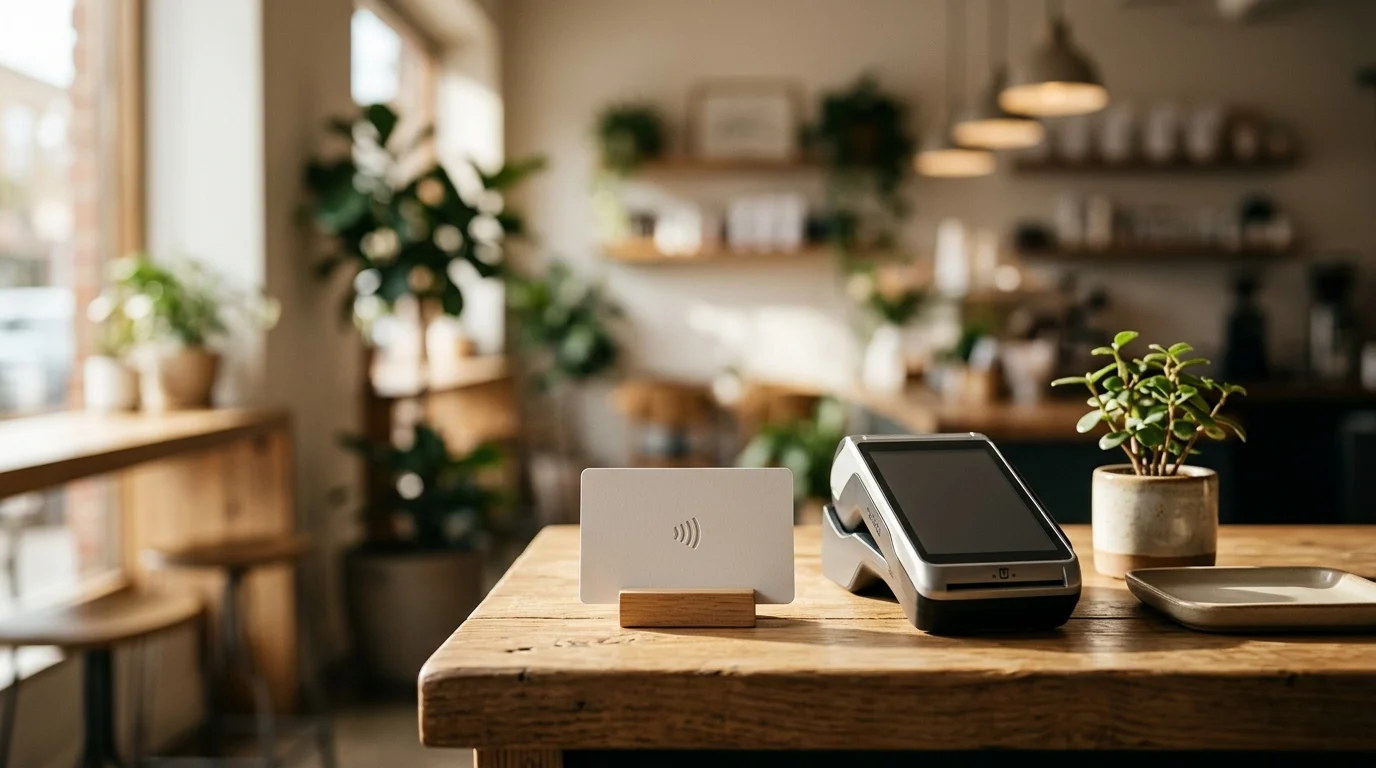
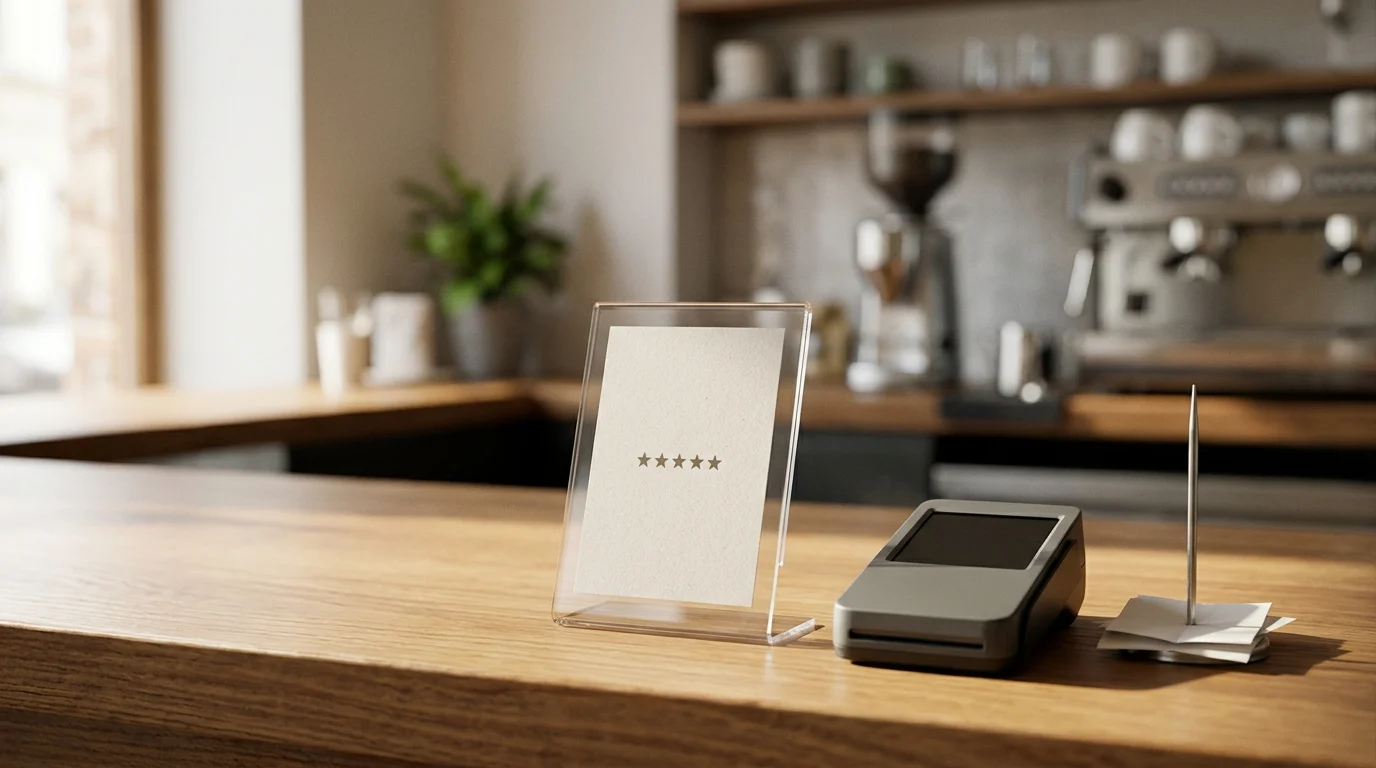
A google review plaque makes it easy for customers to open your review page at the counter, front desk, or table. You set it up once, and people can tap or scan without asking for help. If you want a simple tabletop option, a review stand category or a product like the acrylic tabletop review stand fits most small businesses.
For cafés, salons, dental offices, auto shops, gyms, and real estate desks, this works because the action happens where the service ends. That moment is usually the easiest time to ask for feedback.
What is a google review plaque?
A google review plaque is a small display that helps customers reach your Google review page quickly. It usually uses NFC, QR code, or both, so people can leave a review from their phone in a few seconds.
You can place it on a reception desk, checkout counter, host stand, or waiting area table. A clinic might put one near the front desk, while a hairdresser may keep it by the mirror station or payment area.
How do you set up a google review plaque in 5 minutes?
Setup is simple when you prepare the review link first and keep the plaque where customers can see it. A good setup does not need technical skills, and most businesses can finish it quickly.
- Open your Google Business Profile and copy your review link.
- Choose a plaque or stand that matches your space and brand.
- Connect the NFC or QR destination to your review link.
- Place the plaque at the point where customers pay, sign in, or wait.
- Test it with your phone before opening for the day.
If you want a ready-to-use format, the Google review wall sign works well for walls and entry areas, while the Google Review Card category is better if you want a compact tap card for the counter or handoff.
Where should you place it for the best response?
The best location is the place where customers already stop and look around. That can be a cash register, front desk, appointment checkout point, or a table where they wait for service.
For restaurants and cafés, place it near payment or the host stand. For dentists, med spas, and clinics, front desk placement usually feels natural. For auto shops and contractors, the service desk or invoice area is often the right spot.
Put the review prompt where the customer is already finishing the visit.
The image below shows why tabletop placement works so well in everyday business settings.
How should you place your Google review plaque?
Make it visible, stable, and easy to reach. If it is tucked behind clutter, customers will miss it even if they are willing to review.
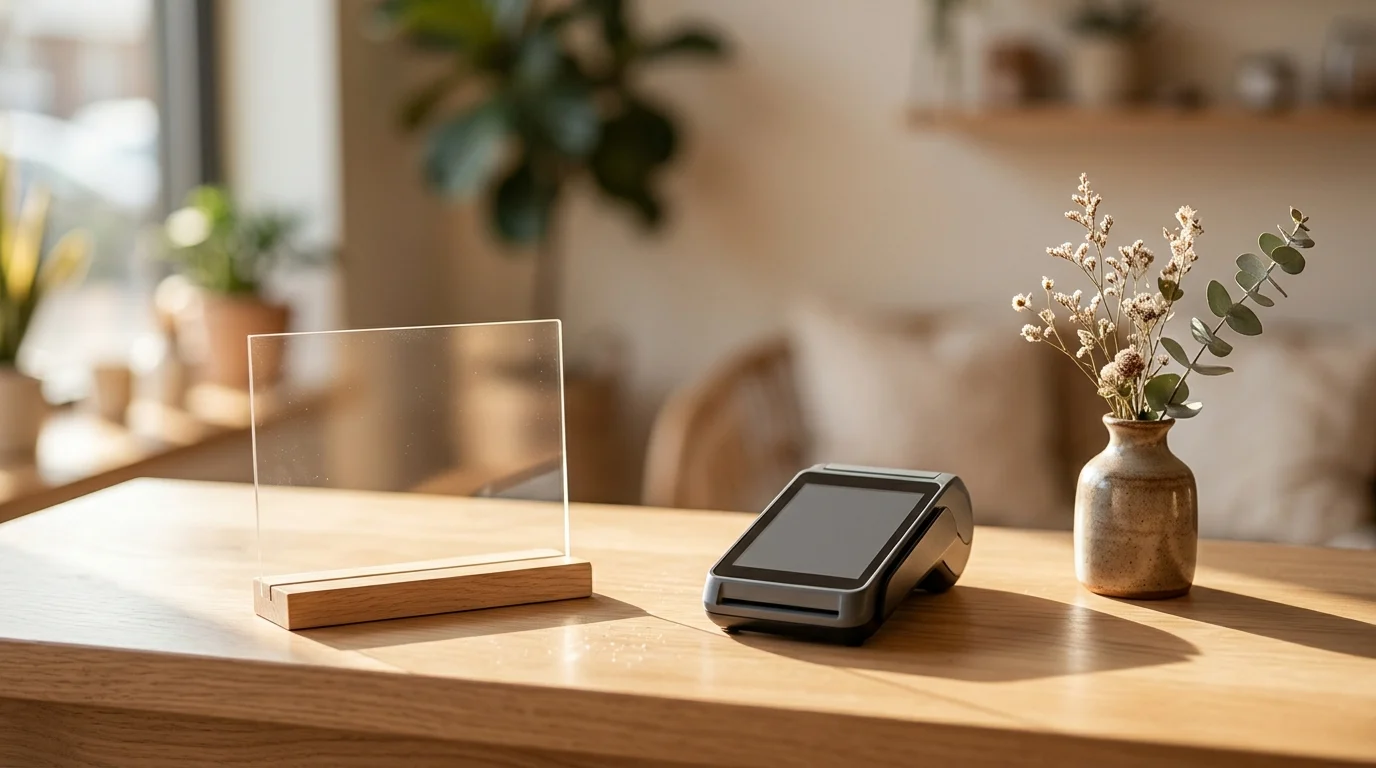
Use a clean counter area, keep the code or tap zone facing outward, and pair it with a short spoken prompt such as, “If you have a moment, you can leave us a Google review here.”
For businesses that want a branded display, a custom design stand and square card can match your logo, colors, or service theme. A café can use it for a modern table setup, while a boutique or salon can keep it aligned with the rest of the counter display.
What should you say to customers?
Keep the request short and polite. The goal is to make the review step feel easy, not forced.
You can say, “If you enjoyed your visit, you can leave us a review right here,” or, “Your feedback helps other local customers find us.” This works well after a haircut, a dental cleaning, an oil change, or a finished property showing.
Do not offer gifts, discounts, or other rewards in exchange for reviews. That creates policy problems and can hurt trust.
Which setup works best: plaque, card, or stand?
The right choice depends on where you want customers to interact. A plaque is good for a fixed spot, a card is useful for handoff moments, and a tabletop stand works well at the point of payment.
| Format | Best for | Why it helps |
|---|---|---|
| Plaque | Front desk, wall, reception | Stays visible in one place |
| Card | Handing to customers directly | Easy to carry and present |
| Stand | Counters, tables, checkout areas | Works where customers pause |
If your business wants a counter display with both tap and scan options, the white Google review T-stand or the review card category are both practical choices.
How do NFC and QR help customers leave reviews?
NFC and QR reduce friction. Customers do not need to search for your business name or ask for the link, which makes the review step much faster.
That matters in places like salons, clinics, gyms, and cafés, where attention is limited and people are moving through a busy routine. A fast path often gets better use than a long explanation.
If you also want a clear explanation of phone compatibility, the how NFC cards work page is useful for understanding tap behavior on iPhone and Android. For a broader digital contact setup, the NFC digital business card category can help you keep reviews, contact details, and sharing tools in one system.
Frequently asked questions
Do customers need an app to use a google review plaque?
No, they usually do not. NFC tap or QR scan can open the review page directly in a phone browser, which keeps the process simple.
Can you use the same plaque at the front desk and on tables?
Yes, but placement should match the customer flow. A tabletop stand is usually better for tables, while a wall sign or fixed plaque works well at reception or checkout.
What if your business has more than one location?
Use a separate review link for each location so customers leave feedback for the correct branch. That keeps your local pages accurate and makes the request feel more relevant.
Is a plaque better than asking for reviews verbally?
The best results often come from using both. A polite verbal prompt plus a visible plaque gives customers a clear next step without adding pressure.
Conclusion
A google review plaque is one of the fastest ways to make review requests part of your daily routine. Set it up, test it once, and place it where customers already stop, pay, or wait.
If you want a simple starting point, choose a countertop stand or a branded plaque, then connect it to your Google review link and keep it visible.