Google Review QR Code: How to Make One That Works
Learn how to make a Google review QR code that sends customers straight to your review page, plus where to place it for more scans and better results.

A Google review QR code is a scannable code that sends customers straight to your Google review page. You can make one in minutes by copying your review link, turning it into a QR code, and placing it where customers naturally pause, such as a counter, checkout desk, or table.
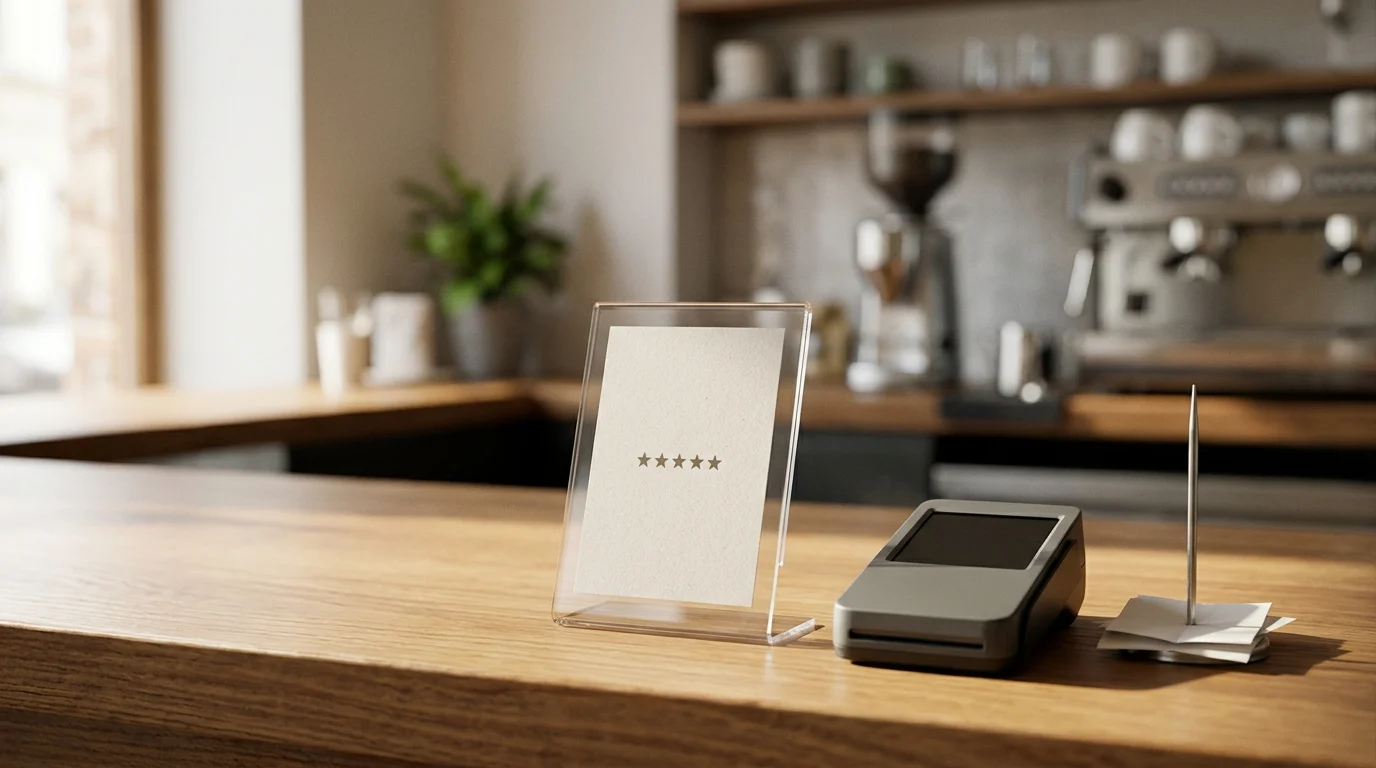
If you want a simple setup for a café, salon, clinic, or auto shop, start with a dedicated Google review card or a tabletop stand. A ready-made display often gets used more because customers do not have to search for the link or type anything.
How do you make a Google review QR code?
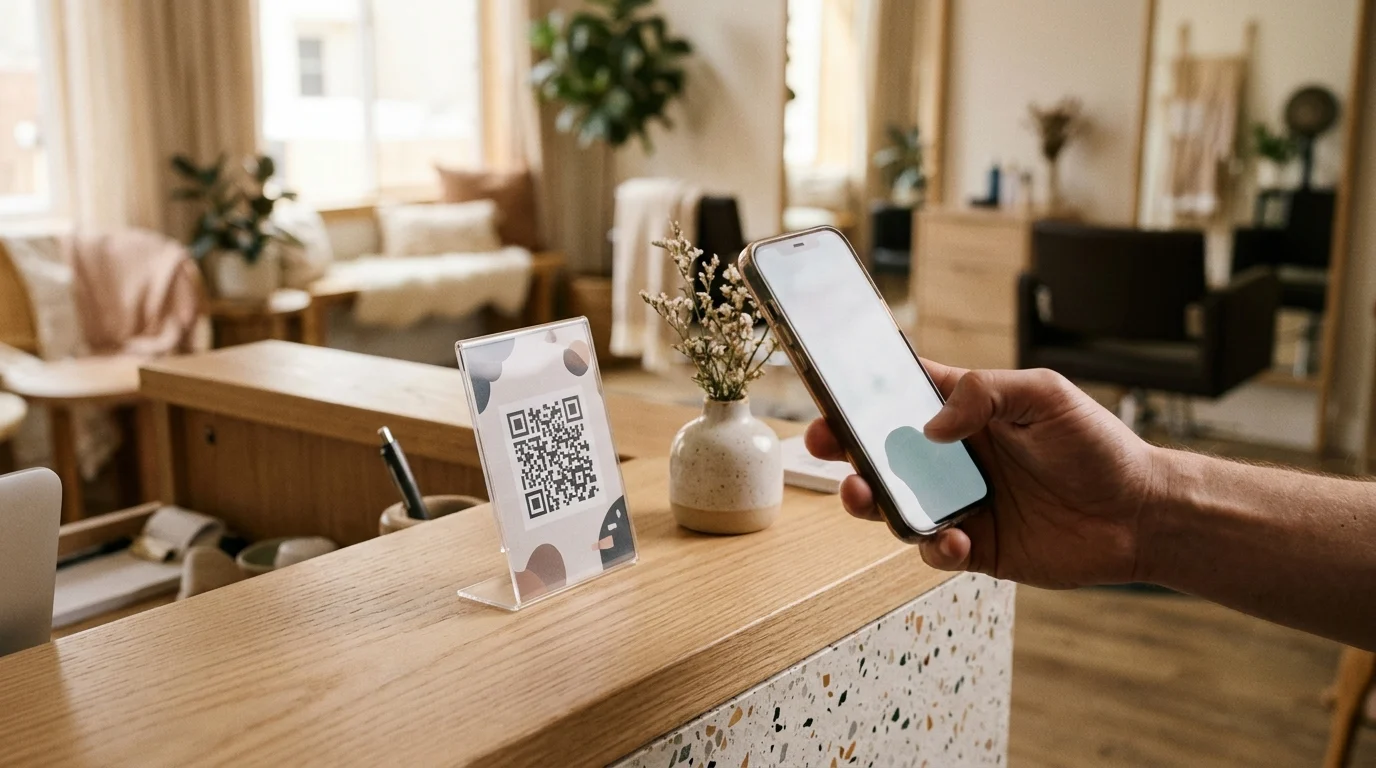
The process is straightforward: get your Google review link, generate a QR code, and test it before you print or display it. The key is not the code itself, but how easily customers can notice and scan it during a natural pause in the visit.
- Open your Google Business Profile and copy the direct review link.
- Use a QR generator to create a code for that link.
- Test the QR code on both iPhone and Android phones.
- Place it on a sign, card, sticker, or tabletop stand.
- Check that the landing page opens quickly and clearly asks for a review.
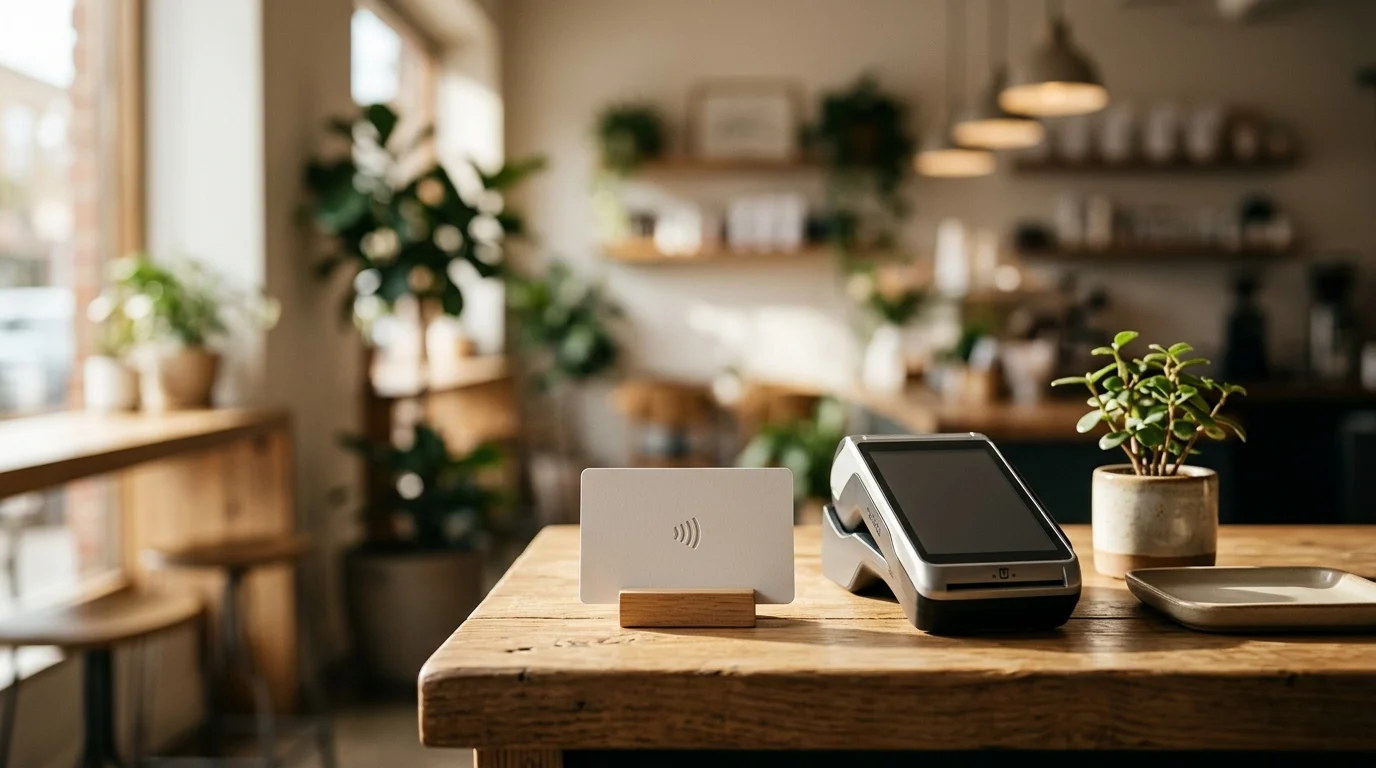
For businesses that want a cleaner counter display, a Google review stand with NFC and QR code can combine the scan option with a tap option. That helps when one customer prefers scanning and another prefers tapping.
Why does the review link matter more than the QR design?
A QR code only works if it points to the right page. If the link is wrong, broken, or too many steps away from the review form, customers drop off before posting.
Use the direct Google review URL, not your homepage. A hairdresser, dental clinic, or real estate office can all use the same idea: make the path from the counter to the review box as short as possible.
Short path, clear prompt, visible placement: that is what turns a scan into a review.
Where should you place the QR code for more scans?
Put the code where customers wait, pay, or finish service. That can be a café table, a salon checkout counter, a front desk at a clinic, or a service desk in an auto repair shop.
Many businesses also use window stickers, shelf cards, or wall signs. The best spot is usually the one customers see without having to stop and ask for it.
- Reception desks in clinics and spas
- Checkout counters in cafés and shops
- Waiting areas in auto shops and dental offices
- Tables in restaurants where customers have a few quiet minutes
- Service counters in real estate, repair, and local retail businesses
If you want a setup made for shared spaces, the review stand & sticker category includes counter-friendly options for tables, windows, and desks.
What should the landing page say after the scan?
The page should open fast and tell the customer exactly what to do. Ask them to leave a Google review, keep the message short, and make the button or review prompt obvious.
A good landing page avoids clutter. If the page is crowded with extra links, people may leave before completing the review.
Many businesses pair a QR code with a dedicated review landing page created for one action only. That is especially useful for cafés, salons, and clinics where customers are already in a hurry.
How do NFC and QR codes work together?
QR codes help customers with the camera on their phone, while NFC lets them tap if their device supports it. Offering both removes friction and makes the setup more usable across different phones and habits.
That is why hybrid products are useful at a front desk or checkout area. If your staff works with walk-ins all day, giving customers two ways to reach the same review page usually feels smoother than relying on one method.
You can also use a digital display for other actions, such as contact sharing or social follow prompts. For example, an NFC digital business card works well for professionals who want one card for contact sharing and reputation building.
Which product setup fits your business?
If you want something simple for a desk or counter, a tabletop stand is usually the easiest choice. If you need a mobile handout for staff, a compact card can be better.
For branded environments like salons, hotels, and clinics, a stand often looks more natural on the counter. For contractors or real estate agents who meet customers in many places, a card is easier to carry.
| Business type | Better format | Why it helps |
|---|---|---|
| Café or restaurant | Table stand | Guests can scan while they are seated |
| Salon or barber shop | Counter card or stand | Visible at checkout when the visit ends |
| Clinic or dental office | Reception stand | Works well in waiting and payment areas |
| Auto shop | Desk stand or sticker | Easy to place where customers pick up keys or pay |
If you need a product built specifically for review collection, the classic review card is a straightforward option. It keeps the customer focused on one action and fits well into a checkout workflow.
How can you avoid common QR code mistakes?
Do not print the code too small, and do not place it where glare or distance makes scanning difficult. A code that looks nice but is hard to use will not help you get more reviews.
Also make sure the review flow is easy on mobile. Customers should not have to zoom in, copy text, or hunt for the review button after scanning.
For businesses building a broader local marketing setup, a review QR code can work alongside your Google Business Profile, website, and in-store signage. When those pieces match, your reputation-building effort feels organized instead of random.
Frequently asked questions
Can I make a Google review QR code for free?
Yes, you can generate a QR code for free if you already have your Google review link. The important part is testing it on real phones and making sure it opens the correct review page.
Should I use a QR code or NFC for reviews?
If your customers scan often, QR code is fine. If you want faster action at the counter, NFC can reduce friction because people can tap instead of opening the camera.
Can I print the QR code on a flyer or receipt?
Yes, but it works better when the code is placed where the customer has time to act, such as a counter stand, table tent, or checkout sign. A random flyer is easier to ignore.
What should I do after customers scan it?
Send them directly to the review page with a simple prompt. Keep the message short so they know exactly where to click and can finish the review quickly.
Conclusion
A google review qr code works best when it leads to the right page, is easy to scan, and is placed where customers already stop. If you want a cleaner setup, choose a card or stand that fits your counter, table, or reception desk.
Start with the format your business will actually use every day, then test it on different phones before you put it in front of customers.