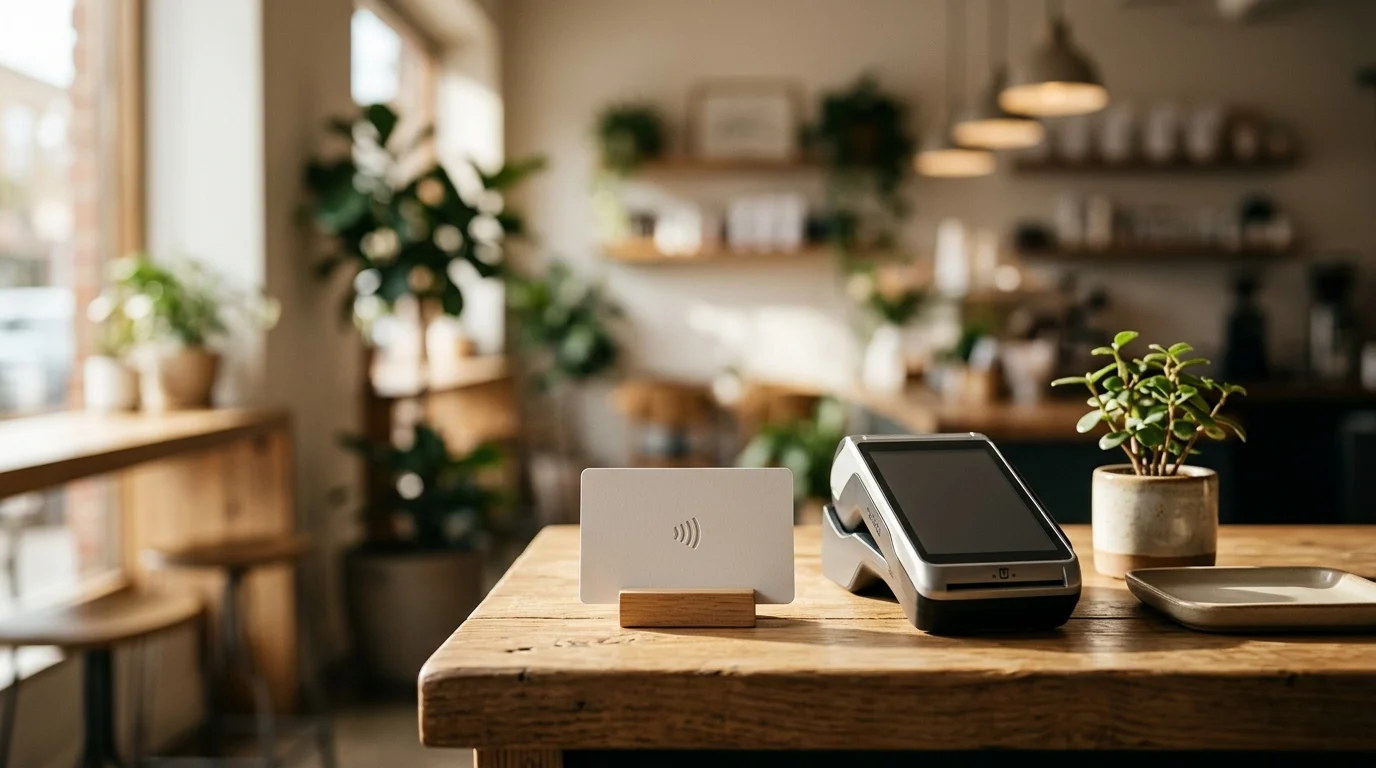
Maximize Ratings with a Google Review Display
A google review display makes it easier for customers to leave feedback on the spot. Use it at your counter, table, or desk to collect more reviews naturally.
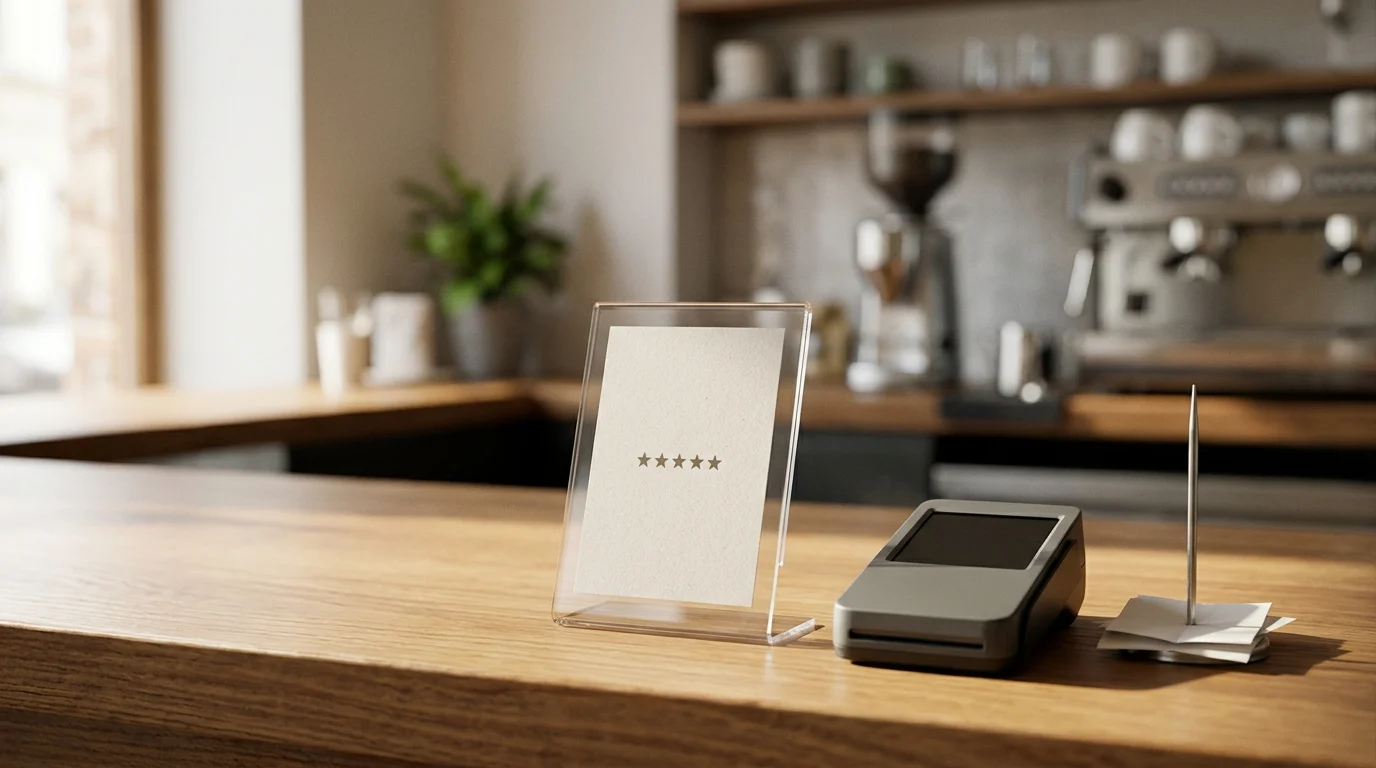
A google review display helps customers leave a review while they are still at your counter, table, or front desk. It works by making the next step obvious, fast, and easy for people who already had a good experience.
If you run a café, hair salon, dental clinic, auto shop, gym, or real estate office, this kind of display can turn a polite thank-you into a review request without awkwardness. A simple review stand or a tabletop google review stand keeps the request in sight instead of buried in a message later.
What is a google review display?
A google review display is a physical sign or stand that points customers to your Google review page. It usually uses NFC, QR code, or both, so people can open the review screen on their phone in seconds.
For many businesses, that small shortcut matters. A customer is more likely to leave feedback when the process feels immediate, especially after a meal, a haircut, a tune-up, or an appointment.
Why does a visible review prompt get more responses?
People often intend to leave a review, but they forget once they walk out the door. A display keeps the request present at the exact moment they are already engaged with your business.
This works well in places where customers pause: café tables, checkout counters, host stands, clinic reception desks, and service counters. A clear prompt also reduces the need for your staff to explain what to do every time.
Where should you place a google review display?
Put it where customers naturally stop, pay, or wait. That may be the register, reception desk, table tent area, or service counter.
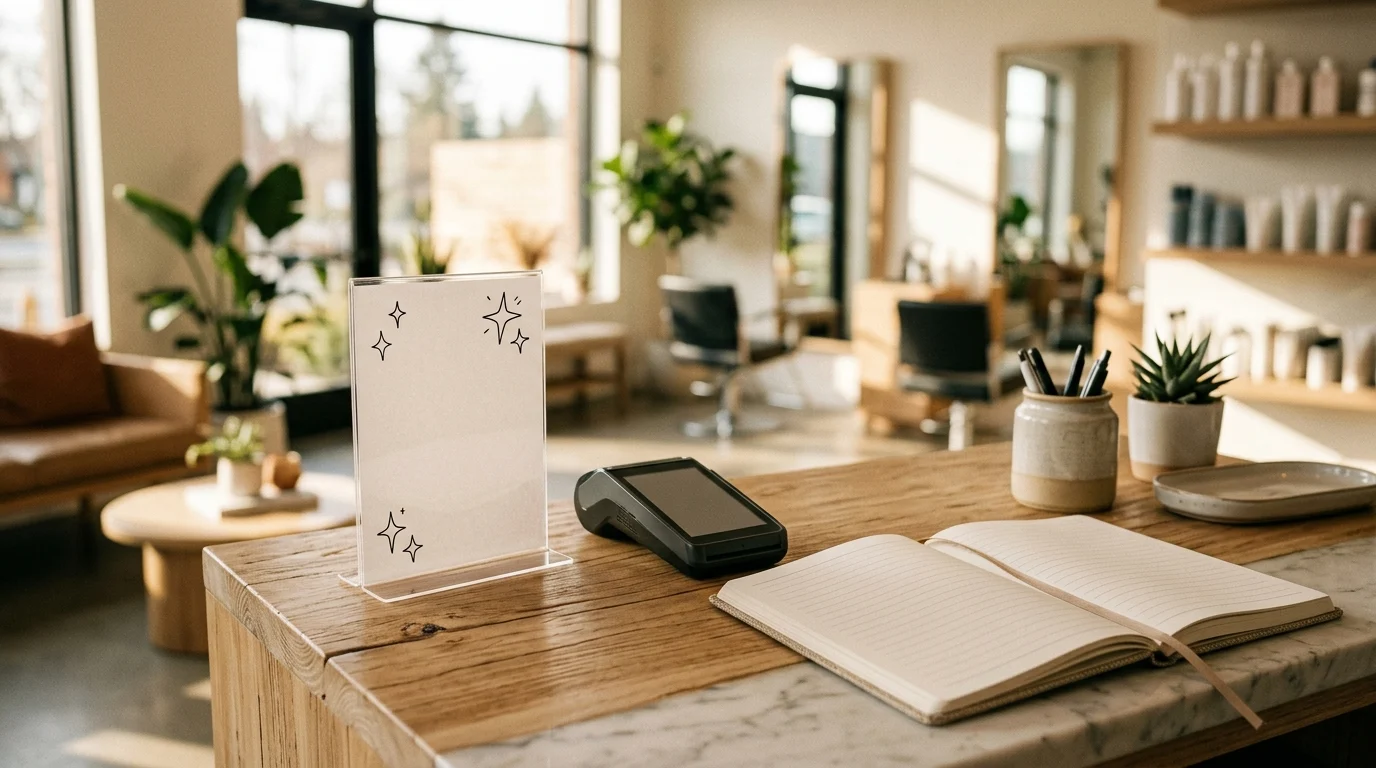
The best placement is close enough to notice, but not blocking the transaction. In a restaurant, that might be beside the payment terminal. In a dental office, it may sit at the front desk where patients check out.
For table-based businesses, a display is even better when it stays in one predictable spot. A tabletop review stand can sit near the receipt tray or card reader and stay visible all day.
Make the review request part of the checkout path, not a separate task.
Which format should you choose: stand, card, wall sign, or sticker?
The right format depends on your layout and how customers interact with your space. A stand is useful on counters and tables, while a wall sign works better where surface space is limited.
If you want something compact for a reception desk or service counter, a card can be enough. If you need a more permanent setup near a checkout area or window, a mounted sign or adhesive label may be a better fit.
For businesses that want a simple all-in-one setup, a product like the NFC google review card is easy to hand to a customer or leave at the point of sale. If you have a café or restaurant, the google review wall sign can work well near the entrance or hostess area.
How can you set it up so customers actually use it?
- Choose the placement where customers already pause.
- Link the display to the correct Google review page.
- Test it on both iPhone and Android phones before using it with customers.
- Make the instruction short and visible, such as “Tap or scan to review.”
- Keep the area clean so the display stays noticeable.
Staff can also help by mentioning it at the right moment. A simple line like “If you’d like, you can tap the stand to leave a quick review” feels natural in a café, salon, or repair shop.
How does NFC help with iPhone and Android users?
NFC makes the experience smooth because people only need to tap their phone to open the review page. Many Android phones handle NFC directly, and newer iPhones can also read NFC tags when the phone is unlocked and held near the tag.
QR code backup is useful because some customers prefer scanning instead of tapping. That is why many business owners choose a display that combines both methods, especially in busy reception areas.
What details matter in the design of your display?
Keep the message short and the action clear. Customers should know what to do in one glance, whether they are standing at the counter or seated at a table.
Use wording that matches your business. A hairdresser may say “Leave us a review,” while a mechanic may use “Tap or scan to share your experience.” Simple language usually works better than long instructions.
If you want a branded look for your front desk or service counter, a google review card or a custom countertop solution can keep the request visible without making the area feel cluttered.
How does this fit into your local marketing?
More reviews can strengthen your Google Business Profile because they give future customers more reasons to trust you. A steady review flow also supports your local presence when people compare businesses in maps or search results.
That is why a review display is more than a small sign. It is a practical part of your local marketing, especially if you depend on walk-in traffic, appointments, or repeat service.
If you want to improve the rest of your customer touchpoints too, pairing review collection with a digital business card or a social media card can help people stay connected after they leave.
Frequently asked questions
Does a google review display work for small businesses?
Yes. It can work very well for small businesses because it fits naturally into the checkout or front-desk moment. Cafés, salons, clinics, contractors, and auto shops often benefit because customers already pause there.
Should I use NFC, QR code, or both?
Both is usually the safest choice. NFC gives a fast tap experience, while QR code helps customers whose phones do not read NFC easily or who prefer scanning.
Can I use one display for different locations?
You can, but each location should point to the correct Google review page or workflow. If your team works across branches, a corporate solution can help keep branding and setup consistent.
What type of business sees the best use from a counter display?
Any business with a front desk or payment point can use it well. Restaurants, reception-based clinics, retail stores, and service counters are common examples because customers naturally stop there before leaving.
Conclusion
A google review display makes it easier for customers to leave feedback at the right moment, which can help you collect more reviews with less effort. Start with the spot where people already pause, then choose a format that fits your counter, desk, or table.
If you want a simple setup, look at a stand or card that combines NFC and QR so more customers can use it quickly. The easier you make the process, the more likely people are to complete it before they walk away.