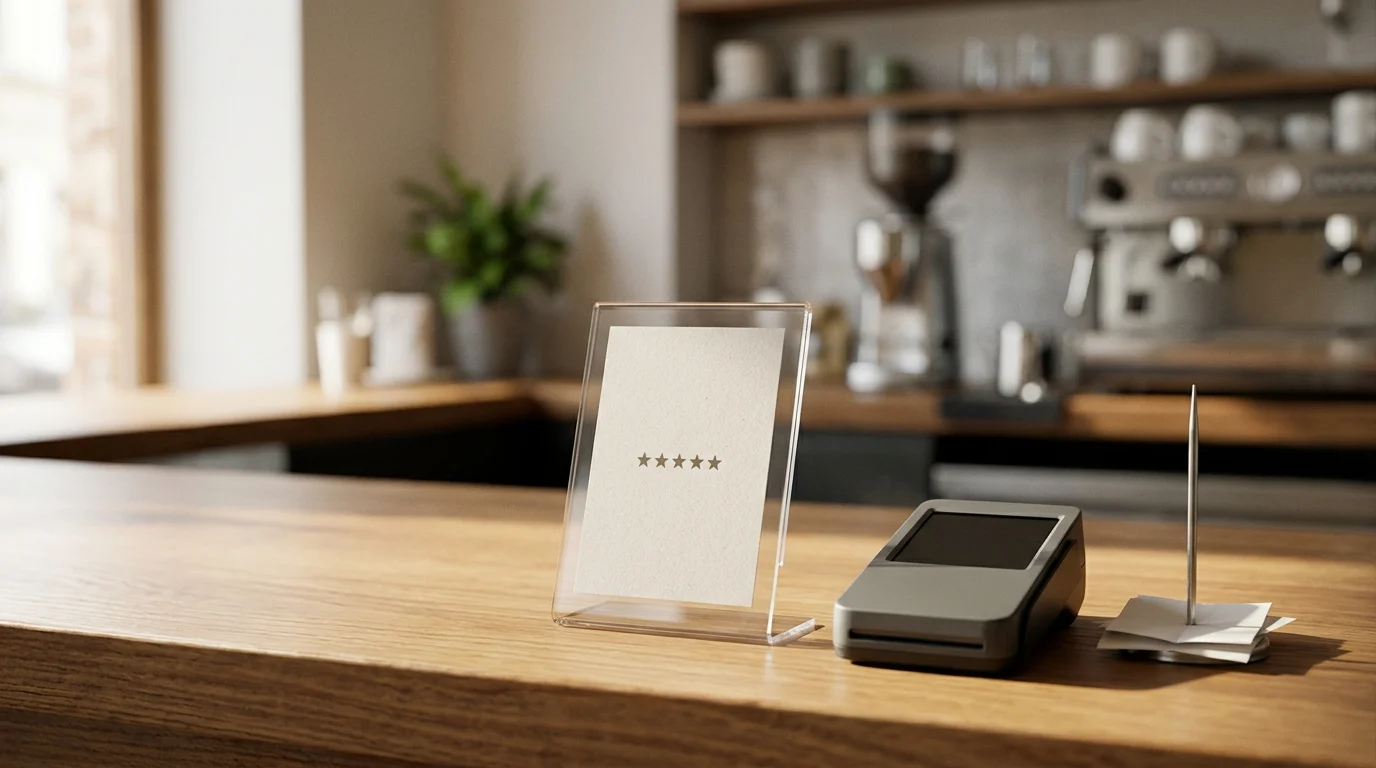
NFC Review Card Buyer’s Guide: What to Look For
Choose the right NFC review card for your counter, front desk, or checkout line. Learn what matters for setup, durability, branding, and tap-to-review flow.
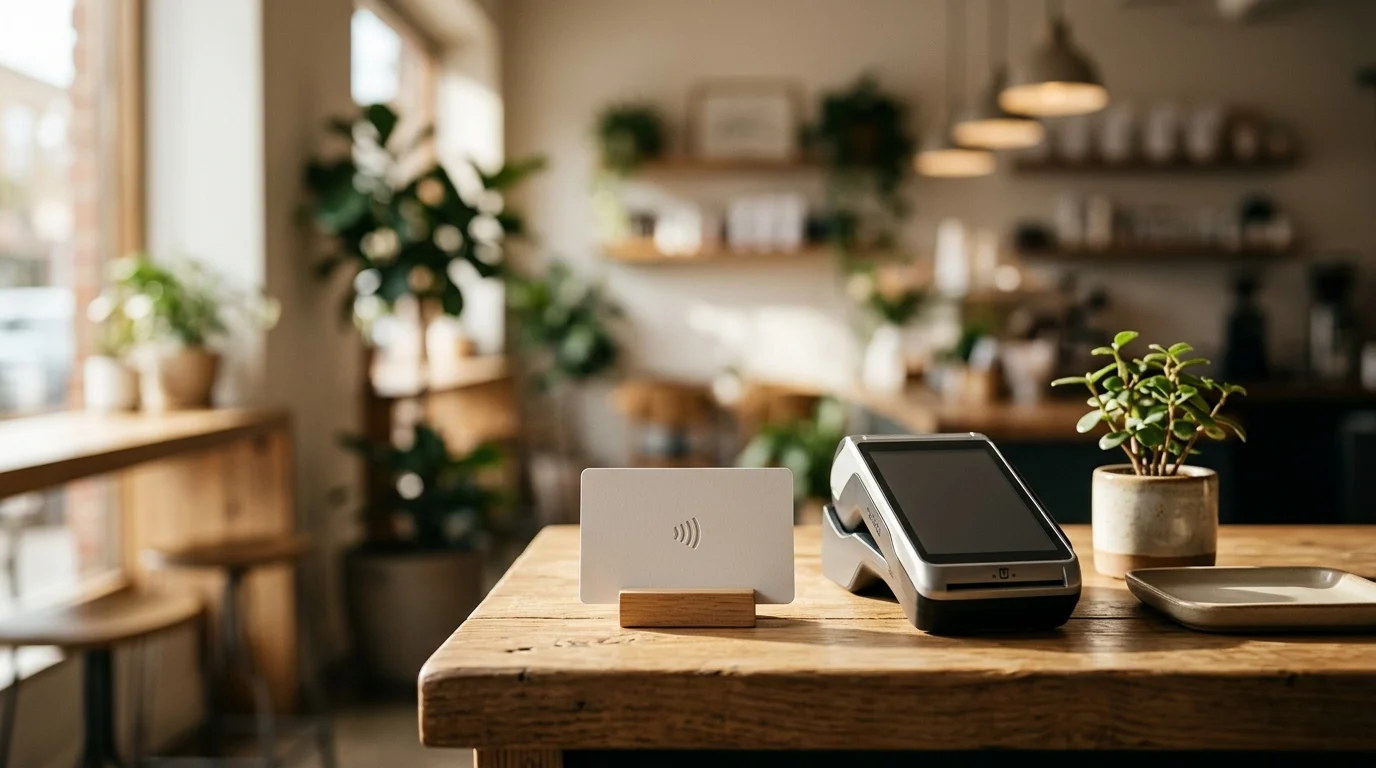
An nfc review card should make it easy for customers to open your Google review page with one tap. The best one is clear, durable, and simple to place where people naturally pause, like a café counter, salon reception, clinic desk, or auto shop checkout.
If you want a straightforward option, a Google Review Card is the right starting point for most small businesses. If you need a display that stays visible on a table or front desk, a product like the NFC Google Review Card — Classic White keeps the action simple without adding extra steps.
What should a good NFC review card do?
A good card gets attention fast and sends people to the correct review page without confusion. It should work at the counter, survive daily handling, and make the next step obvious for customers who are already satisfied with your service.

For example, a hairdresser can place it near the card reader, while a dental clinic can keep it at the checkout desk after the appointment. The goal is not to explain a long process; it is to remove friction when the moment is right.
One tap should be enough to reach the review page.
Which material is best for daily use?
Material matters more than many buyers expect. If your card will sit on a busy desk, choose something that looks clean and resists scuffs, fingerprints, and bending.
Acrylic works well for tabletop displays, while matte finishes can feel more professional in bright reception areas. If you want a more premium feel for a design studio, boutique, or real estate office, you can also consider a cleaner display style such as a branded stand from the Review Stand & Sticker category.
How should you place the card for more taps?
Placement affects results as much as the card itself. Put the card where customers naturally stop for a moment: the register, the front desk, the pickup counter, the consultation table, or the waiting area.
- Place it within arm’s reach of the checkout or reception area.
- Keep the tap area visible and free of clutter.
- Use a short prompt from staff, such as “If you found this helpful, you can tap here to leave a review.”
- Test it from the customer’s side so the path feels obvious.
A review card hidden behind décor or paperwork will get ignored. A visible front-of-house spot usually works better for cafés, barbers, repair shops, and medical practices.
Should you choose NFC only or NFC plus QR?
NFC only is simple, but NFC plus QR gives more flexibility. Some people tap naturally, while others prefer scanning with the camera, especially if their phone case blocks NFC or they are not used to tapping cards.
If you want both options in one setup, a table display can be practical for a reception area or restaurant host stand. The Google Review Stand with NFC & QR Code is useful when you want a clean counter display that works for both phone habits.
What design details should you check before buying?
Design should support trust, not distract from the action. Look for a layout that clearly points to the review action, uses your brand colors well, and avoids cluttered visuals that make the card feel like a flyer.
If you need branding for multiple locations or team members, a coordinated set can help your front desk look consistent. In that case, a Corporate Solutions setup may fit a larger clinic group, agency, or franchise-style operation better than a single card.
How do NFC cards work with iPhone and Android?
Most modern phones can read NFC when the feature is available and the card is placed correctly. On many Android phones, tapping is straightforward, while iPhone users usually need to bring the top of the phone close to the card area.
You do not need to explain the technical side to customers. Your job is to keep the card in a stable spot, make the review destination easy to recognize, and test the setup on both phone types before you place it in service.
How can a review card support local SEO?
More reviews can improve the quality of your Google Business Profile activity, which helps people trust your business when they find you in Maps or search. A review card does not replace local SEO, but it can support it by making review collection part of the customer experience.
That is why many businesses pair the card with a simple request at the right moment. If you want to improve the whole review flow, the article how to get more Google reviews is a useful companion read.
Which setup works best for different business types?
Different businesses need different formats. A café may do better with a small tabletop stand, a salon may want a visible reception display, and an auto shop may prefer something durable near the payment counter.
Here is a quick comparison to help you choose:
| Business type | Best format | Why it works |
|---|---|---|
| Café or restaurant | Counter stand | Customers pause while paying or waiting |
| Hair salon | Reception card | Easy to see after the appointment |
| Dental or medical clinic | Desk display | Fits the check-out workflow |
| Auto shop | Durable card or stand | Works at the service desk |
If your business also needs contact sharing, a separate NFC Digital Business Card can handle networking while your review card handles feedback.
Frequently asked questions
Do I need both NFC and QR on my review card?
Not always, but both can help. NFC is fast for tap users, while QR is useful for people whose phone settings or cases make tapping less convenient.
Where should I place an NFC review card?
Put it where the transaction or service naturally ends: checkout counters, reception desks, pickup areas, or consultation tables. The closer it is to the payment or handoff moment, the more likely customers are to use it.
Can I use one card for multiple locations?
Only if the review link is set up correctly for the right location or you have a consistent system. Multi-location businesses usually benefit from a structured setup so each branch sends feedback to the correct Google Business Profile.
Is a review card better than asking customers verbally?
The strongest approach is usually both. A polite spoken request plus a visible card gives customers a simple next step without making the process awkward.
Conclusion
The best nfc review card is the one that fits your space, your phone mix, and your customer flow. Choose a clear, durable setup, place it where people naturally stop, and make the tap-to-review path as short as possible.
If you want to compare styles, start with a review card or stand that matches your front desk, then test it in real use. That small change can make asking for reviews feel easier for you and your customers.