Google Review Card: What to Say on the Landing Page
Write landing page copy that gets customers to tap, open, and review. Use clear wording, the right prompt, and simple placement that fits cafés, salons, clinics, and local shops.
A good google review card landing page should ask for one simple action: leave a review. The first line should tell customers exactly what will happen when they tap, so they do not hesitate at the counter, table, or checkout.
If you use a google review card, the landing page copy matters just as much as the card itself. A clear message helps a café guest, salon client, dental patient, or auto repair customer move from tap to review with less confusion.
What should the landing page say first?
The first sentence should explain the action in plain language. Keep it short, friendly, and direct: tell customers to tap, open the page, and share their experience on Google.
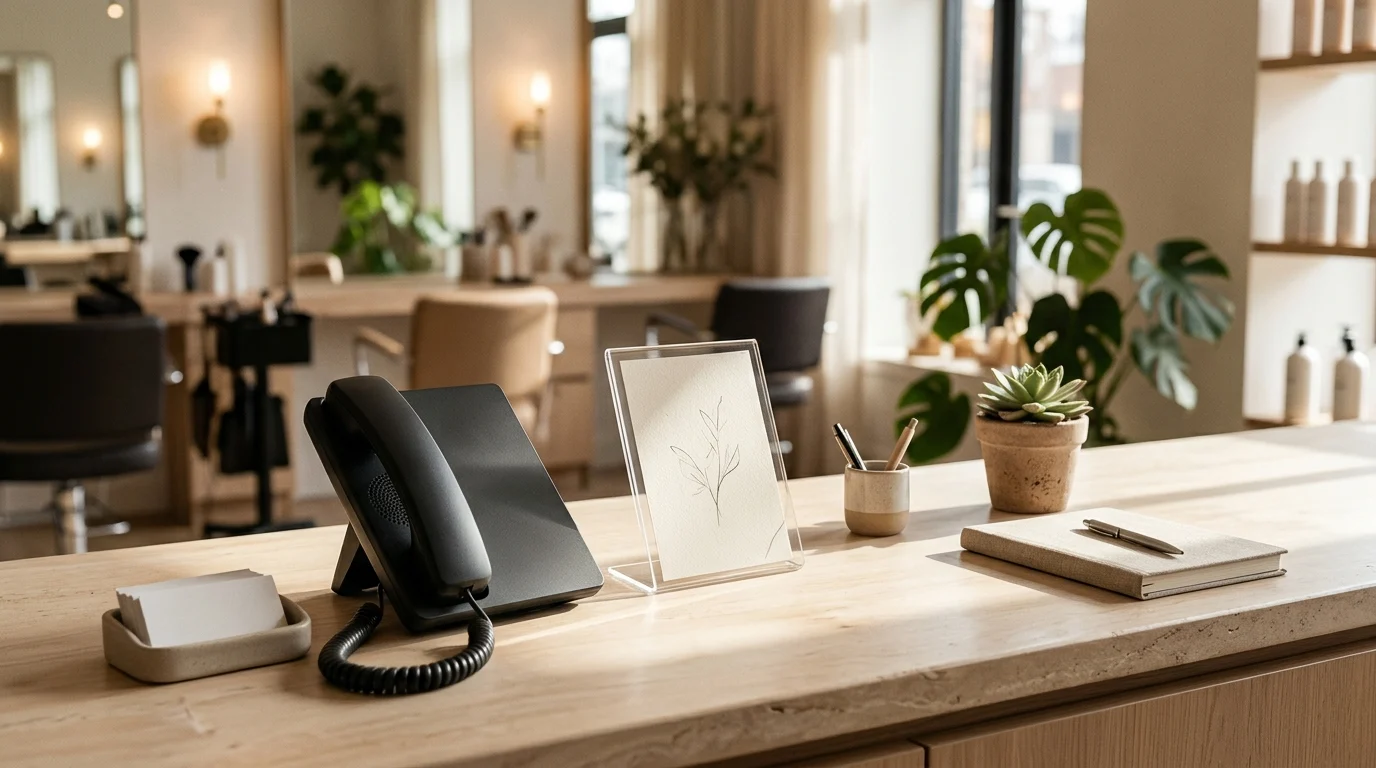
Good first lines feel like instructions, not marketing. For example, a hairdresser might say, “Tap to leave your Google review in a minute,” while a clinic might say, “Share your visit on Google so others can choose with confidence.”
One tap should lead to one clear next step.
What wording helps customers trust the page?
Customers are more likely to continue when the page feels honest and simple. Use wording that sounds like a real staff member wrote it, not a template.
Skip heavy sales language and avoid asking for five stars. A better line is, “Your feedback helps other local customers choose a business they can trust,” which fits a boutique, dental office, gym, or neighborhood restaurant.
What should the tap-to-review message include?
The message after the tap should answer three questions fast: where they are going, what they should do, and why it matters. If those points are clear, people are less likely to close the page before reviewing.
- Say they are leaving a Google review.
- Tell them the page opens on their phone.
- Explain that their feedback helps your business improve and helps other customers decide.
You can also add a short thank-you line. That works well for service businesses like plumbers, real estate agents, spas, and auto shops because it makes the request feel personal, not pushy.
Which landing page phrases work best by business type?
The best text matches the customer experience. A restaurant guest, a patient, and a contractor client will respond to different wording because they think about different details.
- Café or restaurant: “Tap to tell us how your meal and service were today.”
- Salon or barber: “Share your look and your experience on Google.”
- Clinic or dentist: “Your feedback helps other patients know what to expect.”
- Auto shop or contractor: “Tell us how we handled your repair or project.”
These examples work because they connect the review request to the actual visit. That makes the landing page feel relevant instead of generic.
How should the page be designed for more taps?
Design should remove friction. Use one headline, one short instruction, and one visible button or link to the Google review form if your setup allows it.
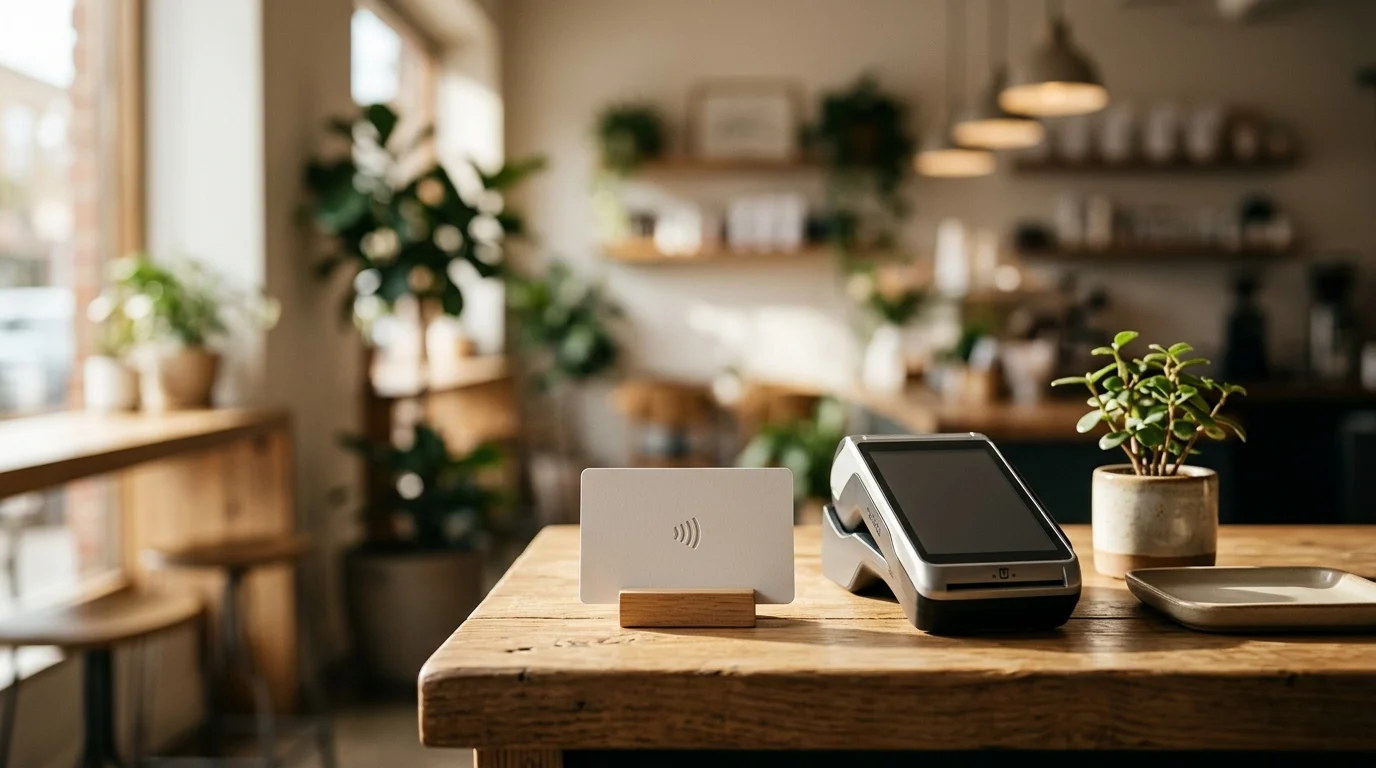
If the message is being displayed on a counter display, a review stand and sticker setup can keep the prompt visible right where the customer is paying or waiting. A tabletop tabletop review stand is useful for cafés, reception desks, and front counters because people can tap without hunting for instructions.
What should you avoid saying on the landing page?
Do not make the message long, technical, or confusing. A landing page that explains the company history, services, and social links before the review prompt can reduce the chance of a tap becoming a review.
Also avoid language that pressures customers for only positive reviews or asks them to change what they write. Keep the request open and honest so it matches Google’s review policies and protects your business reputation.
How can a Google review card support local SEO?
More reviews can help your business look more active and more trustworthy when people search locally. That matters for businesses that depend on nearby customers, such as salons, clinics, cafés, repair shops, and real estate offices.
Strong review wording also supports your Google Business Profile because it makes it easier for customers to follow through after service. If you are improving your local visibility, pair your review setup with the ideas in google maps ranking tips and the advice in getting more customer reviews.
How do you write a better landing page step by step?
If you are rewriting your review page, use this simple process.
- Write one short headline that says the page is for a Google review.
- Add one sentence that explains why the customer’s feedback matters.
- Use a friendly button or instruction that tells them to tap and continue.
- Keep the page free of extra links and distractions.
- Test the wording from a customer’s point of view on a phone.
For businesses that want a fixed counter display, a classic white review card works well in bright spaces, while a matte black review card fits darker interiors and modern shops. If you want the message to stay visible near the register, the white review t stand is a practical option for desks and tables.
Frequently asked questions
Should the landing page ask for a five-star review?
No. Ask for an honest Google review instead. A neutral request is safer, more trustworthy, and better aligned with review policies.
How long should the landing page text be?
Short enough to read in seconds. Most customers will only give the page a quick glance, so a few clear lines usually work better than a long explanation.
Can I use the same message for every business location?
You can use a shared structure, but local wording often performs better. A clinic, café, and auto shop should each sound like the real experience customers just had.
Do I need a different page for NFC and QR?
Not always. Many businesses use one review page for both tap and scan, which keeps the message consistent across cards, stands, and stickers.
Conclusion
Your google review card landing page should be short, clear, and specific to the customer experience. When the wording feels simple and trustworthy, more people will tap through and leave a review.
If you want a cleaner setup for your counter or reception desk, choose a card or stand that matches your space and use the same direct message everywhere customers see it.