Google Review Sign for Restaurants: What Works Best
A good google review sign for restaurants makes leaving feedback quick at the table, counter, or exit. See what placement, wording, and format work best.
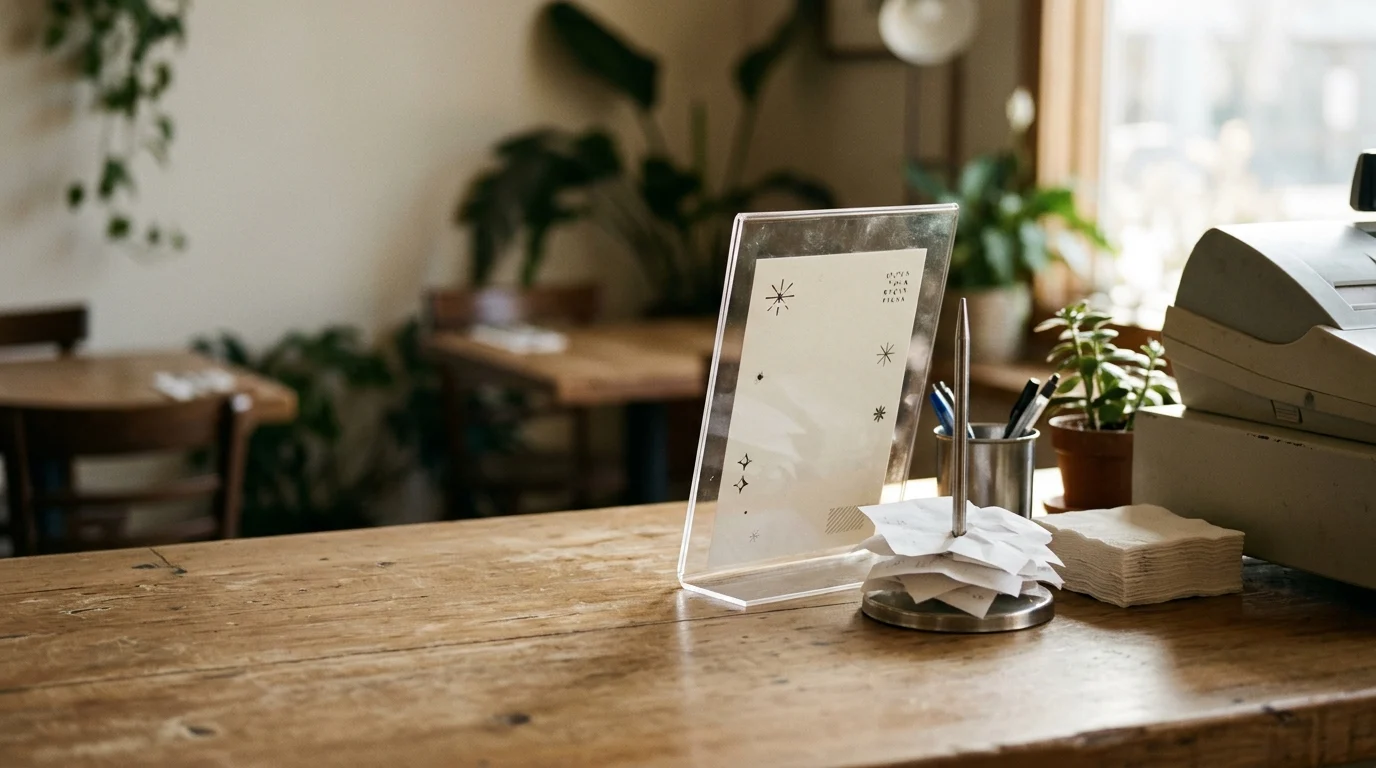
A google review sign for restaurants works best when it is easy to see, easy to tap or scan, and easy to trust. The best results usually come from a simple tabletop stand, a counter sign, or a small wall sign placed where guests naturally pause, such as the check-out area or host stand.
If you want a format that fits a busy dining room, a google review card is a strong starting point, and a stand often works even better because guests do not have to hold anything. Many restaurant owners also pair a sign with a clear thank-you message and a direct review link on the landing page.
What type of google review sign for restaurants works best at the table?
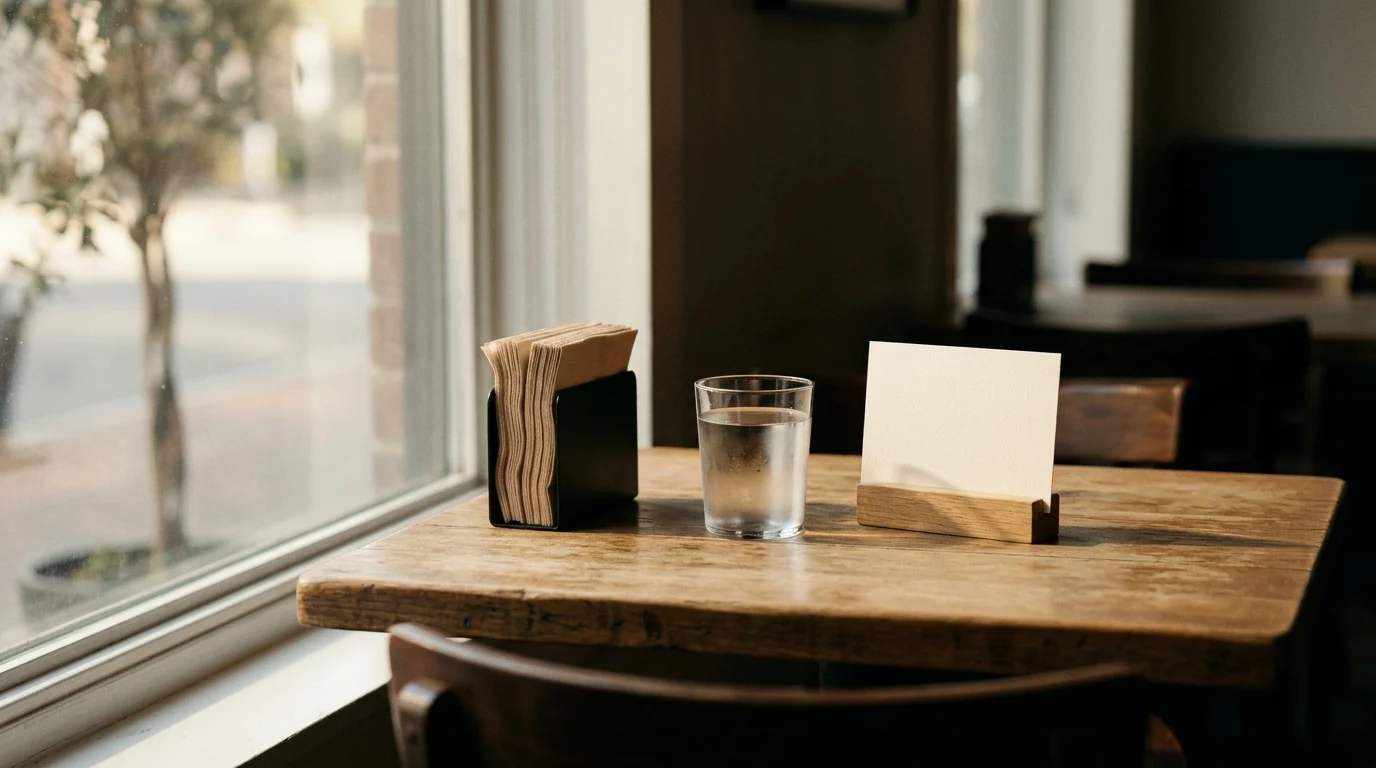
Table signs usually perform well because guests have time to notice them while waiting for the bill, coffee, or dessert box. A compact acrylic stand or T-shape display keeps the message visible without taking much space.

For cafés, pizzerias, diners, and casual restaurants, a small stand near the receipt tray or dessert case is often more natural than a poster on the wall. If your tables are tight, a google review tabletop stand can sit next to salt shakers, napkin holders, or a tip jar without feeling intrusive.
Place the review prompt where the guest already stops, not where you hope they will walk back to later.
How should you place the sign for the highest visibility?
Placement matters more than decoration. Guests are most likely to act when the sign appears during a natural pause, such as paying the bill, signing a receipt, or waiting for takeout.
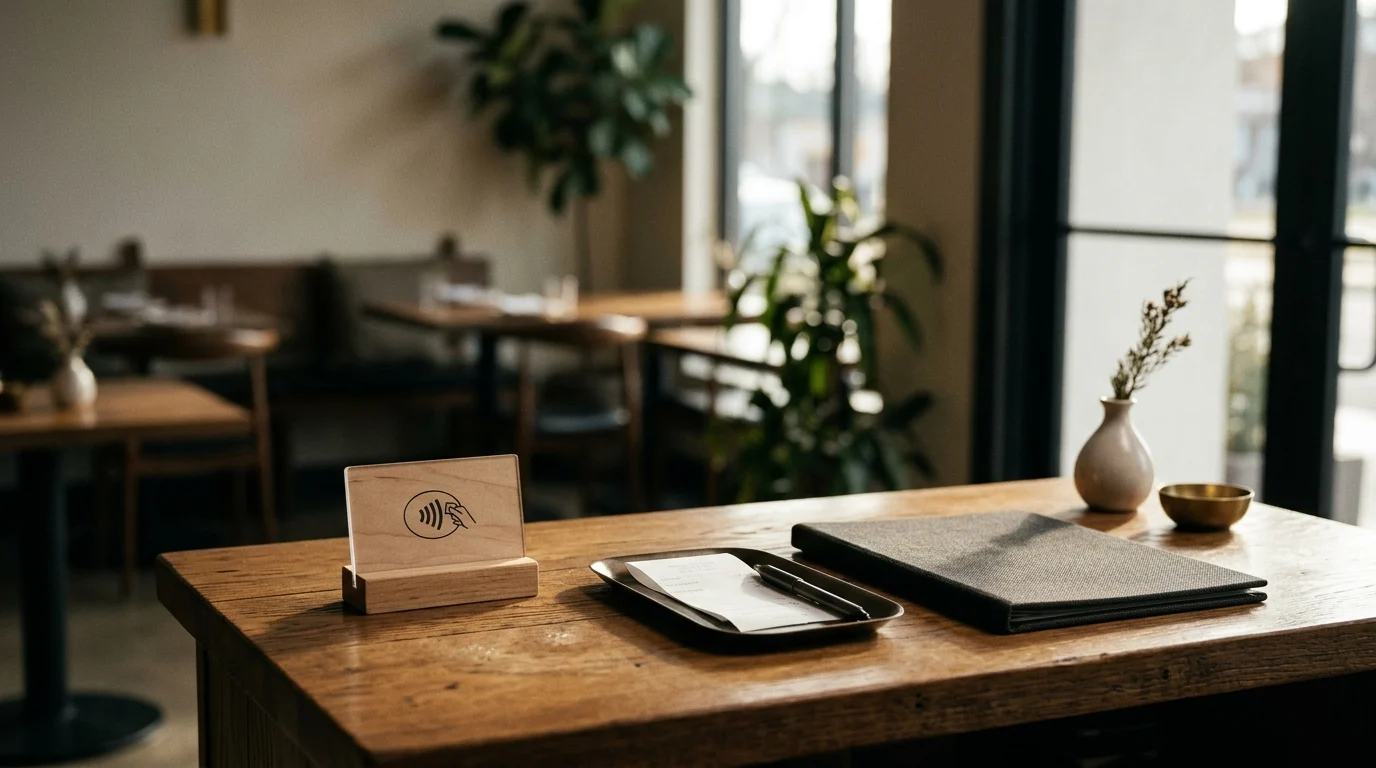
Good spots include the cashier counter, hostess podium, pickup shelf, bar register, and takeout bag station. In a sandwich shop or quick-service café, the counter often works best; in full-service restaurants, the check presenter and table sign can work together.
- Choose the place where guests wait for a moment.
- Keep the sign at eye level or just below it.
- Make sure the phone tap or QR scan is obvious.
- Remove clutter around the sign so it stands out.
What wording gets more people to leave a review?
Short wording usually works better than a long message. Guests do not need a sales pitch; they need a clear next step.
Simple phrases like “Tap to leave a review” or “Scan to share your experience” are easy to understand. If you run a family restaurant, sushi bar, or brunch café, a friendly line such as “Tell us how we did” feels more natural than a formal request. A clean review stand for the counter can carry that message without crowding your table design.
Should you use NFC, QR, or both?
Both can help, but they serve slightly different habits. NFC is fast for people who tap their phone, while QR code scanning helps guests who prefer to open the camera and choose the link themselves.
That is why many restaurants use an NFC + QR stand instead of choosing only one format. It gives iPhone and Android users a familiar path, and it reduces friction at the exact moment a guest is most willing to leave feedback. If you want to understand the setup better, the restaurant review QR setup guide explains the basics clearly.
How do you make the sign feel natural, not pushy?
The best signs feel like part of the service, not a hard request. A polite tone, a clean layout, and a small size often work better than a loud message or a crowded design.
For example, a café might place a small sign by the espresso machine, while a burger shop might keep one at the pickup shelf for takeout guests. If you want the review request to blend into the environment, a matte-black or white stand usually looks more professional than a flashy display.
Which sign type fits different restaurant setups?
Different formats suit different spaces. A fast-casual restaurant may need a sturdy counter display, while a fine dining room may prefer a subtle wall sign or a discreet tabletop card.
| Restaurant setup | Better sign type | Why it works |
|---|---|---|
| Café or bakery | Tabletop stand | Visible during waiting and payment |
| Takeout counter | Counter sign | Easy to notice at pickup |
| Full-service dining | Table stand | Seen near the bill or receipt |
| Bar or pub | Small acrylic sign | Fits crowded surfaces |
For restaurants that want a ready-made setup, the white T-shaped review sign gives you a clean look that works in bright cafés, bakeries, and casual dining spaces. It is also easy to place near menus, napkins, or payment terminals.
How can your sign support more reviews without extra staff effort?
Your team should not have to explain the process every time. The sign should do most of the work by making the next step obvious.
A good setup can sit at the table, at the hostess stand, or on the checkout counter and guide guests directly to the review page. If you want to broaden your in-store setup beyond reviews, a QR menu stand and card can support ordering, menu access, and review collection in one simple table presence.
Some restaurants also keep a few window stickers or counter labels for pickup customers, especially in coffee shops and sandwich stores where many guests leave quickly after paying. The key is consistency: the same message, the same simple action, every day.
Frequently asked questions
Where should I put a google review sign for restaurants?
Put it where guests stop for a moment, such as the checkout counter, host stand, pickup shelf, or on the table near the bill. The sign should be visible when the guest is already thinking about leaving.
Is a QR code enough, or do I need NFC too?
A QR code can work well, but NFC adds an extra option for guests who prefer tapping their phone. Using both usually makes the process easier for more people.
What size sign works best in a restaurant?
Small to medium signs usually work best because they fit crowded surfaces and do not distract from the dining experience. A compact tabletop or counter stand is often the most practical choice.
Can I use the same sign in a café and a full-service restaurant?
Yes, but placement may change. A café often benefits from a counter sign, while a full-service restaurant may get better results from a table display near the bill.
Conclusion
The best google review sign for restaurants is the one guests actually notice at the right moment and can use in seconds. Keep it simple, place it where people pause, and choose a format that matches your service style.
If you want an easy next step, start with a tabletop or counter stand and test it in one busy area of your restaurant before expanding to more locations.