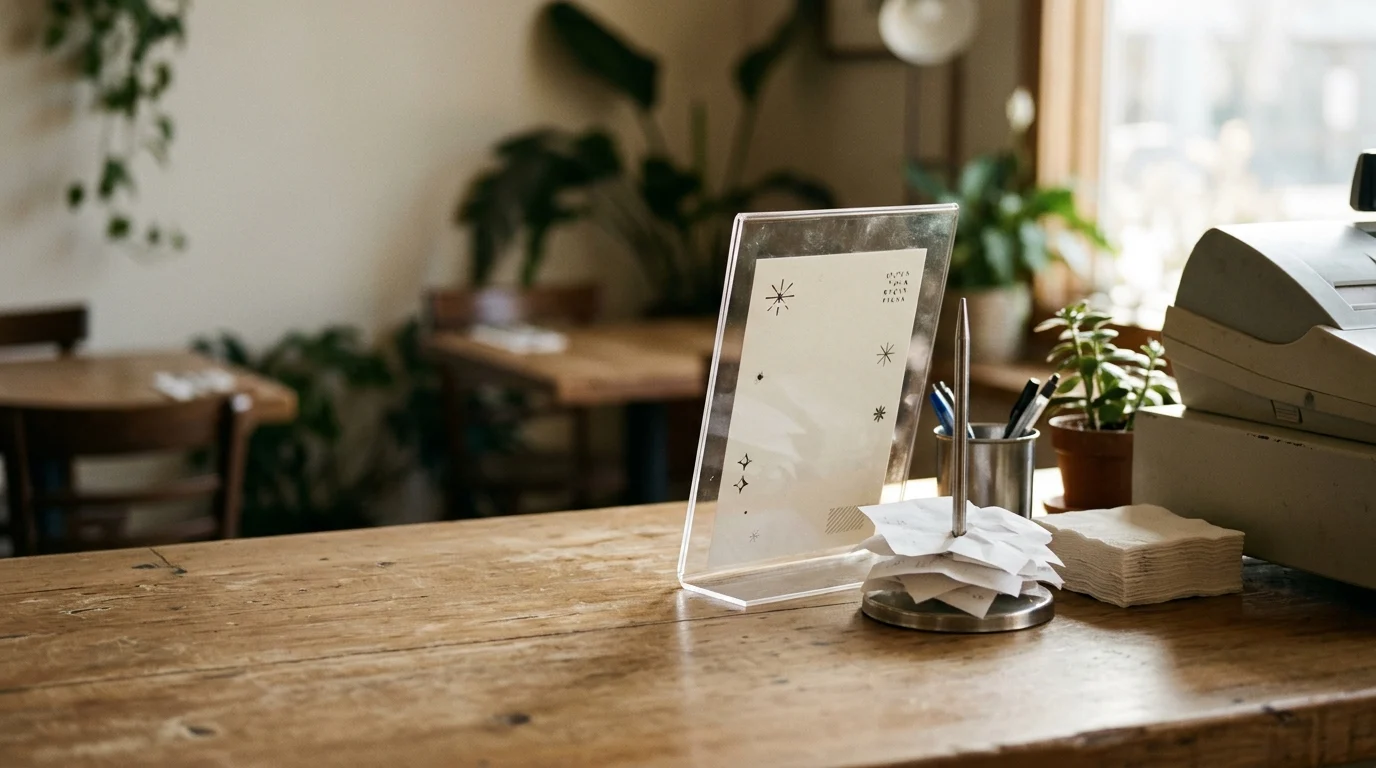
NFC Review Card for Restaurants: Setup and Timing Guide
Learn where to place an NFC review card for restaurants, when to ask for reviews, and how to set up a simple flow that fits busy service without slowing your staff.
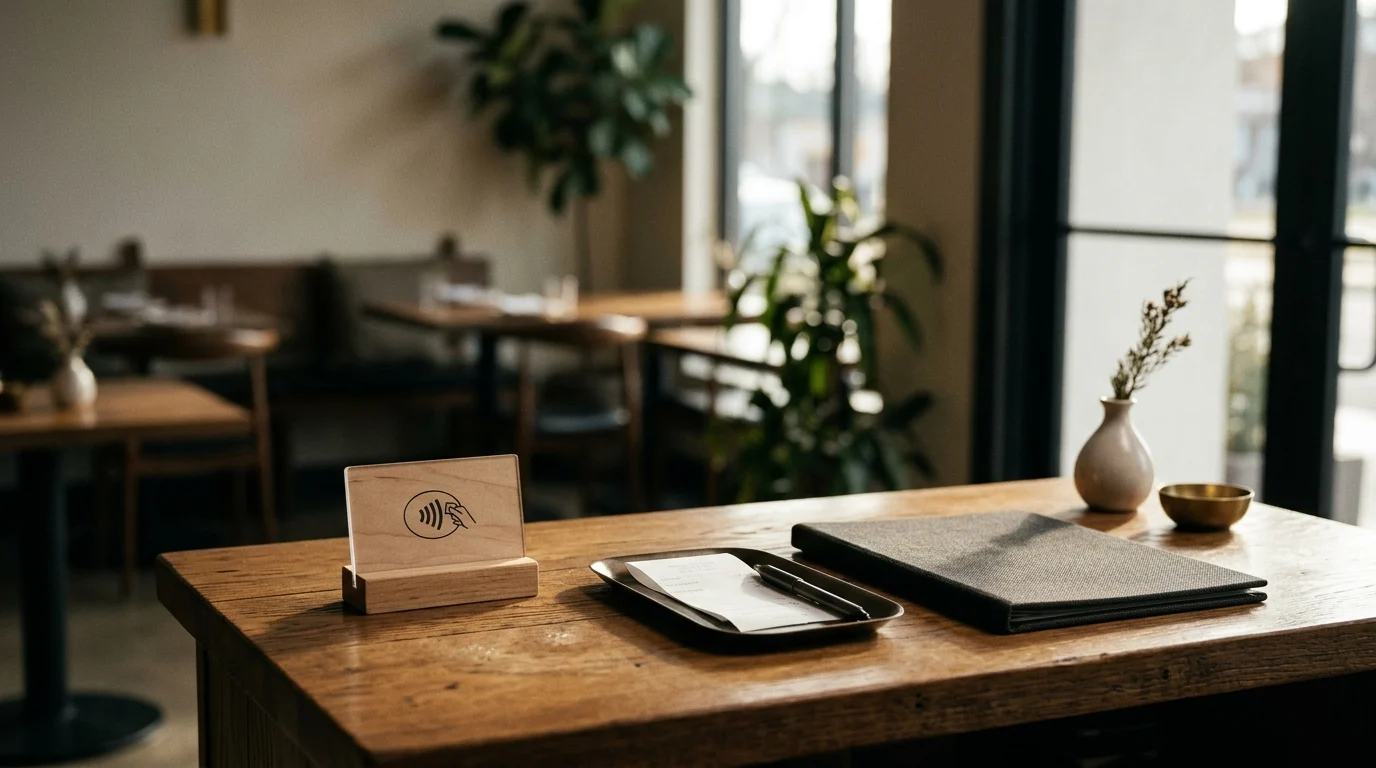
An NFC review card for restaurants works best when you place it where guests pause, ask for the review at the right moment, and keep the process to a few seconds. The goal is simple: make leaving a Google review feel easy after a good meal, not like a separate task.
If you want a ready-made option, a google review card or a tabletop stand can sit at the host desk, payment point, or on the table after dessert. For a busy dining room, a setup like the tabletop review stand keeps the request visible without interrupting service.
Why does an NFC review card for restaurants work so well?
Restaurant guests usually decide how they feel about the visit before they leave the building. That makes the final minute ideal for a review request, because the food, service, and atmosphere are still fresh in their minds.
An NFC card removes extra steps. Guests tap their phone, open the review page, and type their feedback without searching for your business profile.
Where should you place the card in a restaurant?
Put the card where people naturally slow down. Good spots include the host stand, the payment terminal area, the pickup counter, the cashier station, and small tables where guests wait for the bill.
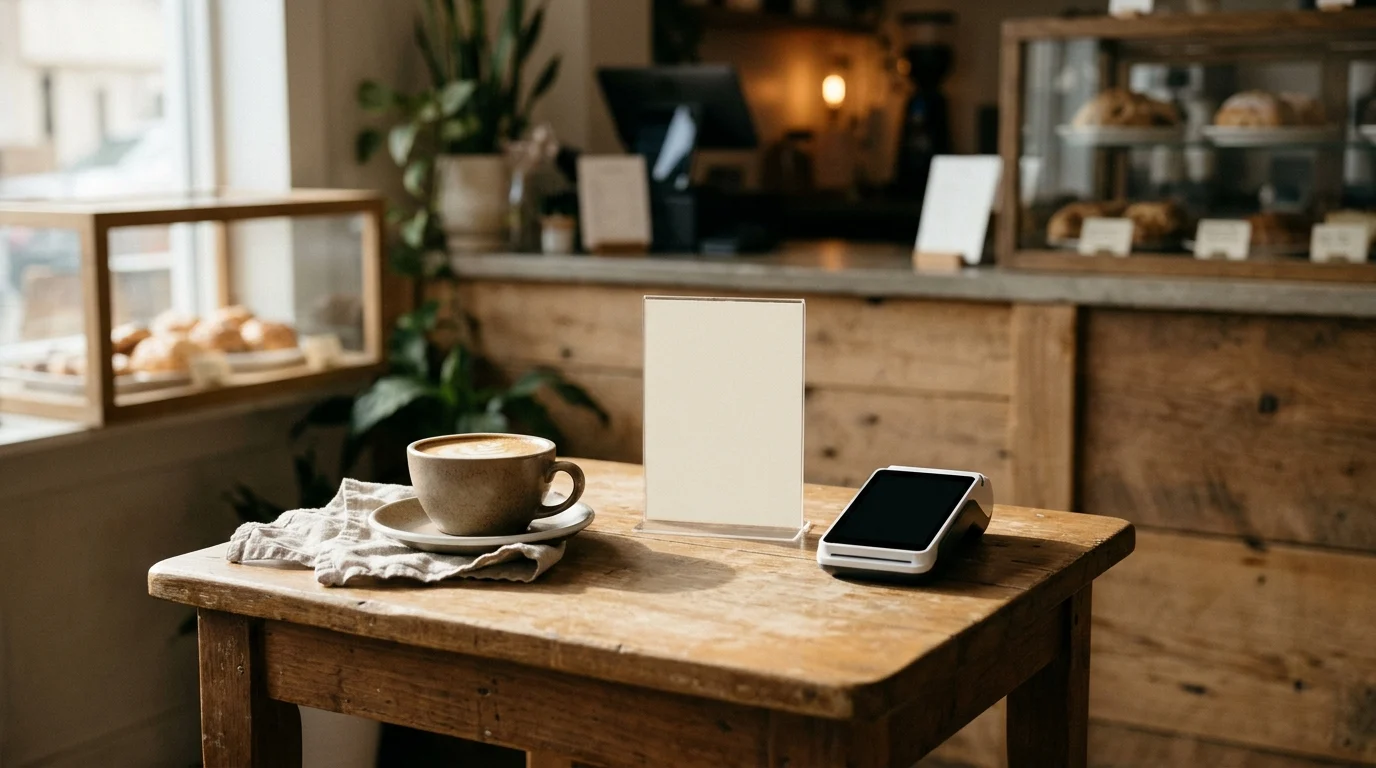
For dine-in restaurants, a tabletop display often performs better than a wall sign because it is close to the payment moment. If you run a café, burger shop, bakery, or casual brunch spot, the counter near the register is usually the strongest position.
For takeout-heavy businesses, place a second display near the pickup shelf or bag handoff point. If you want a matched set for tables and windows, the review stand & sticker category includes options for counters, tables, and glass surfaces.
Ask for the review where the guest already stops, not where your staff has to chase them down.
What setup gives you the cleanest customer flow?
The best setup is short, obvious, and repeatable. Your card should lead directly to the Google review page, and the landing page should not ask guests to do extra work before they can leave feedback.
Many restaurants use one card at the front counter and one on a table or stand near payment. If your team wants a branded look for several locations or service stations, a corporate solutions setup can help you keep the same review flow across all branches.
When you need a simple starting point, choose a card style that matches the room. A white or black card suits a minimalist café, while a wood finish fits a bakery, steakhouse, or neighborhood restaurant with a warm interior.
When should staff ask for the review?
Timing matters more than pressure. Ask after the guest has had a positive moment, such as when the plate is cleared, the bill is ready, or they compliment the food or service.
That often means the end of the meal, not the start. If the restaurant is rushed, a server can mention the card with a short line like, “If you enjoyed your visit, you can tap here to leave a quick Google review.”
Do not turn the request into a long script. Guests respond better when the ask feels natural and the next step is clear.
What should staff say to make it feel natural?
Keep the wording short and specific. The best version sounds like something a person would say at the table, not a sales pitch.
- Offer the card only after a good service moment.
- Point to the tap spot and say it takes seconds.
- Thank the guest whether they review or not.
This approach works well in cafés, family restaurants, dental clinics with cafés in waiting areas, and even auto shops with a front desk. The same pattern can also support a tap card review process when your team wants a simple script.
How do you make the card easy to notice?
Visibility matters. A card that sits behind decor or near clutter gets ignored, so keep the area around it clean and open.
Use one short sign, clear branding, and a position that faces the guest. If you want a display that also works as a menu or link holder, the custom design stand & square card can be adapted for your restaurant’s style and help the review request blend into the room.
It also helps to train every shift the same way. Guests notice consistency, and a familiar request from different staff members feels more natural than a one-off reminder.
How does NFC fit with iPhone and Android guests?
Most modern phones handle NFC taps smoothly, so the guest experience stays simple. The important part is to keep the card close to the guest and make sure the review link opens cleanly on mobile.
For customers whose phones do not support NFC in that moment, many businesses pair the card with QR access as a backup. If you want a format built for both tap and scan, the Google review stand with NFC and QR gives you both options at the counter.
This helps in mixed-traffic restaurants where families, office workers, and travelers use different devices. It also reduces friction during busy lunch and dinner periods.
How can you avoid common setup mistakes?
Do not hide the card in a corner, and do not ask for reviews before the guest has had a real experience. A request at the wrong moment feels forced, especially if the table is still waiting on food.
Do not send guests through extra pages, sign-up forms, or multiple links. The fewer steps between the tap and the review box, the better your results will usually be.
It also helps to keep the design simple. Too much text, too many logos, or a crowded stand can make the guest miss the action entirely.
Which restaurant types benefit most from this setup?
Cafés, pizza shops, steakhouses, sushi bars, bakeries, and casual dining restaurants all benefit from a direct review flow. Places with a checkout counter, a host desk, or table service can all use the same basic setup.
If you run a small chain or multiple locations, you can standardize the same review request across every branch. That makes it easier for staff to remember and easier for guests to recognize.
For a broader content strategy, you can also read review collection strategy for restaurants and cafés and compare how a tap card fits into your daily routine.
Frequently asked questions
Do I need both NFC and QR on the same card?
Not always, but it helps. NFC is fast for many guests, while QR gives you a backup when a phone does not tap smoothly or the customer prefers to scan.
Should the card go on every table?
That depends on your service style. Fast-casual spots often do better with one or two visible displays near the payment point, while full-service restaurants may place one on each table or at the host stand.
Can I use the same card for multiple locations?
You can use the same format, but each location should send guests to the correct Google Business Profile. That keeps reviews tied to the right branch and avoids confusion for customers.
What is the simplest way to train staff?
Give them one short sentence to use after a positive dining moment and show them exactly where the card sits. A clear habit is easier to repeat than a long script.
Conclusion
The best nfc review card for restaurants is the one guests see at the right moment and can use in seconds. Place it near the payment flow, train your staff on one simple line, and keep the path to the review page clean.
If you want a practical starting point, choose a tabletop stand or card that fits your counter and test it during a normal service shift. That small setup change can make reviews easier for guests and simpler for your team.