Google Review QR Code for Restaurants: Setup Guide
Set up a Google review QR code for restaurants that sends guests straight to your review page. Use the right table placement, wording, and link flow.

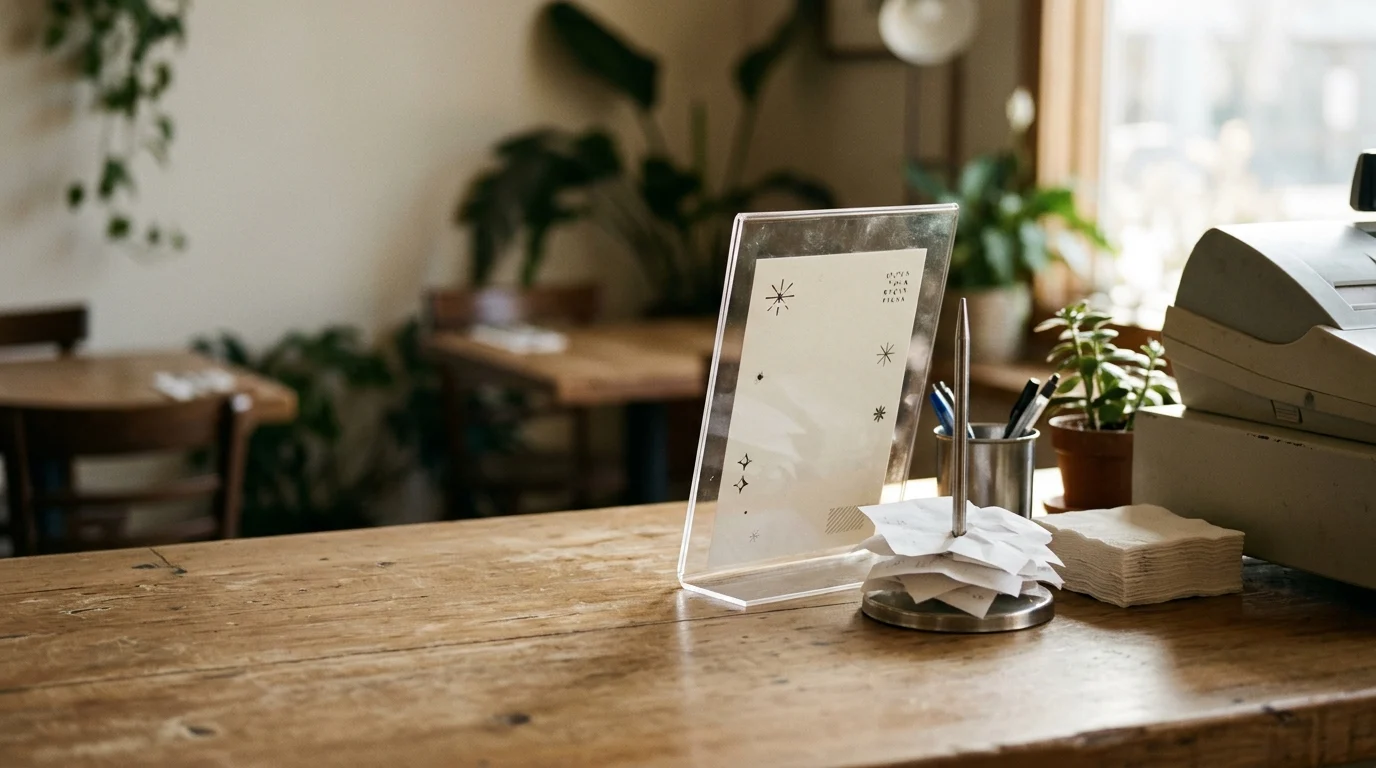
A google review qr code for restaurants should take guests straight to your Google review page in one scan. The best setup is simple: use a short landing flow, place the code where guests pause, and make the ask clear. If you want a ready-made option, a google review stand is usually easier to display than a loose printed card.
Restaurants, cafés, bakeries, and diners use QR review prompts at the table, at the host stand, and near the checkout. When the code is easy to see and the next step is obvious, more guests will actually follow through. You can also pair it with a tabletop review stand so the request stays in front of the customer without extra staff effort.
What is a Google review QR code for restaurants?
It is a QR code that opens your Google review page when a guest scans it with their phone camera. In a restaurant, that usually means a customer can leave a review right after paying, while the visit is still fresh.
For a busy café, steakhouse, sushi bar, or family diner, this works better than asking people to search for your business name later. You are reducing friction, which is often the real difference between “I meant to leave one” and a posted review.
How do you create the right review link first?
Before you print anything, make sure the QR code sends people to the correct Google review page. Test the link on both iPhone and Android so it opens smoothly and does not send guests to your homepage or a general profile page.
- Open your Google Business Profile review link.
- Copy the exact review URL you want guests to use.
- Generate the QR code from that link.
- Scan it with a phone and confirm it opens the review form.
- Save a backup version in case you need to reprint later.
If you are unsure about the setup flow, the guide on google review qr code creation explains the basics in a simple way.
Where should you place the QR code in a restaurant?
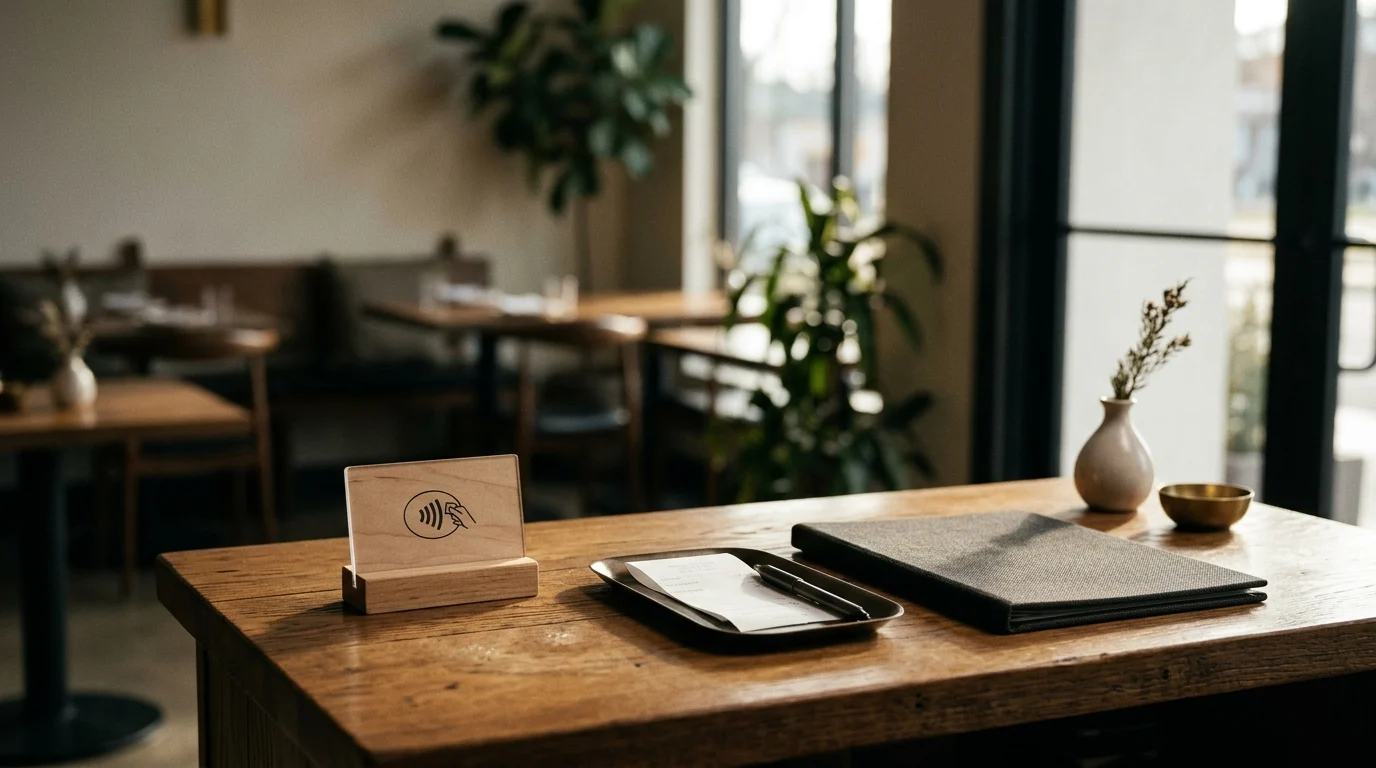
Place it where guests naturally stop for a few seconds. Good spots include the payment counter, the host stand, the table tent area, the receipt tray, or the window near pickup for takeout guests.

For dine-in service, table placement works well because customers have time to scan after the meal. For takeout counters, use a small sign near the register so the code is visible while they are waiting for the bag.
Put the QR code where the customer pauses, not where the customer rushes.
What wording gets more scans?
Your wording should be short, polite, and specific. Guests do not need a long explanation; they need one clear action. A simple line like “Scan to leave a Google review” is usually enough.
For a brunch café or burger shop, the message can be warm and service-focused: “Enjoyed your visit? Scan here to share your feedback.” For a fine-dining restaurant, keep the tone more polished and understated. Avoid pressure or anything that sounds pushy.
Which setup works better: printed QR code or NFC stand?
Printed QR codes are familiar and easy to use, especially for guests who already know how to scan. NFC adds another tap option, which helps people who prefer touching their phone to the stand instead of opening the camera first.
Many restaurants use both in one display so guests can tap or scan. A google review card works well for handheld use, while a stand stays visible on the counter or table. If you want a compact option for the table, the google review table stand keeps the request in view without taking much space.
How can you make the request feel natural to guests?
Ask at the right moment. After the meal, when the check is paid and the guest is leaving, is usually better than interrupting service in the middle of a rush.
Train staff to say one short line if needed, such as: “If you have a minute, you can scan that code and leave us a review.” That works well in cafés, pizza shops, hair salons, and medical clinics because it sounds human and does not add pressure.
What should you avoid when setting up restaurant review codes?
Do not send guests to the wrong page, and do not bury the code in small print. If the code is hard to see or the landing page is confusing, people will skip it even if they had a good experience.
Also avoid asking for reviews in a way that feels selective or manipulative. The safest approach is to make the request available to all guests and keep the process quick, honest, and simple.
How can a restaurant use one setup across tables, counters, and takeout?
A strong setup uses the same link everywhere, then changes the format based on the surface. Table tents work for dine-in, counter stands work for walk-in traffic, and stickers can support pickup or window areas.
If you run a café with table service and a takeaway counter, a small pack can be practical because you can place the same review prompt in multiple touchpoints. For multi-location groups, a managed system is even better because the branding stays consistent across every branch.
How does this help local SEO for restaurants?
More reviews can support stronger visibility in Google Maps and search results because they improve your profile’s activity and credibility. A clean review flow also helps you capture feedback while the guest experience is still fresh.
If you want to improve the full local search setup, the article on ranking on Google Maps is a helpful companion. For restaurants and cafés specifically, the review collection strategy post shows how to build a steady process without making staff feel overloaded.
Frequently asked questions
Do QR codes work on all phones?
Most modern phones can scan a QR code with the camera app. That makes QR a practical choice for restaurants because guests usually do not need to install anything.
Should I use one code for every table?
Yes, if every code points to the same Google review link. Consistency is easier to manage, and guests get the same experience whether they sit at the front or back of the dining room.
Can I use the same setup for delivery orders?
Yes. You can place the code on a receipt insert, bag sticker, or counter sign for pickup guests, as long as the link goes to the same review page.
Is NFC better than QR for restaurant reviews?
NFC is convenient, but QR is more familiar to many guests. The strongest setup often combines both, so customers can choose the method that feels fastest.
Conclusion
A good google review qr code for restaurants is simple, visible, and easy to scan at the right moment. Start with one clean review link, place it where guests pause, and use wording that feels natural for your brand.
If you want a ready display for tables or counters, a review stand can save time and make the setup look more professional. From there, keep the process consistent and let every satisfied meal become a chance for feedback.