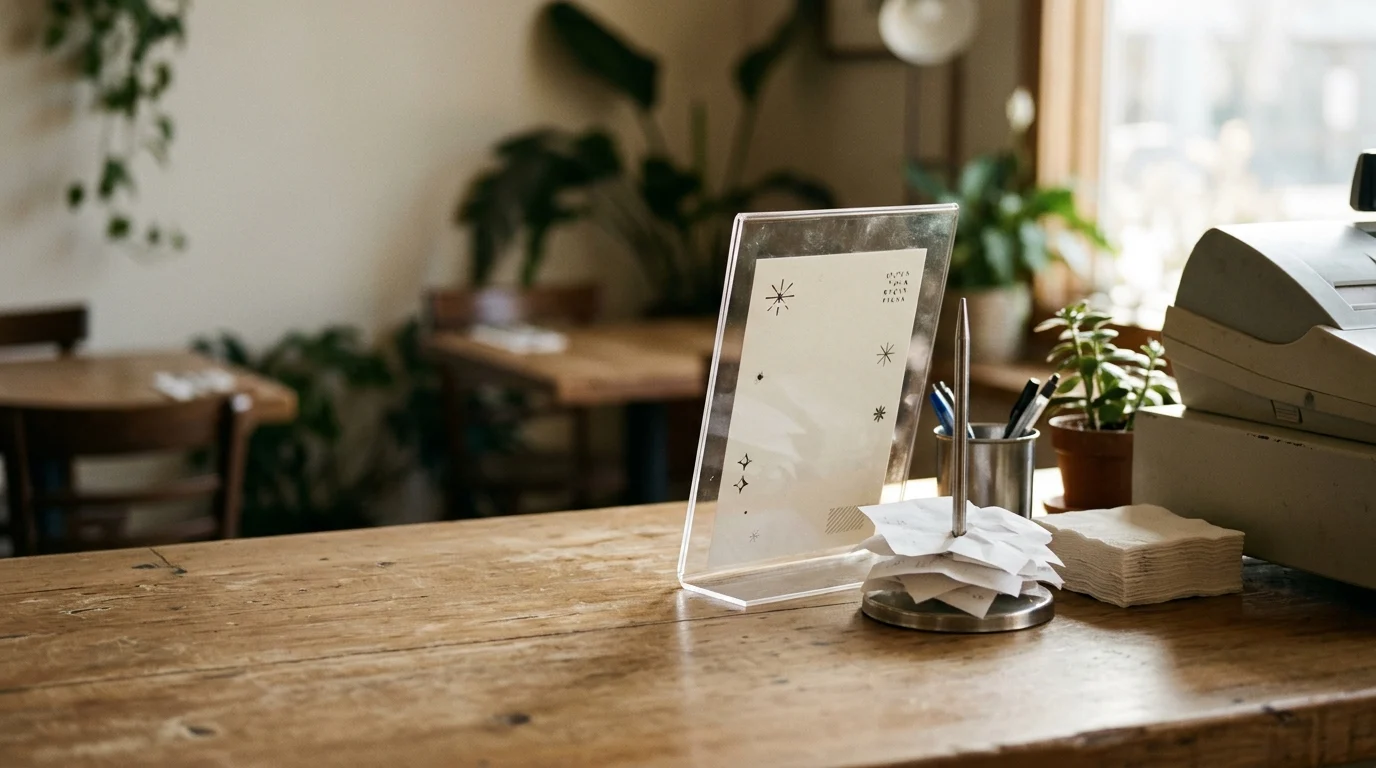
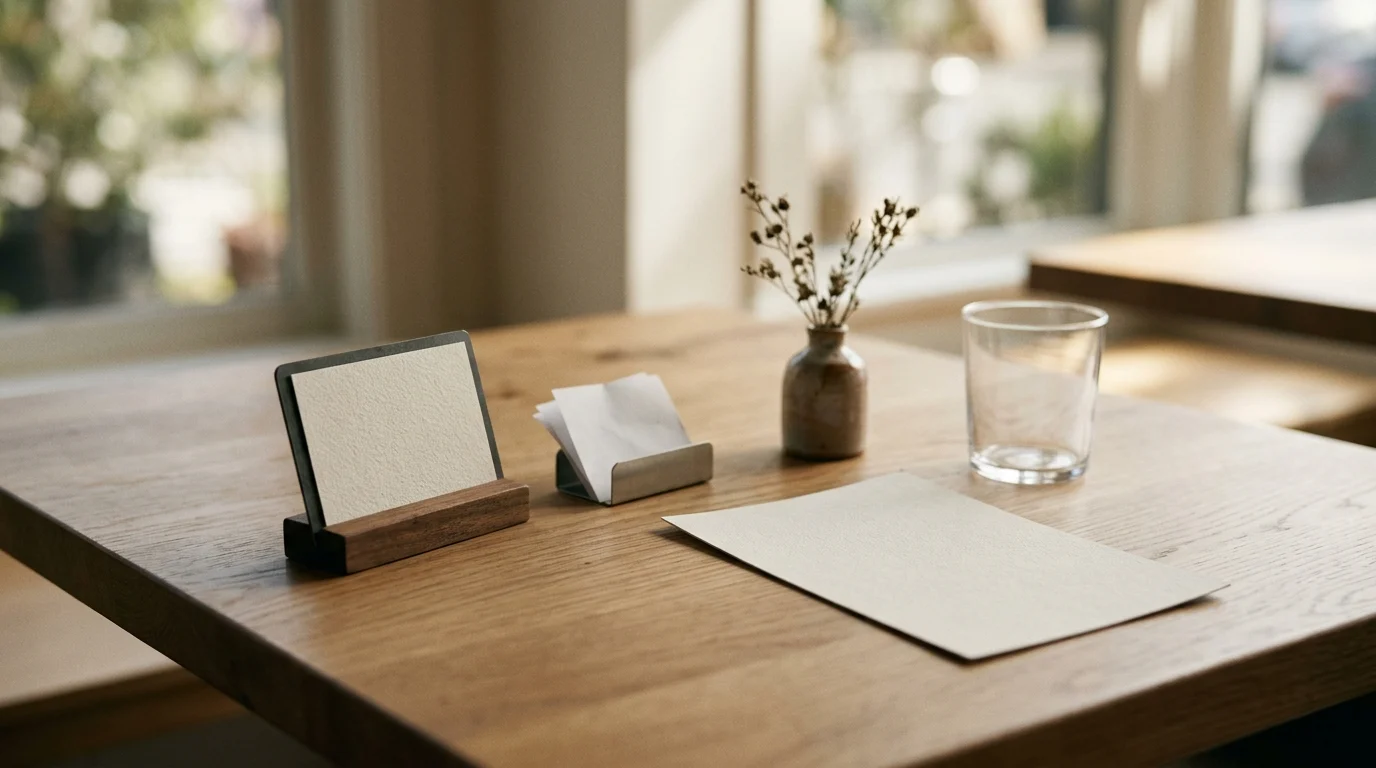
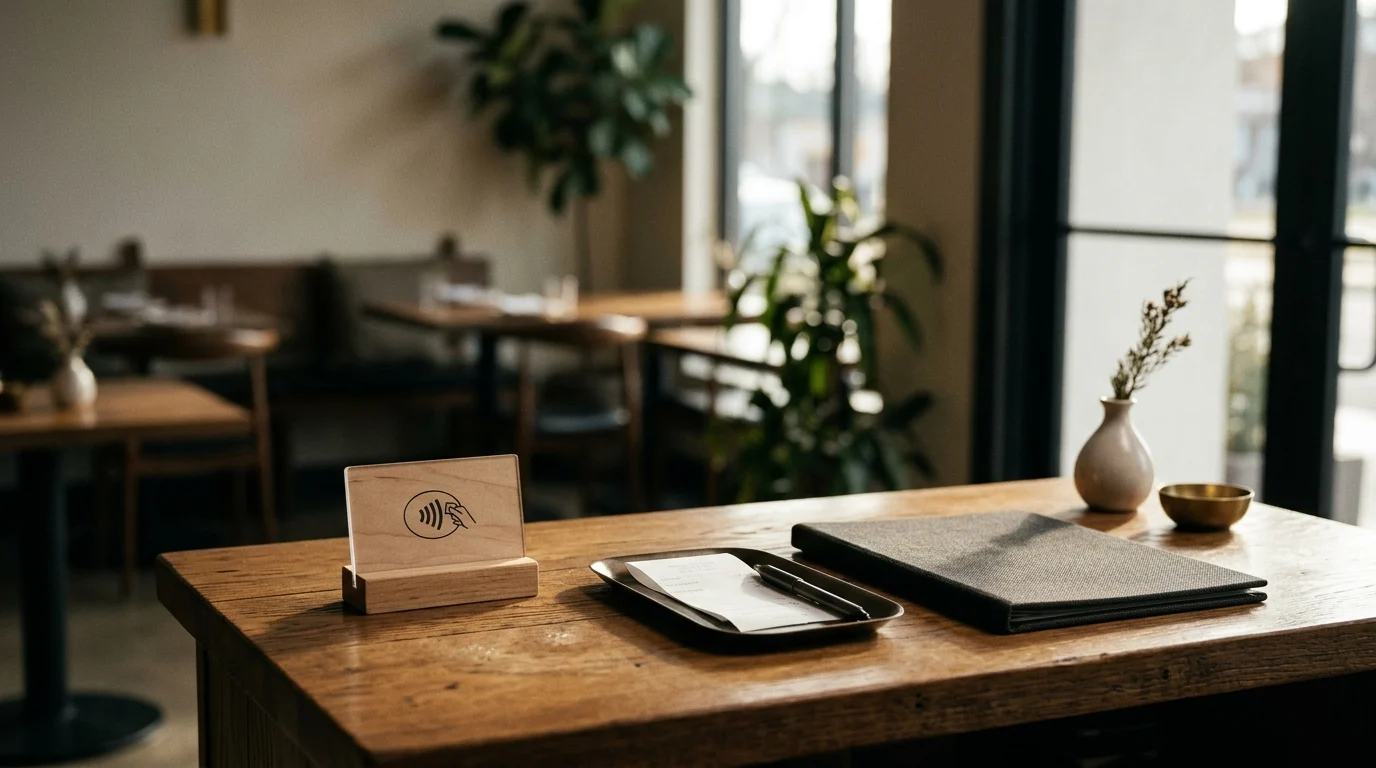
Google Review Table Stand for Restaurants: What to Put on It
A Google review table stand for restaurants works best when it is simple, clear, and easy to tap or scan. Here’s what to put on it to get more feedback.
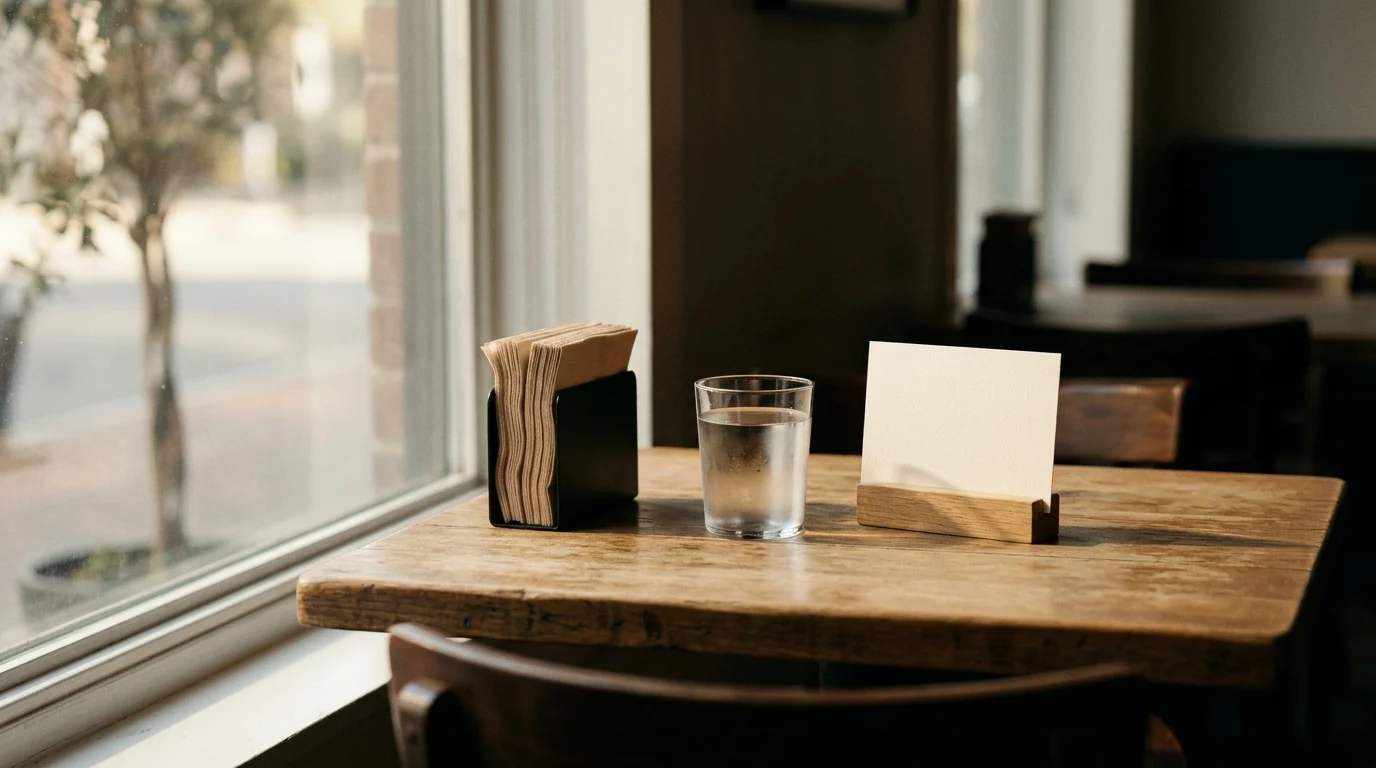
A google review table stand for restaurants should show one clear action: leave a review. The best stands are short, easy to read, and simple to tap or scan from a dining table.
If guests can understand it in a few seconds, you have a better chance of getting a review before they leave. A review stand for the counter or table works well in cafés, diners, pizzerias, and full-service restaurants because it fits naturally into the guest experience.
What should you put on the stand?
Start with a direct request, not a long message. A good stand usually includes a review prompt, a tap or scan cue, and a visual that points the guest toward the action.
For restaurants, the strongest content is often:
- A short line like “Leave us a Google review”
- A tap icon, QR icon, or both
- Your restaurant name or logo
- A simple thank-you line
That is enough for most tables. If you crowd the design with too much text, guests glance once and move on.
Why a short message works better in restaurants
Restaurant guests are usually focused on the meal, the conversation, or the check. They are not looking for a paragraph of instructions. A short message is easier to notice while they are waiting for coffee, paying the bill, or sitting after dessert.
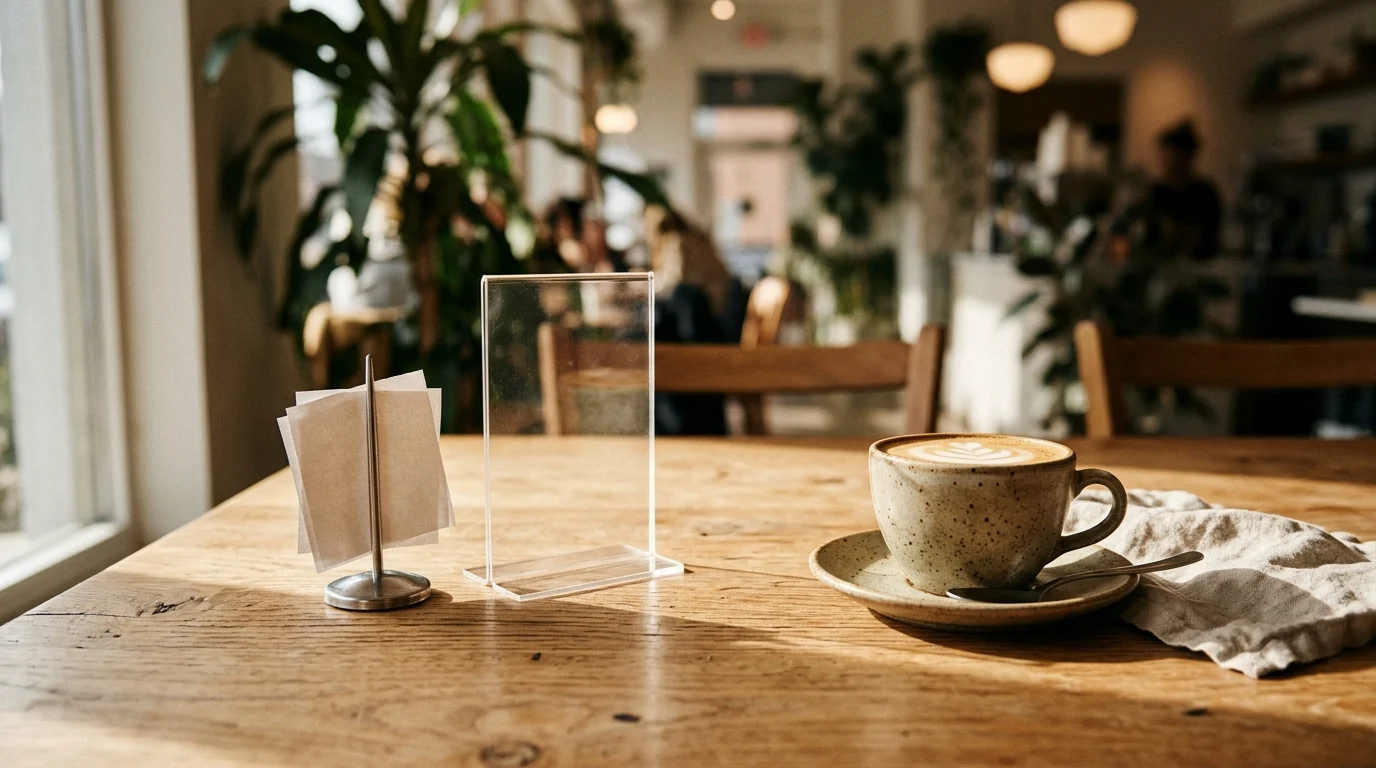
That is why many owners use a google review card style message or a tabletop sign with one clear CTA. In a busy café, a clean table stand does more than a poster near the door because the guest sees it at close range.
One table, one action: tell the guest exactly what to do next.
Which details should always be visible?
Make the stand useful at a glance. The guest should not have to ask staff what the stand is for, and they should not need to search for your business online.
Keep these details visible and easy to understand:
- Your Google review request
- A tap area or QR code area
- Your restaurant or café branding
- A thank-you message
- Optional short instruction like “Tap here” or “Scan here”
If you serve families, office workers, or tourists, simple wording helps even more. A guest who is already in a rush can still act in a few seconds.
Should you use NFC, QR, or both?
For restaurants, both is usually the safest choice. Some guests prefer tapping with a phone, while others are more comfortable scanning a code. A dual-action stand reduces friction at the table.
If you want a ready-made option, the tabletop review stand with tap and scan gives you both methods in one display. That is useful for cafés, bakeries, and casual dining spots where different customer ages and phone types come through every day.
Where should you place the stand?
Placement matters as much as design. Put the stand where the guest naturally pauses: on the table, near the bill folder, on the host stand, or beside the payment terminal.
For table service, the best moment is usually after the meal, when the check arrives or when the server is clearing dishes. In counter-service places like sandwich shops or smoothie bars, the stand works well near pickup or payment. If you want more ideas for layout and wording, see top tips for a restaurant review display.
What design choices help guests trust it?
Simple, clean design usually feels more trustworthy than a busy promotional sign. Use readable contrast, enough white space, and a message that sounds like a request from a real business owner, not a sales flyer.
For a polished look, many restaurants choose a neutral color such as black or white. A branded custom logo table stand can also match your interior if you want the display to feel part of the décor rather than a separate promotion.
How do you ask without sounding pushy?
Use a calm, polite ask. The sign should invite feedback, not pressure the guest.
Good examples include “If you enjoyed your meal, please leave us a Google review” or “Your feedback helps our restaurant grow.” That wording works well in a sit-down bistro, a family diner, or a neighborhood coffee shop because it feels respectful and direct.
What should you avoid on the stand?
Avoid clutter, tiny fonts, and mixed messages. The stand is not the place for menus, promotions, or multiple social links.
Do not make the guest read too much, and do not hide the action behind small design elements. If you want a separate display for menu access, use a dedicated QR menu table stand instead of combining too many tasks into one sign.
When is a review stand better than a card?
A table stand is better when you want a permanent, visible display that stays in place. It works especially well in restaurants, cafés, and hotels where guests sit down and have time to look around.
A card is better for hand-to-hand moments, but a stand gives you more visibility at the table. If you are comparing formats, the article on how to choose the best table stand can help you decide based on your layout and service style.
Frequently asked questions
What is the best message for a restaurant review stand?
The best message is short and direct, such as “Leave us a Google review” or “Tell us how we did.” Guests respond better when they know exactly what to do in one glance.
Should I ask for a review at the table?
Yes, if the timing is natural. The best moment is usually after a positive meal experience, when the guest is settled and not rushed.
Can I use the same stand in a café and a restaurant?
Yes, but the wording should match the setting. A café may use more casual language, while a full-service restaurant may sound more formal and polished.
Is NFC better than QR for table stands?
NFC is fast for compatible phones, while QR works for almost everyone. A stand with both gives guests the easiest path, which is usually the best choice for restaurants.
Conclusion
A good google review table stand for restaurants should be short, clear, and easy to act on. Put one direct request, one tap or scan option, and your branding on it, then place it where guests naturally pause.
If you want a simple setup, start with a dual NFC and QR stand and test it on your busiest tables first. That gives you a practical way to collect more feedback without interrupting service.