Google Review Stand for Dental Offices: Best Practices
Use a Google review stand for dental offices to make reviews easy after appointments, at checkout, or near the front desk. Learn where to place it and what to say.

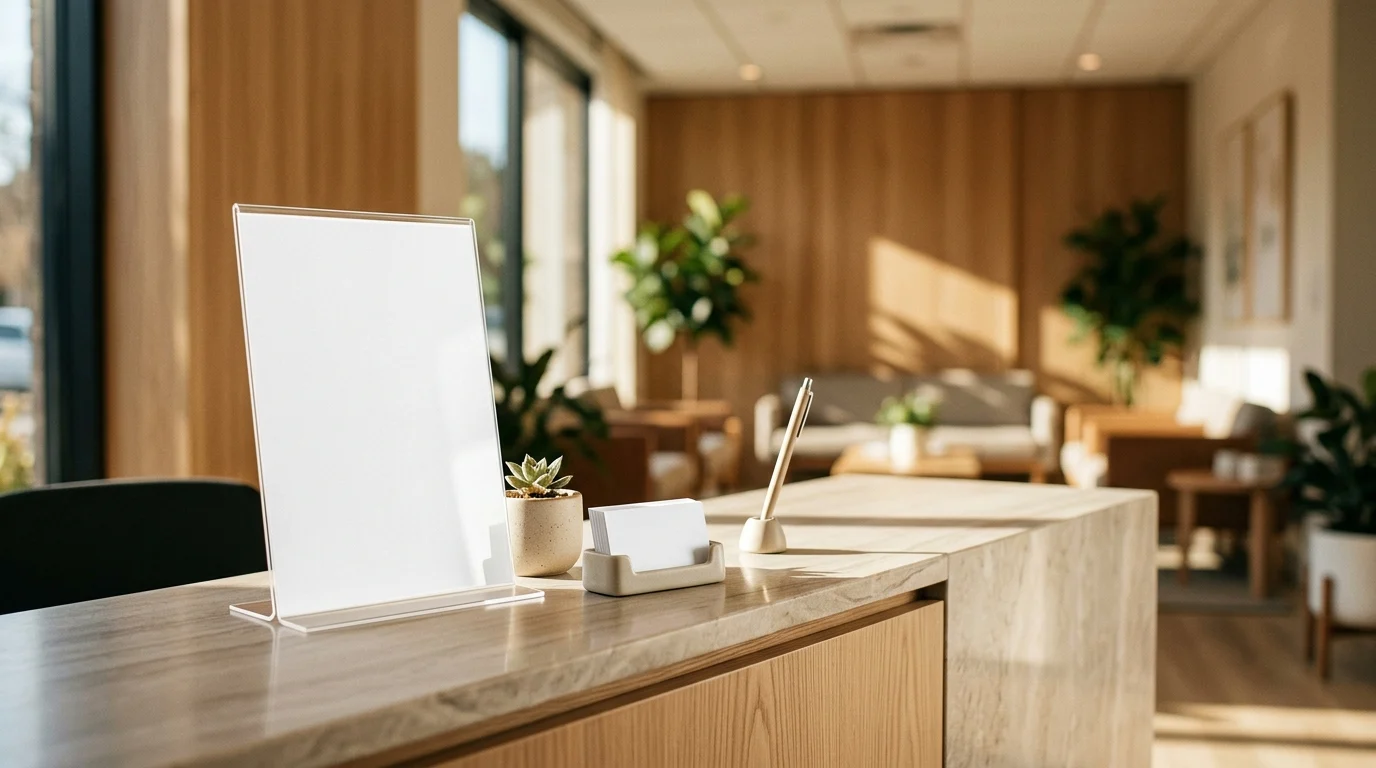
A google review stand for dental offices helps patients leave feedback while the visit is still fresh. Place it where people naturally pause, such as the reception desk, checkout area, or next to the appointment clipboard.
If you want a simple setup, a Google Review Stand gives patients a clear tap-or-scan option, and a model like the tabletop acrylic review stand fits neatly on a front desk without cluttering the space.
Why does a dental office need a review stand?
Dental practices depend on trust. New patients often compare dentists by reading reviews, especially for cleanings, cosmetic dentistry, implants, emergency care, and family dentistry.
A stand makes the review request visible, simple, and consistent. Instead of asking patients to search for your profile later, you give them one clear action before they leave.
Where should you place a review stand in a dental office?
Put the stand where patients slow down and have a natural pause. The best spots are the front desk, payment counter, post-visit checkout area, and the waiting room desk if staff can point to it naturally.
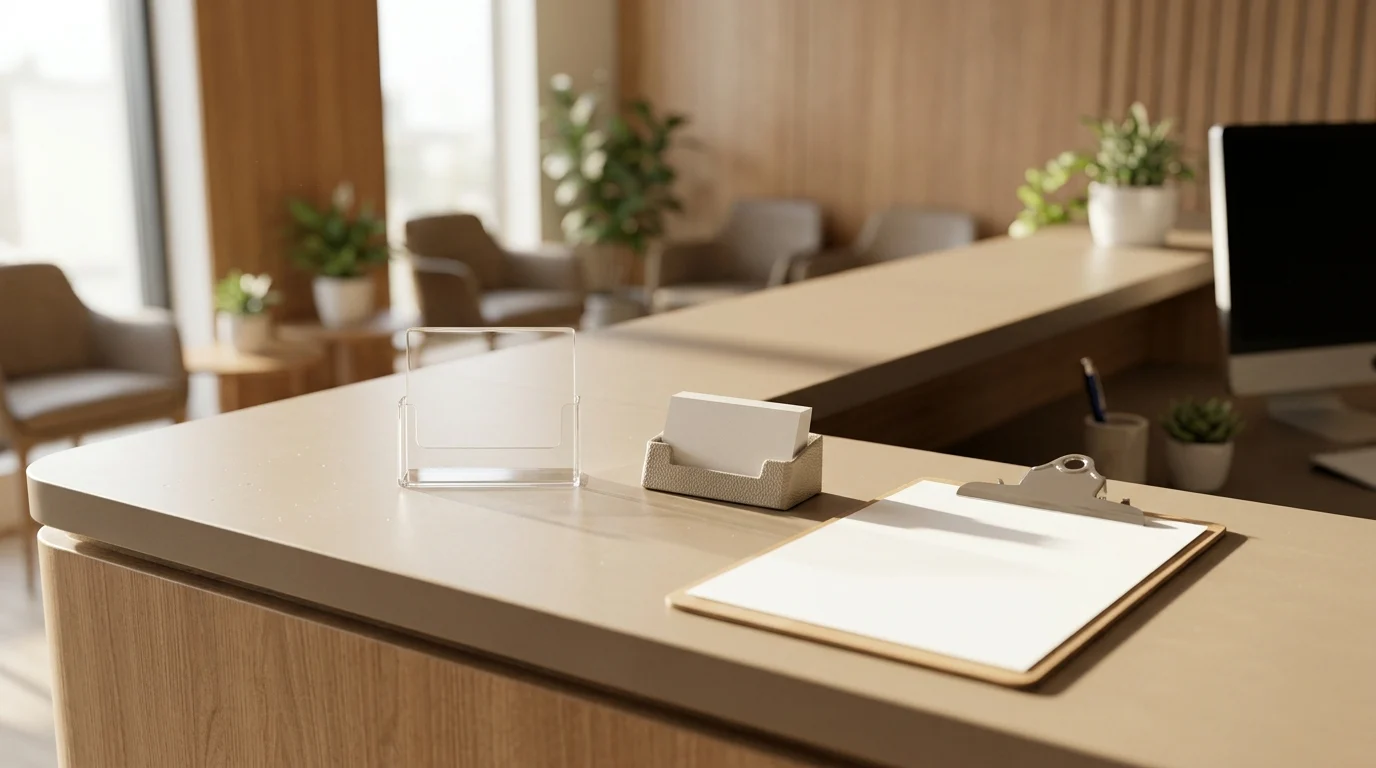
Avoid hiding it behind brochures or placing it where patients have to bend, turn, or ask for help. The easier it is to see, the more likely it is to be used.
Make the review request visible at the moment a patient feels settled, not rushed.
How do you ask for reviews without sounding pushy?
Keep the request short and specific. A receptionist, dental assistant, or office manager can say, “If today’s visit went well, you can tap here to leave a Google review before you go.”
That wording works because it is friendly and low-pressure. It also matches the calm environment patients expect in a clinic.
What setup works best for different dental offices?
Small practices usually need only one stand near the front desk. Larger offices with multiple checkout points may want a second stand in a different area, such as near billing or treatment coordination.
You can also match the display to your office style. A clean white finish suits a bright family practice, while a darker stand often looks better in a modern cosmetic dental office.
How can the stand support better patient reviews?
Use the stand as part of a routine, not as a one-time tactic. Staff should mention it during checkout, after a positive conversation, or when a patient thanks the team for a smooth experience.
For offices that want more control over branding, the Google Review Card category is useful for handheld or counter-based review requests, while a review stand keeps the prompt fixed in one visible place. If your practice also shares contact details often, a digital business card can help front-desk staff send links quickly after calls or follow-ups.
What should you include on the landing flow?
Patients should land on the right review path fast. Keep the process direct so they do not get distracted by menus, extra pages, or unrelated links.
- Place the stand at a visible point of contact.
- Use a short staff script for checkout or dismissal.
- Send patients to your Google review page in one tap or scan.
- Keep the message consistent across all front-desk staff.
- Check the stand regularly so it stays clean and upright.
If you want a setup guide that matches this workflow, the post on google review card setup for dental offices is a helpful companion read.
How do you keep the display effective over time?
Review displays work best when they stay clean, readable, and easy to reach. In a dental office, fingerprints, dust, and crowded counters can make even a good display easy to ignore.
Assign one person to check the stand during opening routines. If the counter layout changes, move the display with it instead of leaving it in a weak location.
How does this fit with local SEO?
More consistent Google reviews can support your local presence on Maps and Search because patients are interacting with your business profile more often. That matters for dentists competing in the same neighborhood, especially in cities where patients compare several clinics before booking.
If you want the bigger picture, the guide on ranking on Google Maps explains how reviews fit into local visibility. For multi-location practices or growing groups, corporate solutions can help keep branding and review requests consistent across branches.
What mistakes should dental offices avoid?
Do not place the stand where it competes with paperwork, payment terminals, or promotional clutter. Patients should see one clear call to action, not a crowded counter.
Also avoid making the review request feel like a script read under pressure. A calm, natural invitation from the front-desk team works better than repeated reminders.
Frequently asked questions
Is a review stand better than asking patients verbally?
It works best as a support tool for the verbal ask, not a replacement. Patients are more likely to act when they hear a short request and see a clear stand at the same time.
Can a dental office use one stand for every patient type?
Yes. A single stand near the checkout area usually fits cleanings, cosmetic visits, emergency appointments, and new patient visits. If you have multiple exits or service desks, a second stand can help.
Should the stand go in the waiting room or the front desk area?
The front desk is usually stronger because it appears at the end of the visit, when patients are leaving with the experience still fresh. A waiting-room stand can work as a backup, but it is often less effective than checkout.
Does the review stand replace other marketing tools?
No, it should be one part of your local marketing system. Many dental offices pair it with review cards, follow-up messages, and a strong Google Business Profile.
Conclusion
A google review stand for dental offices works best when it is visible, simple, and used consistently by your staff. Put it where patients pause, pair it with a short script, and keep the process easy from tap to review.
If you want a practical starting point, choose a stand that fits your front desk and support it with a clear review workflow. That small change can make it easier for patients to share a positive experience.