Google Review Card for Dental Offices: Setup Guide
Set up a Google review card for dental offices that patients notice and use. Learn where to place it, what to say, and how to keep the flow simple.
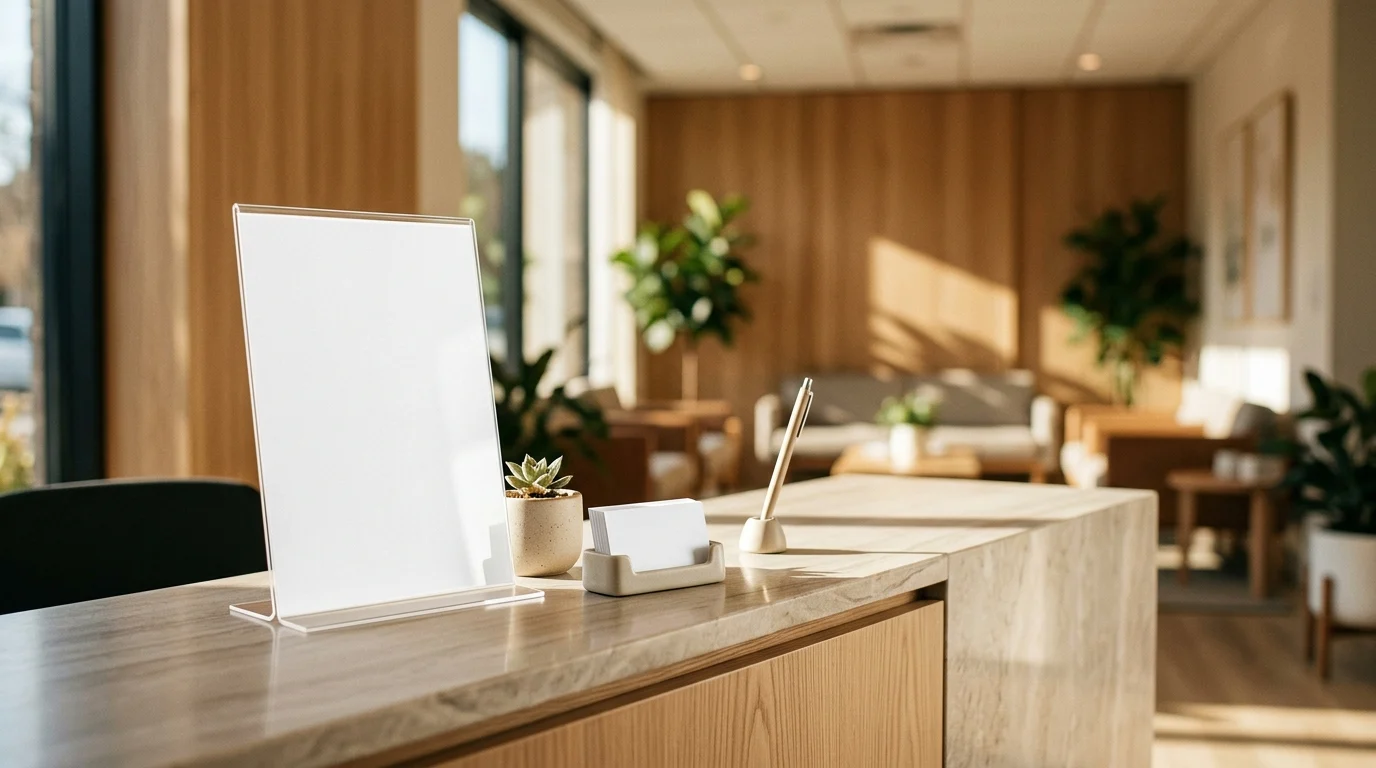
A google review card for dental offices helps you ask for reviews while the visit is still fresh. Put it where patients check out, and they can open your Google review page with one tap or scan.
This works well for general dentists, pediatric dentists, orthodontists, and cosmetic dental clinics because the handoff is simple. If you want a ready-made option, a google review card category gives you a few formats to match your front desk, and a product like the classic NFC review card is easy to hand to staff or place at reception.
Why a google review card for dental offices works at checkout
Patients are more likely to leave feedback when the experience is still clear in their minds. A short ask at the front desk feels easier than sending a follow-up email that gets ignored.
Dental offices also benefit because many visits end with a natural pause: the patient pays, books the next cleaning, and leaves. That is the best moment to invite a review without interrupting care.
Ask once, make it easy, and place the request where the patient already pauses.
Where should you place the review card in a dental office?
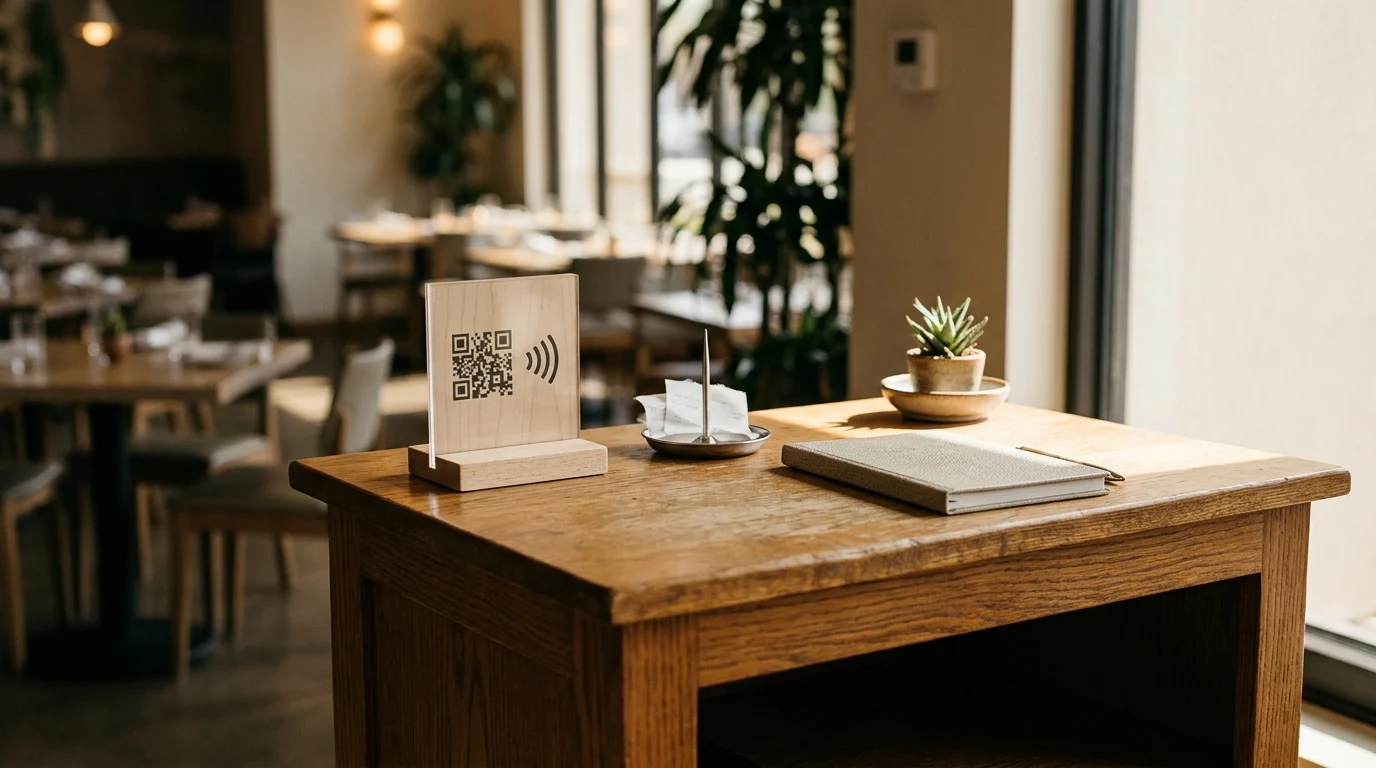
Place the card at the checkout desk, next to the payment terminal, or beside the appointment book. In clinics with a waiting area, a small tabletop display can also work near the reception bell or the recall card station.
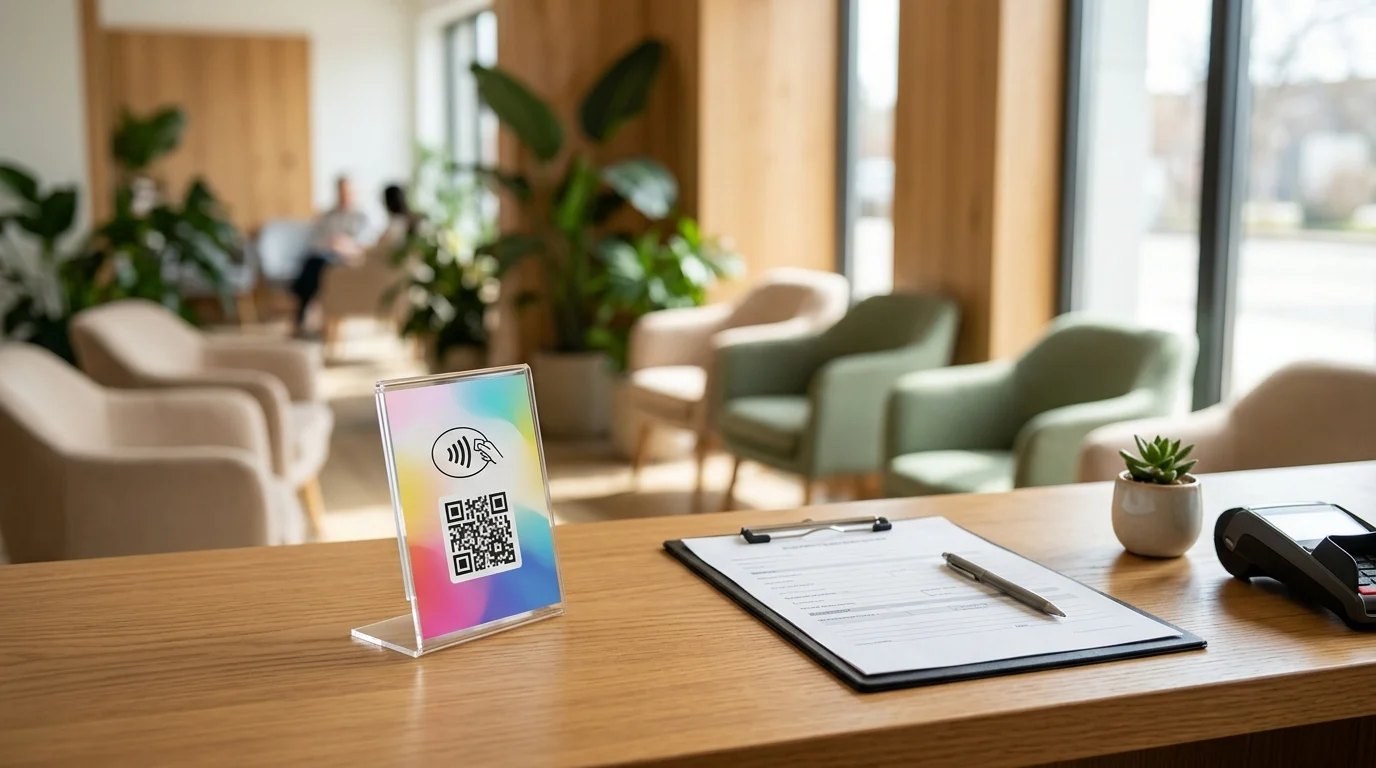
For busy offices, a sturdy stand is often better than a loose card because it stays visible all day. If you want a countertop format with both tap and scan options, the review stand and sticker category is useful, and the acrylic tabletop review stand fits well in a clean reception area.
Best spots by office type
- General dentistry: front desk checkout area
- Orthodontics: payment and scheduling counter
- Cosmetic dentistry: consultation room exit desk
- Pediatric dentistry: parent checkout station
- Multi-location practices: one standard placement at every reception desk
What should the setup include?
Your setup should be simple enough that a receptionist can explain it in one sentence. The card should open the correct Google review page, and the landing flow should avoid extra steps.
Use a clear visual cue, such as “tap here” or “scan here,” but keep the design calm and professional. A dental office is not the place for cluttered messaging, because patients should understand the action immediately.
How do you set up the review card step by step?
- Choose the right review destination for your Google Business Profile.
- Decide whether your front desk needs a card, stand, or wall sign.
- Place the card where patients wait after checkout.
- Test the tap and scan flow on an iPhone and an Android phone.
- Train the receptionist to mention it naturally during checkout.
- Check the link periodically so it still opens the right review page.
If you want a placement that stays visible without taking much counter space, a custom stand and square plate can also fit a logo, Wi-Fi, menu, or service link. For clinics with a stronger brand identity, this helps keep the look consistent across locations.
What should your staff say to patients?
Keep the script short and polite. A receptionist can say, “If you have a moment, you can leave us a Google review here,” and then point to the card.
That works better than a long explanation. For dental teams, the goal is to make the request feel like a normal part of checkout, not a separate sales pitch.
How can you make the landing page easier for patients?
The review page should open fast and tell the patient exactly what to do next. Fewer taps mean fewer drop-offs, especially for older patients or anyone in a hurry.
If you are writing the page text, keep it direct: thank the patient, invite honest feedback, and avoid long paragraphs. A helpful reference is the landing page wording guide, which shows what to say without overcomplicating the experience.
What mistakes should dental offices avoid?
Do not hide the card behind the reception computer or place it where only staff can reach it. If patients do not notice it, the setup will not be used.
Do not ask only certain patients, and do not offer anything in exchange for a review. Keep the request open, fair, and based on the patient’s actual experience.
How does this support local SEO for your practice?
More reviews can improve how often people trust your practice when they see it on Google Maps. They also give future patients more context about your communication, comfort, and service quality.
If you want the bigger picture, the local SEO guide explains how reviews fit into broader visibility. For a dental office, steady review collection is usually one of the simplest ways to support that effort.
Frequently asked questions
Do dental offices need a card or a stand?
Either can work, but a stand is better if you want the request visible all day at the front desk. A card is useful if staff want something they can hand over or move between rooms.
Should the card be used after every appointment?
Yes, if the visit ended well and the patient is leaving the office anyway. A consistent routine is easier for staff and makes the request feel natural.
Will older patients be able to use it?
Usually yes, as long as the setup is simple and the receptionist gives a quick explanation. Large, clear placement at checkout helps more than extra instructions.
Can one setup work for multiple dentists or locations?
Yes, if each location has its own correct Google review link. Multi-location practices often benefit from a consistent format so every desk works the same way.
Conclusion
A google review card for dental offices works best when it is visible, simple, and part of the checkout routine. Start with one front desk setup, test it on a few phones, and keep the wording short.
If you need a format for the counter, wall, or team workflow, choose the version that fits your office layout and use it consistently.