Google Business Review Card for Restaurants: Setup Guide
Set up a Google business review card for restaurants to make review requests simple at the table, counter, or host stand and help guests leave feedback fast.
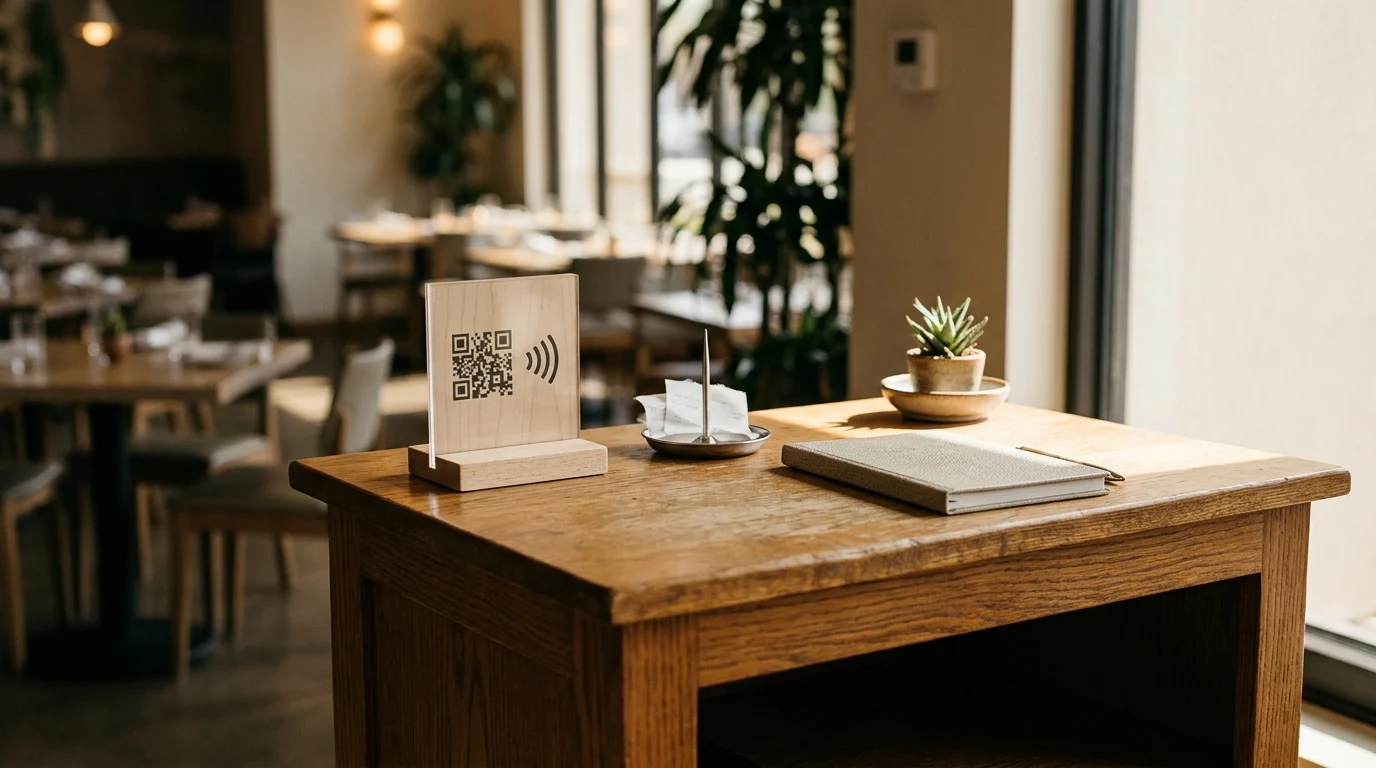
A google business review card for restaurants helps guests reach your Google review page with one tap or scan. Place it where customers already pause, such as the host stand, payment counter, or table, and you make the review step much easier.
For a restaurant, that simple placement matters. If you want a ready-made option, a google review card or a tabletop stand can reduce the friction that usually stops happy diners from leaving feedback.
Why use a Google business review card for restaurants?
Restaurants rely on quick decisions. A guest may love the food, service, or atmosphere, but once they leave, the moment is gone and the review usually never happens.
A review card gives them a direct path to your Google profile while the experience is still fresh. That works well for cafés, burger shops, sushi bars, bakeries, and family diners where staff can present the card naturally at checkout.
It also supports local visibility. More consistent reviews can strengthen trust when people compare nearby restaurants on Google Maps.
Where should you place the review card in a restaurant?
Put it where guests stop moving and have a phone in hand. The best spots are usually the host stand, the payment counter, the pickup shelf, and the center of a table stand.
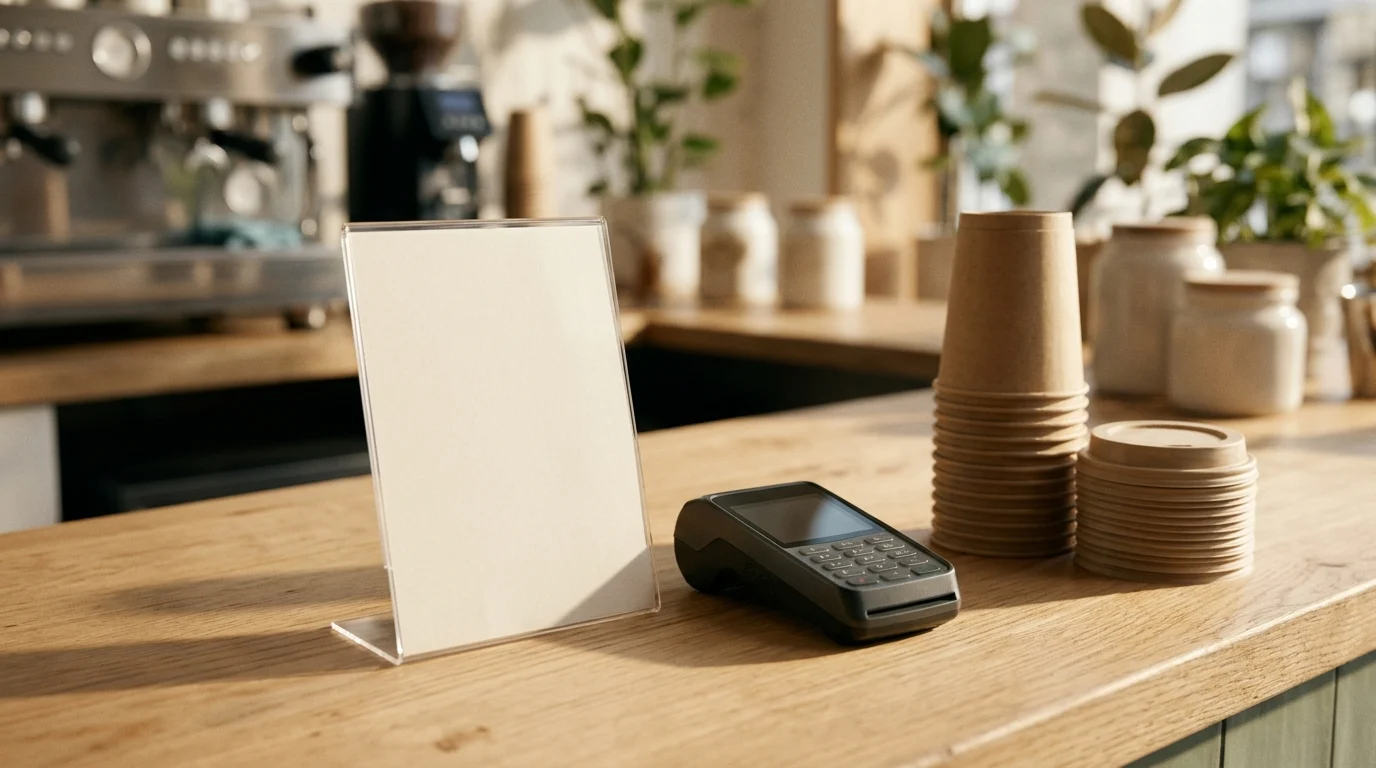
For dine-in service, table placement often works best because guests have a few quiet seconds after the meal. For takeout-heavy restaurants, the counter near the receipt or packaging station is usually more practical.
- Host stand for first-time diners
- Payment counter after checkout
- Tabletop stand for sit-down service
- Pickup counter for takeaway customers
If you want a durable tabletop option, a review stand and sticker setup is useful for both dining rooms and counters.
What should your setup include?
A good setup keeps the action simple: one tap or one scan, then the Google review page opens immediately. If the path is confusing, guests will ignore it even if they were willing to help.
That is why many restaurants use a physical card or stand linked to the correct review page. A popular choice is the google review stand with nfc and qr, because it gives customers two ways to open the review flow.
Make sure the page on the other end is mobile-friendly and easy to understand. Guests should see the review button quickly, not a long page with extra steps.
How do you set it up step by step?
Setting up the card takes a few practical steps, and you only need to do them once unless your review link changes.
- Open your Google Business Profile and copy the review link.
- Choose the physical format that fits your service style.
- Add or program the review link to the card or stand.
- Test the tap or scan with an iPhone and an Android phone.
- Place the card where guests naturally pause, then train staff to point to it politely.
If you want to understand the tap process better, the guide on how to use a google review tap card is a useful companion read.
What makes guests more likely to leave a review?
The biggest factor is timing. Ask when the experience is fresh, such as right after a meal, while the guest is paying, or when they compliment the food or service.
Short staff prompts work best. A server might say, “If you enjoyed dinner, you can tap here to leave us a Google review,” or a cashier might point to the stand after the receipt is printed.
Keep the request short, polite, and tied to a real moment of satisfaction.
Restaurants do better when the review request feels like part of the service, not a separate sales pitch.
How can you keep the setup working all day?
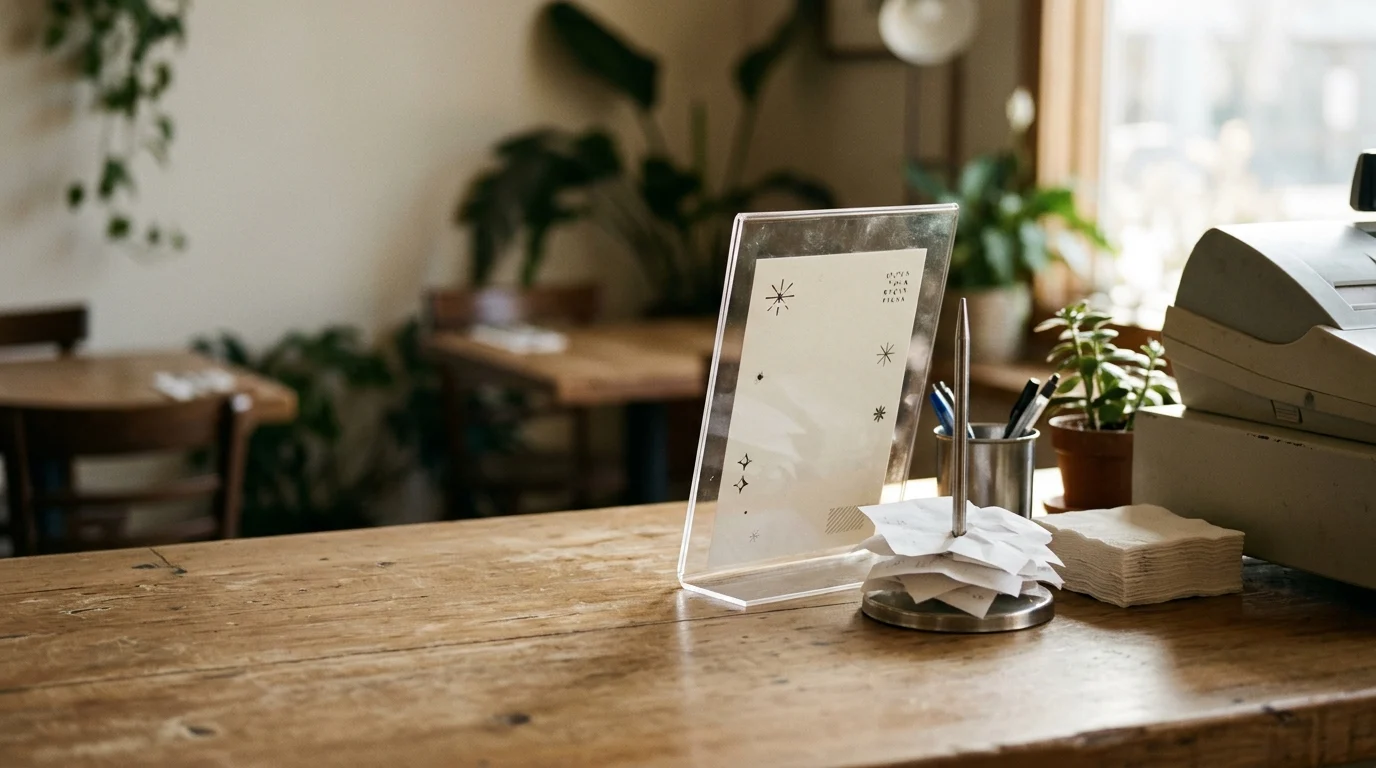
Durability matters in restaurants because counters get wiped often and table items get moved. Choose a format that stays visible, stands upright, and is easy for staff to return after cleaning.
For busy venues, adhesive labels can help in tight spaces, while a freestanding acrylic piece works well on tables and the host station. If your restaurant also wants to collect reviews and support menu access, a qr menu stand and card can serve a second purpose on table tops.
Test the setup during lunch and dinner service. If guests keep missing it, move it closer to the bill folder, card reader, or check presenter.
Which card style fits different restaurant types?
Different concepts need different placements. A coffee shop may do best with a small counter card near the pastry case, while a full-service steakhouse may prefer a table stand for every table.
| Restaurant type | Best placement | Why it works |
|---|---|---|
| Café | Counter near pickup | Guests wait briefly and can tap before leaving |
| Full-service restaurant | Tabletop stand | The guest has time after the meal |
| Takeout spot | Checkout counter | Works during payment and order handoff |
| Bakery | Display near register | Easy to notice during quick purchases |
If your brand wants a cleaner premium look, you can also compare card formats in the nfc digital business card category for other front-desk uses.
Frequently asked questions
Can guests use the review card with iPhone and Android?
Yes. Most modern iPhones support NFC taps, and many Android phones do as well. If you add a QR option, guests who prefer scanning still have a simple path to your review page.
Should every table have a review card?
Not always. In smaller cafés, one or two visible spots may be enough, while larger restaurants may benefit from table stands across the dining room and one at the host stand.
Is a review card better than asking in person?
The best results often come from using both. A friendly staff prompt plus a visible card gives the guest a clear next step, which is easier than asking them to search for your business later.
Can I use the same setup for other marketing goals?
Yes. Some restaurants use separate cards for reviews, social follows, or menu access depending on the table location. That keeps the message focused and avoids crowding one sign with too many actions.
Conclusion
A google business review card for restaurants works best when it is easy to see, simple to use, and placed where guests naturally stop. Use the dining room, counter, or host stand to make the review request part of the normal guest flow.
Choose the format that fits your service style, test it on real phones, and keep the message short. If you want a practical starting point, a Google review card or review stand is a straightforward way to build a better review routine.