NFC Google Review Card for Dental Offices: Setup Guide
Set up an NFC Google review card for dental offices so patients can leave feedback fast at checkout, reception, or after treatment with a simple tap.
An NFC Google review card for dental offices makes it easy for patients to open your review page with a tap or scan. Place it at reception, the checkout desk, or in the treatment handoff area so patients can leave feedback before they walk out.
If you want a simple setup, start with the google review card category and choose the format that fits your desk flow. For a dental front desk, a product like the classic white review card is easy to place near the receptionist without clutter.
Why dental offices benefit from a tap-to-review setup
Dental patients often forget to leave a review once they get home. A tap-to-review card catches them while the visit is still fresh, which is when they are most likely to respond.
This works well for general dentists, orthodontists, pediatric dental offices, oral surgeons, and cosmetic dentistry clinics. It also helps your team ask for reviews in a consistent way, instead of relying on memory or a printed flyer that gets ignored.
How should you set up an NFC Google review card for dental offices?
Start with one clear review destination and keep the process short. The patient should land directly on the Google review prompt or a simple page that leads them there, without extra steps.
- Choose the right card or stand for your front desk.
- Connect it to your Google review link.
- Test the tap on both iPhone and Android phones.
- Place it where patients naturally wait or pay.
- Train the front desk team to mention it at the right moment.
For a desk setup, many clinics prefer a tabletop format such as a review stand and sticker because it stays visible. If you want a more stable option for the counter, the acrylic tabletop review stand gives you a neat, professional look.
One clear tap point at the right moment works better than asking in three different places.
Where should you place the card in a dental office?
Put the card where patients already stop: the checkout desk, payment area, or next to the chairside paperwork station. A patient who has just finished a cleaning or cosmetic consult does not want another task, so visibility matters.
In larger practices, one card at the front desk and one in the private billing area can help. If you want a wall-mounted option for a hallway or reception wall, a NFC review wall sign keeps the reminder visible without taking up counter space.
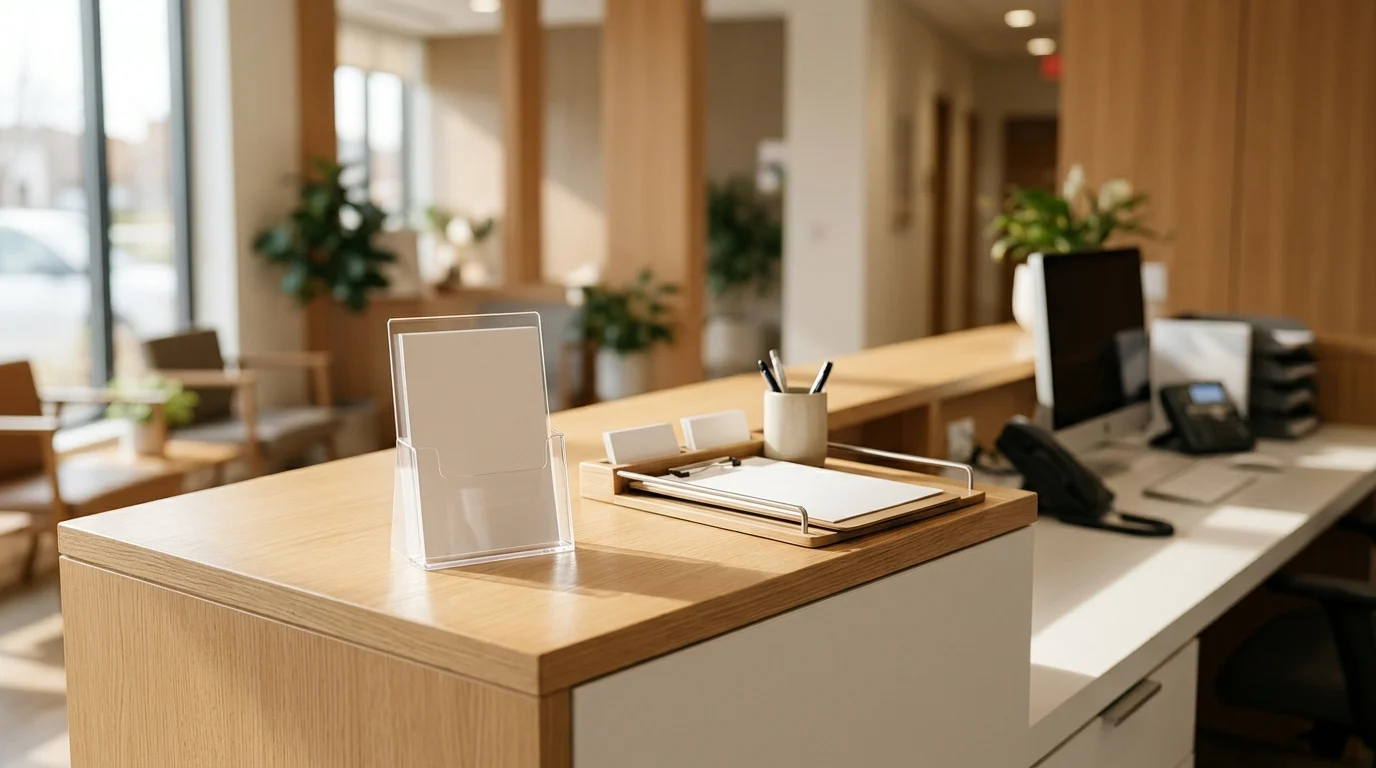
For clinics with multiple operatories or a busier front desk, a small acrylic stand can be easier to notice than a flat card. The image below shows the kind of placement that works best in a real reception area.
How do you explain it to patients without sounding pushy?
Keep the message short and practical. Your receptionist can say, “If you have a moment, you can tap this card to leave a quick review about your visit.”
That wording is calm and helpful. It works better than a long speech, especially when patients are leaving with paperwork, next-visit notes, or a follow-up appointment.
What should the landing page say?
Your landing page should match the patient’s expectation the moment they tap. Use a simple headline, a short instruction, and a direct button to your Google review page.
For example, a dental clinic page can say: “We’d love your feedback on your visit today.” Then add one clear button, such as “Leave a Google review.” If you want ideas for wording and flow, see the guide on what to say on the landing page.
How do NFC and QR together help more patients?
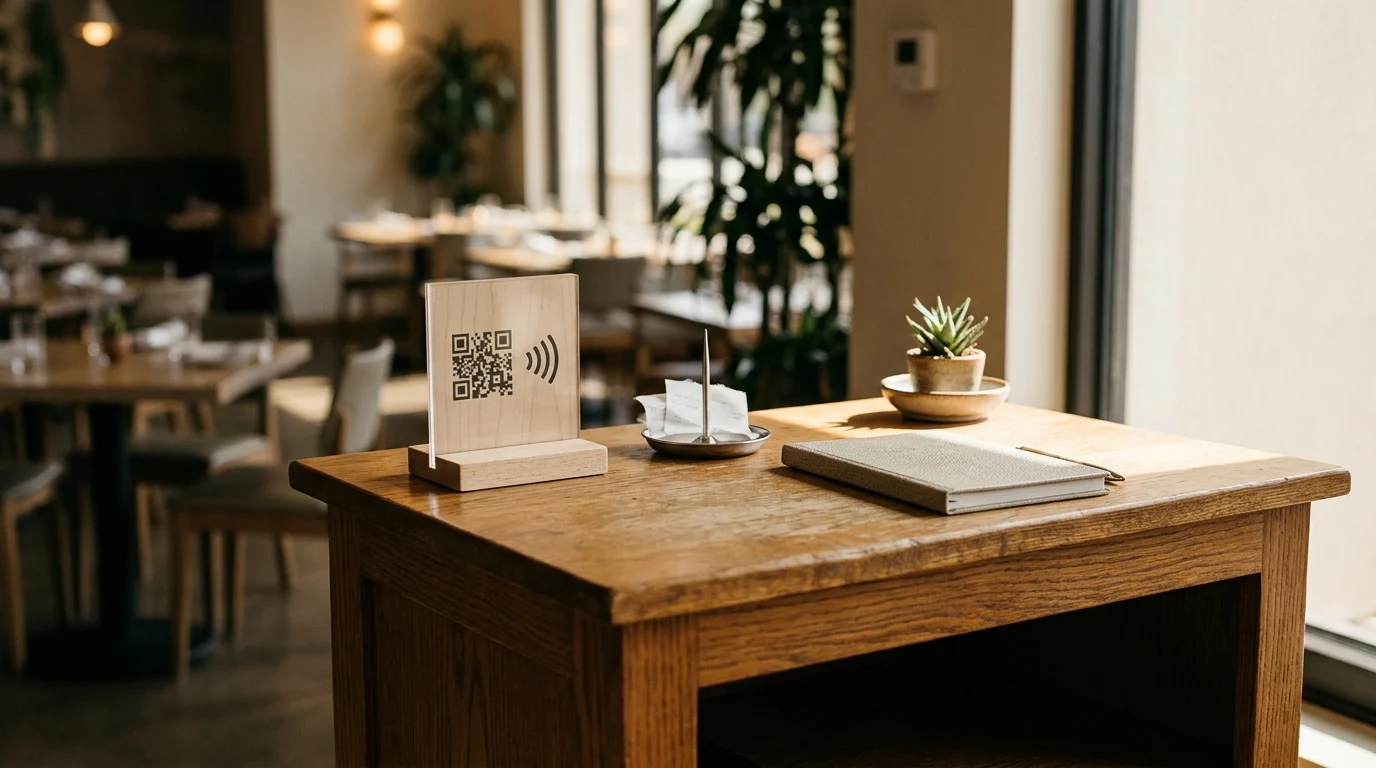
Some patients tap easily, while others feel more comfortable scanning a code. A combined NFC and QR setup gives you both options in one place, which is helpful in family practices and clinics that serve a wide age range.
If a patient is using an older phone, has a case that interferes with tapping, or simply prefers scanning, the QR option keeps the process moving. That is why many dental offices choose a stand format with both technologies built in.
What mistakes should dental offices avoid?
Do not place the card where staff or supplies block it. If the patient cannot see it, they will not use it.
Do not ask at the wrong time, such as in the middle of billing confusion or while a child is upset after treatment. The best moment is usually after checkout, when the visit is done and the patient is already standing at the desk.
Do not make the process complicated with multiple links or a long explanation. A fast, clean path to the review page is what makes the setup work.
How can this fit into your local SEO routine?
Google reviews support your visibility in Maps and local search because they add fresh patient feedback to your profile. That matters for searches like “dentist near me,” “pediatric dentist,” or “emergency dental clinic.”
The card is not a replacement for good service, but it makes it easier for happy patients to act. If you want a broader approach, the guide on ranking on Google Maps can help you connect reviews with other local SEO basics.
Frequently asked questions
Do NFC review cards work with iPhones and Android phones?
Yes, most modern phones can open the review link by tap or scan. NFC works well for many newer phones, and QR keeps the setup usable for patients who prefer scanning.
Should a dental office use a card or a stand?
If you want something portable, a card works well. If you want a visible front-desk display, a tabletop stand is usually better because patients see it before they leave.
Where is the best place to link the card?
Link it directly to your Google review page or to a simple landing page that sends patients there. Fewer steps usually means more completed reviews.
Can one card be used in more than one location?
Yes, but each location should have its own review link if you manage multiple dental offices. That keeps feedback organized and more useful for each practice.
Conclusion
An NFC Google review card for dental offices works best when it is easy to see, easy to tap, and easy to understand. Put it at the front desk, keep the message short, and test it on a few phones before you start using it daily.
If you want a clean setup for your clinic, choose a card or stand that matches your reception space and connect it to a simple review flow.