Google Review NFC Stand for Dental Offices: Best Uses
See where a Google review NFC stand works best in a dental office, from checkout to the front desk. Learn simple placements that make review requests easier.
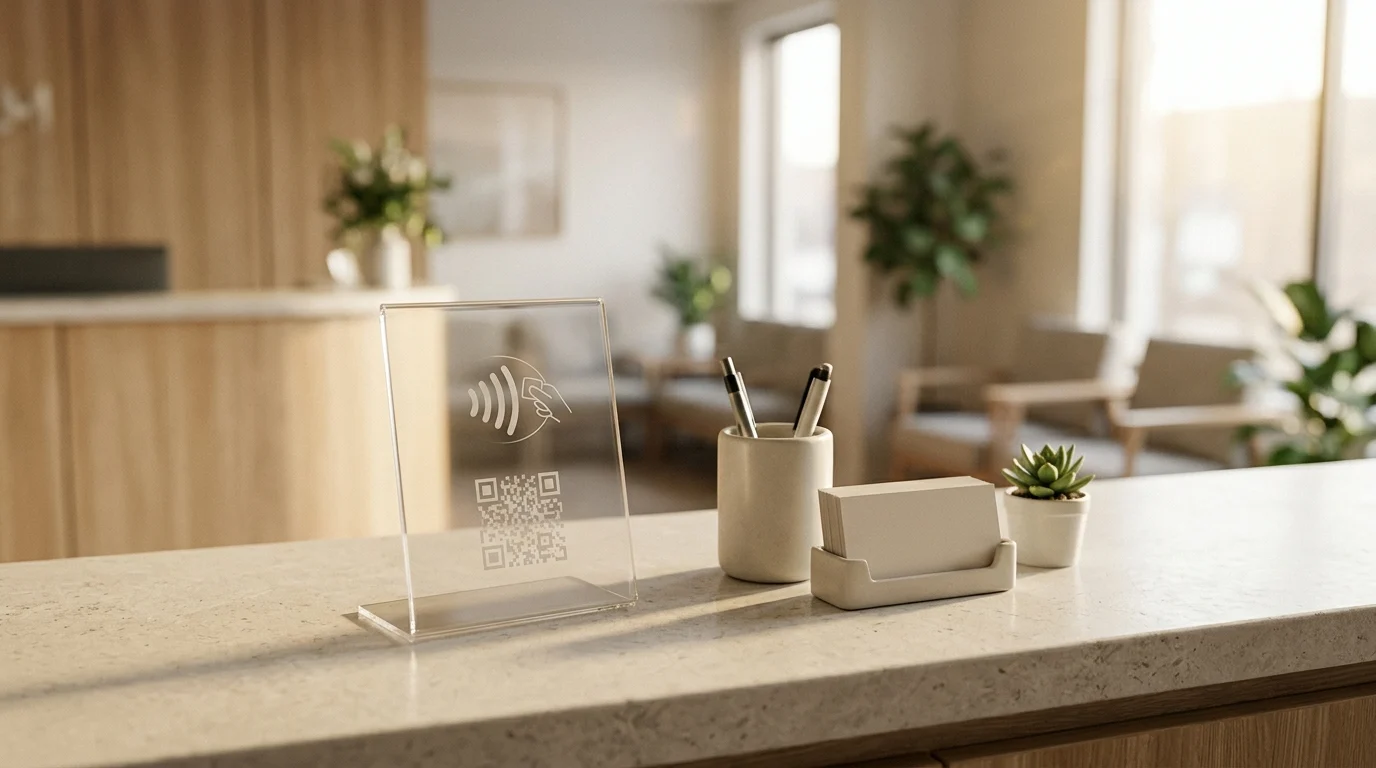
A google review nfc stand for dental offices works best at the front desk, checkout area, or consultation room, where patients already pause before leaving. It gives them a simple tap-or-scan path to your review page, which is easier than asking them to search for your practice later.
If you want a setup that feels clean and professional, a countertop option like a review stand & sticker is a strong fit for dental reception areas. Many offices also pair it with a dedicated tabletop review stand so the request is visible without adding clutter.
Where should you place it in a dental office?
The best placement depends on where patients naturally stop. In most dental offices, the strongest spots are the reception desk, billing window, and the spot where patients schedule their next visit.
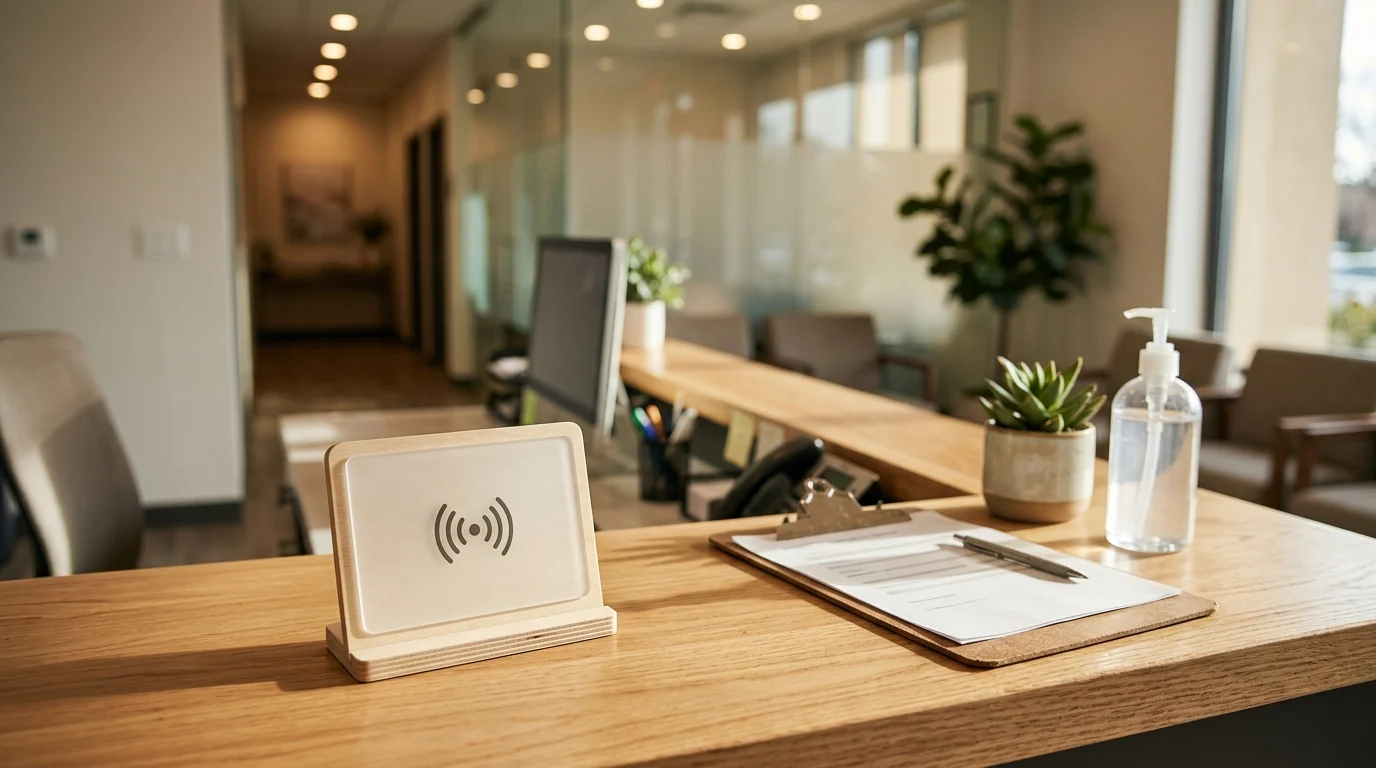
Think about the moments when patients are already finishing a task. A checkout counter in an orthodontic office, a front desk in a family dental clinic, or a payment area in a cosmetic dentistry practice can all work well because the stand is seen at the right time.
Best placement examples
- Front desk: for check-in and appointment scheduling
- Checkout area: for payment and post-visit questions
- Consultation room: for treatment plan discussions
- Reception counter near the exit: for a last touchpoint before patients leave
Place the request where the patient is already waiting, not where they have to stop and think.
Why a tabletop stand works better than a verbal ask
Reception teams are busy answering phones, confirming insurance, and helping patients with forms. A stand reduces the pressure on staff because it makes the request visible every time someone checks in or pays.
It also creates a consistent process. A hygienist may forget to mention reviews during a rushed day, but a small stand stays in place and keeps doing the work for you.
For dental offices that want a broader local presence, it can help to connect the review flow with your other front-desk tools. If your team also uses a branded contact solution, a digital business card can support referrals and follow-up while the review stand handles Google feedback.
Which dental use cases get the most value?
A Google review stand is useful anywhere patients have a calm moment after a positive interaction. That usually includes routine cleanings, cosmetic consultations, Invisalign visits, crown fittings, and post-treatment checkouts.
It can also help multi-chair practices with a lot of repeat traffic. When patients come in regularly, the stand becomes part of the office routine instead of a one-time promotion.
Common dental scenarios
- After a smooth cleaning or preventive visit, when the patient is still at the desk.
- After a consultation, when the patient has just had clear answers from your team.
- At checkout, when the visit is finished and the experience is fresh.
- At a follow-up visit, when loyal patients are already familiar with your office.
How does NFC help patients leave a review faster?
NFC makes the process quick because patients can tap their phone to open the review page. On many Android phones, that works directly; on iPhone, the tap can still be fast when the device is compatible and the stand is set up properly.
That matters in a dental office because patients do not want extra steps. If they can open the page in seconds, they are more likely to complete the review before they leave the building.
If you want a simple setup guide for your front desk, the article on NFC review card setup is useful for understanding the same tap behavior in a different format. The principle is the same: make the path short and obvious.
What should you say when you introduce the stand?
Keep the wording short and polite. A front-desk team member can say, “If you had a good visit, you can tap here to leave us a Google review,” and then point to the stand.
That sentence works better than a long explanation. It feels natural in a dental setting, and it gives the patient a clear next step without sounding scripted.
For practices that want a branded display instead of a generic look, the google review card category gives you another option for counter placement, while a black or white stand can fit the reception design more quietly.
How can you make the stand fit your office design?
Dental offices usually look best with simple, calm colors. White, matte black, wood, and transparent acrylic tend to blend into reception areas without looking loud or promotional.
If your practice is modern and minimal, a black or white stand can feel polished. If your office uses warmer finishes, wood or clear acrylic may look more natural beside the card holder, appointment book, and payment terminal.
Some clinics also use a small wall-mounted sign near the exit or a custom-branded counter piece when they want the review prompt to match their logo and color palette. For that kind of setup, a custom design stand may fit better than a generic display.
What should you avoid in a dental review setup?
Do not hide the stand behind brochures or place it where patients never pause. If it is out of sight, it will not get used.
Also avoid making the request feel pushy. The best setups are calm, visible, and easy to understand at a glance.
Frequently asked questions
Is a Google review NFC stand good for a small dental clinic?
Yes. A small clinic often has fewer touchpoints, so a front-desk stand can become the main place where patients are invited to review the practice. It works especially well when your staff wants a consistent, low-effort process.
Should dental offices use a stand or a card?
A stand is better when you want a fixed reminder at the counter. A card is better if staff want to hand something directly to patients or use it at different locations in the office.
Can the stand be used at checkout after treatment?
Yes. Checkout is one of the strongest use cases because the patient has finished the visit, has already interacted with your team, and can respond while the experience is still fresh.
Do patients need an app to use NFC?
No app is usually needed. The patient taps the phone and opens the linked review page, which makes the process much simpler than typing a web address.
Conclusion
A Google review NFC stand for dental offices works best when it sits where patients naturally pause, especially at the front desk or checkout counter. Keep the wording simple, the design clean, and the review path short.
If you want to compare countertop options, start with a white review T-stand or explore the review stand category for a setup that matches your office.