Google Review Tap Card for Dental Offices: Best Uses
A google review tap card for dental offices makes it easy for patients to leave feedback after a visit. Use it at checkout, the front desk, or on the desk.
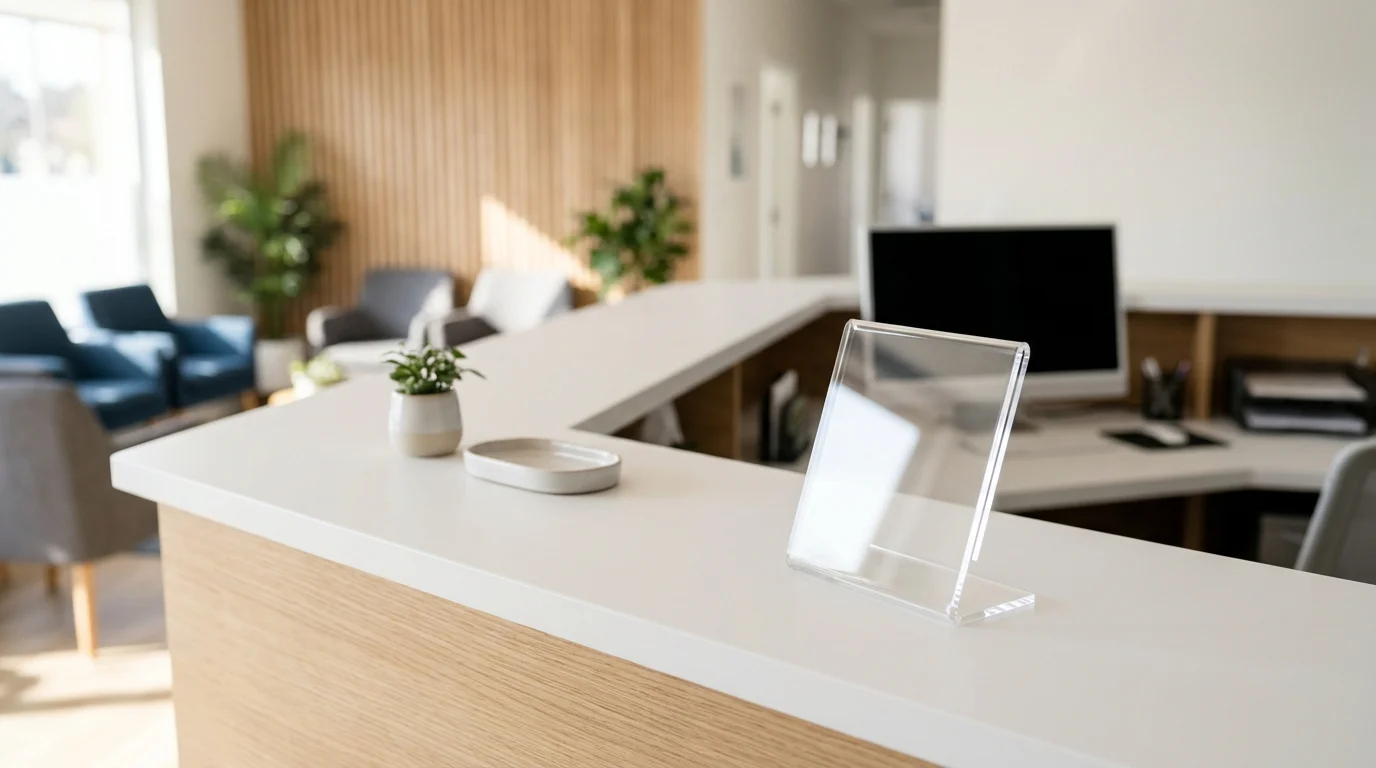
A google review tap card for dental offices makes it easy for patients to leave a review right after their appointment. Place it where they already pause, like the front desk, checkout area, or consult room, so the next step takes only a tap.
If you want a simple setup, start with a google review card and pair it with a card such as the classic white review card for front-desk use. Dental teams often get better results when the request is visible, quick, and tied to a natural moment, like after a cleaning, crown pickup, or consultation.
Why a google review tap card for dental offices works so well
Dental patients usually leave with a clear opinion about the visit, but they do not always take the time to review later. A tap card removes the delay, which matters because people are far less likely to search for a business review page on their own after they leave.
For your office, that means fewer steps for the patient and less explaining for your team. A receptionist can simply point to the card and say, “If you’d like, you can tap here to leave feedback before you go.”
Make leaving a review easier than forgetting to do it.
Where should you place a review tap card in a dental office?
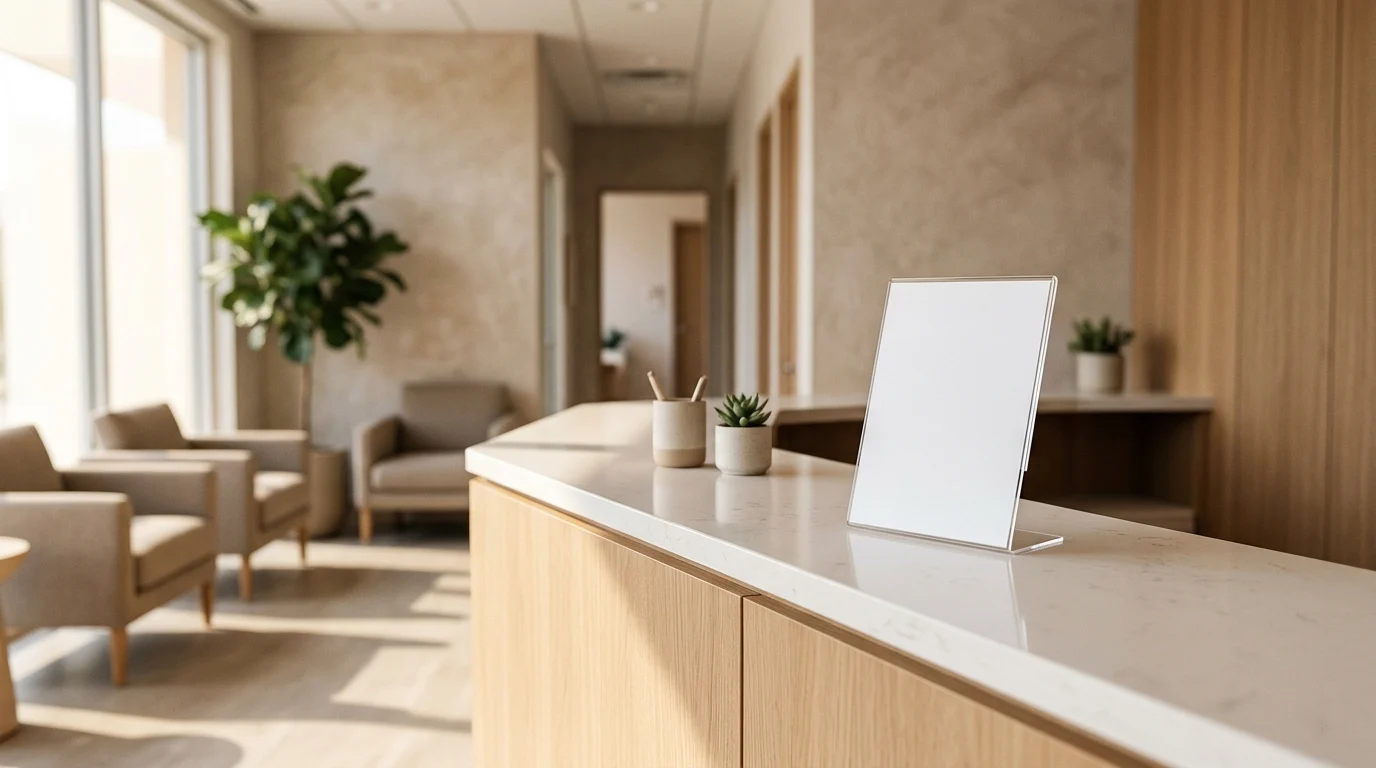
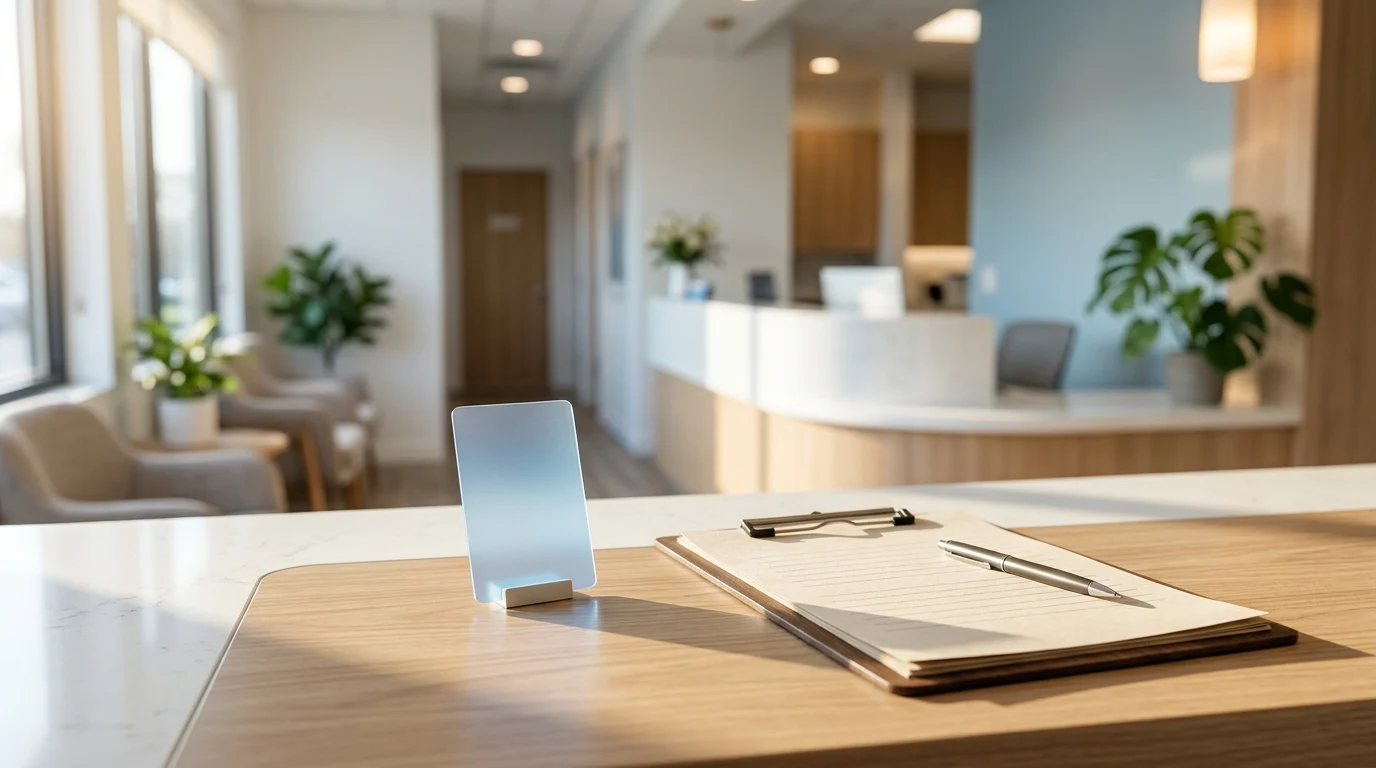
The best spot is usually the reception desk, because nearly every patient passes through it. You can also place one at checkout, near the sterilization-free admin counter, or in a consult room if patients often decide there right after treatment.
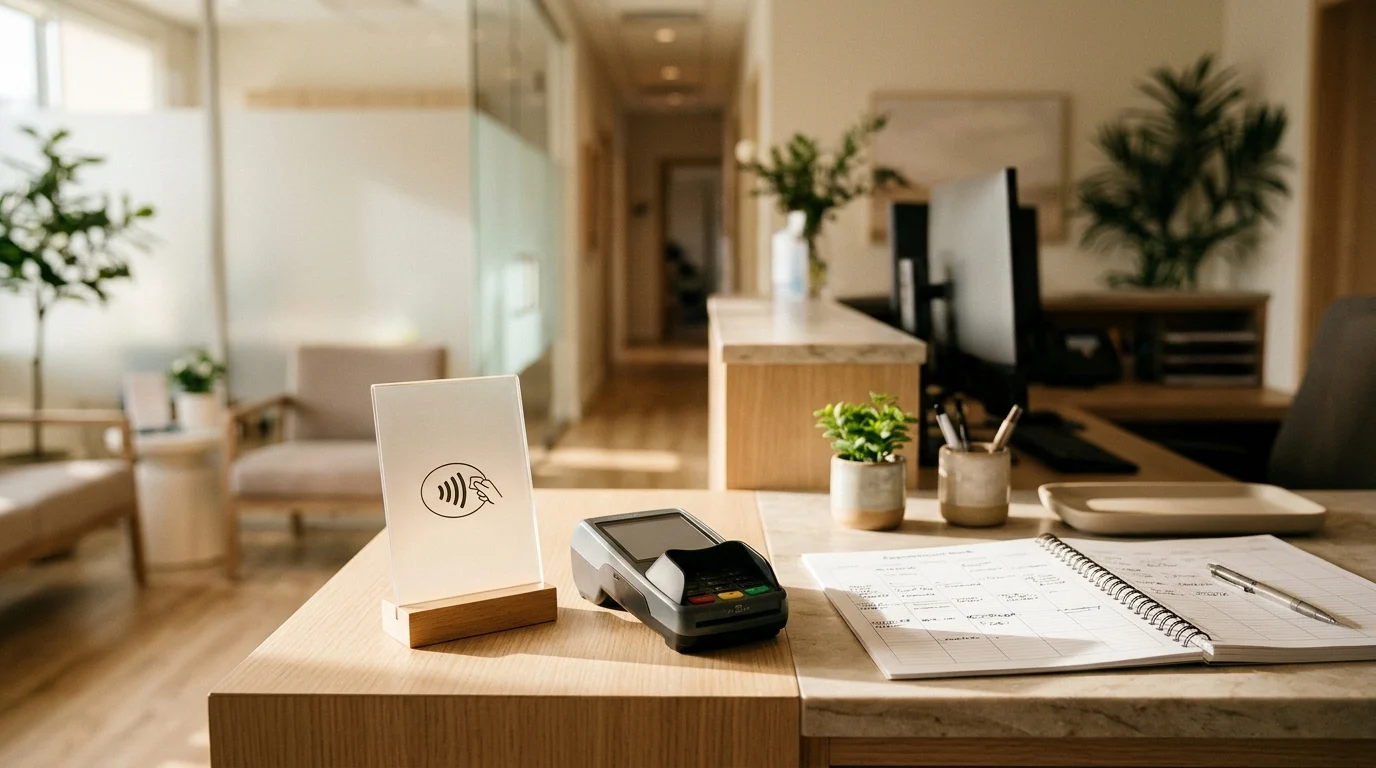
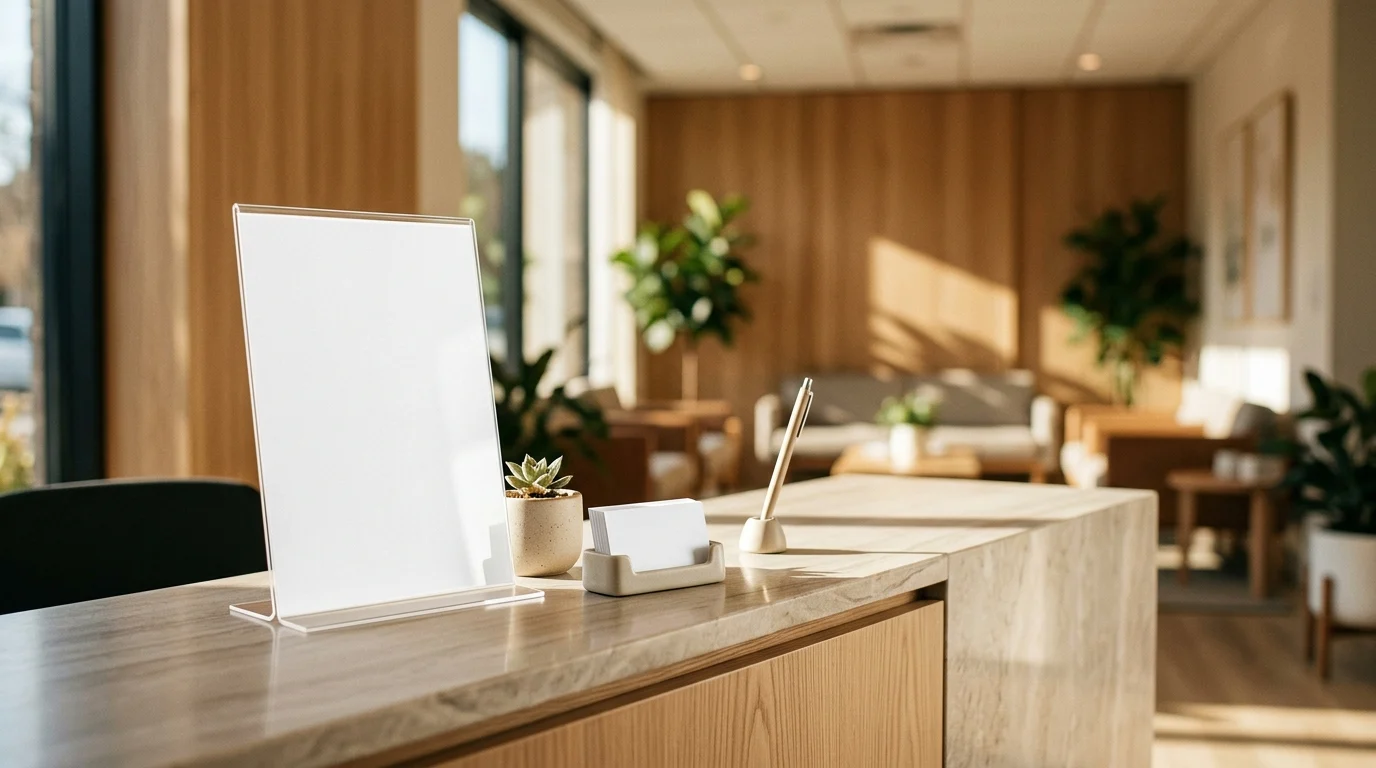
If your office has a busy flow, a tabletop display helps keep the card upright and easy to see. Many clinics also like a small wall sign near the exit, especially when the front desk gets crowded and patients are moving quickly.
For a compact counter setup, a tabletop review stand keeps the prompt visible without taking much space. If you want to learn more about setup timing and positioning, the best practices guide for dental offices is a useful follow-up.
Which patient moments are best for asking?
Ask when the visit is already complete and the patient has had a smooth experience. Good moments include after a cleaning, after payment, after a follow-up consultation, or when a parent is waiting after a child’s appointment.
Do not interrupt treatment or ask too early. The review request should feel like a helpful next step, not part of the procedure.
- Finish the appointment and handle any billing or next-step questions.
- Let the patient settle for a moment at the front desk or checkout area.
- Point to the tap card and invite them to share feedback if they want to.
- Keep the process short so they can complete it before leaving the office.
What should the card and landing page do for you?
The card should move the patient to the correct Google review page with one tap. That saves time and reduces friction, especially for older patients or busy families who do not want to search for your listing on their phone.
Your landing page should be simple and clear. Use a short instruction like “Tap to leave a Google review,” then send them straight to the review form without extra distractions.
If you are setting up the text on the page, this landing page message guide can help you keep it clear. For offices that prefer a more branded look, a wall-mounted review sign can work well in hallways or near the exit.
How can your team ask for reviews without sounding pushy?
Keep the request brief and specific. A simple phrase like “If you had a good visit, you can tap here to leave a review” works better than a long explanation.
Dental offices often do best when the doctor, hygienist, or front-desk staff uses the same wording every time. That consistency makes the ask feel natural, whether you run a family practice, a cosmetic clinic, or an orthodontic office.
It also helps to make the card part of your normal checkout routine. When patients see it often, the request feels like a standard service touchpoint instead of a special favor.
How do NFC and QR help different patients?
NFC helps people with compatible phones open the review page by tapping. QR code support gives another option for patients who prefer to scan instead of tap, which can be useful in mixed-age practices.
That flexibility matters in dental offices with parents, seniors, and new patients coming through every day. One simple display can handle both behaviors, so no one has to ask for a different method.
If you want to compare setup options, the NFC setup guide for dental offices is a good place to start. You can also review the review stand & sticker category if you want counter, table, or window placements.
How can you make the card fit your office style?
A dental office usually looks best with a clean, minimal display that matches the reception area. White, black, or navy finishes blend well with modern clinics, while a transparent stand can feel lighter on a crowded desk.
If you want something more premium, a branded stand or custom plate can match your logo and color palette. That works especially well for cosmetic dentistry, implant clinics, and private practices that care about presentation.
For a polished branded look, a custom stand plate can be used for your website, menu, Wi-Fi, or review page. Offices with multiple locations may also want to look at corporate solutions for consistent team branding.
Common mistakes dental offices should avoid
Do not place the card where it gets buried under forms, tissue boxes, or payment slips. If patients have to search for it, the tap card loses most of its value.
Do not ask for a review before the appointment is over, and do not make the process confusing with extra instructions. The strongest setups are the ones that feel obvious, tidy, and fast.
It also helps to keep the design focused on one action. A card that tries to promote reviews, social media, and contact details all at once can distract patients from the review request.
Frequently asked questions
Is a google review tap card good for small dental practices?
Yes. Small practices often benefit the most because the front desk team can use the same setup every day without adding work. It is a simple way to collect more feedback after cleanings, fillings, and consultations.
Do patients need a special app to leave a review?
No. Patients just tap or scan and then open your review page in their browser. That keeps the process easy for both iPhone and Android users.
Can I use one tap card in more than one room?
You can move it between spaces, but most offices get better results from leaving it in one clear location. A steady front-desk spot usually creates less confusion and more repeat use.
Should I use a card or a stand for my office?
If you want a portable item, a card works well. If you want something visible on the counter all day, a stand is usually the better choice because it is easier for patients to notice.
Conclusion
A google review tap card for dental offices works best when it is visible, easy to use, and placed at the right moment in the patient journey. Start with the front desk, keep the wording simple, and choose a format that matches your clinic’s layout.
If you want a setup that is easy to install and use right away, choose a card or stand that fits your reception area and train your team to point to it consistently.