Google Review Plaque for Dental Offices: How to Use It
Learn how a google review plaque for dental offices helps patients leave reviews fast, where to place it, and what wording works best at the front desk.
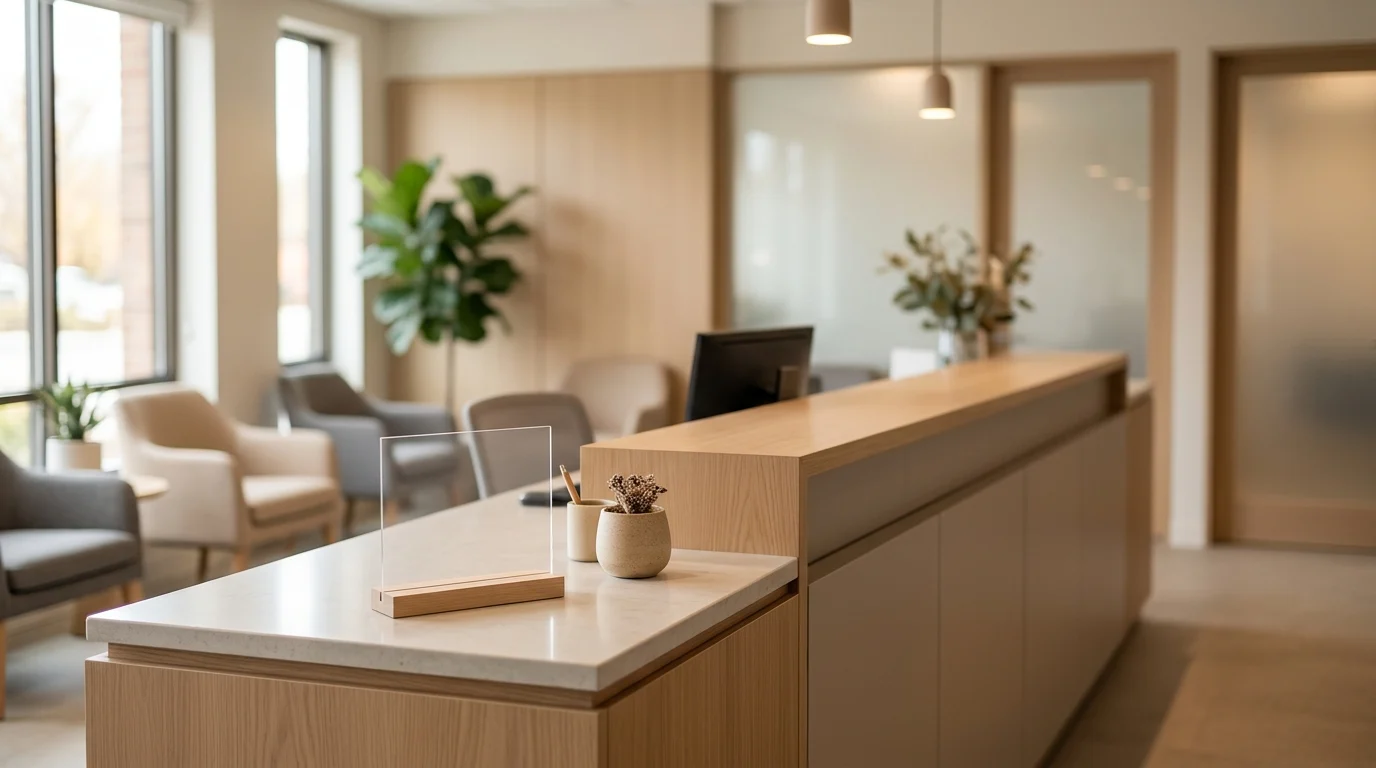
A google review plaque for dental offices is a simple counter or wall display that points patients to your Google review page. It works best when you place it where patients naturally pause, such as the front desk, check-out area, or treatment room exit.
For a busy dental practice, the goal is not to “sell” the review. It is to make the next step effortless for patients who already had a good visit, whether they are leaving after a cleaning, whitening, root canal follow-up, or child dental checkup. A google review card or plaque with NFC and QR can help patients open the review page in seconds.
What is a google review plaque for dental offices?
A review plaque is a small sign that invites patients to leave feedback on Google. In dental offices, it often sits at the reception desk, on a payment counter, or on a stand near the exit so patients can tap or scan while the visit is still fresh.
You can use it as a permanent part of your front-desk setup, just like a payment tray or appointment reminder stand. The best versions combine clear wording with a tap or scan method, so patients do not need to search for your practice online.
Why does it work well in dental practices?
Dental patients usually interact with your team at a calm, predictable moment: after check-in, while paying, or when scheduling the next visit. That makes the front desk a strong place to ask for a review without interrupting the appointment flow.
It also fits the trust-based nature of dentistry. When patients feel cared for by your hygienist, dentist, or front-office team, a visible reminder can turn that positive feeling into a public review that helps new patients choose your clinic.
How should you use it at the front desk?
Use the plaque as a quiet prompt, not a script. Your staff can point to it and say, “If you’d like to share your experience, you can tap or scan here,” then let the patient decide.
- Place the plaque where patients naturally stop.
- Test the tap or QR code with iPhone and Android devices.
- Make sure the Google review page opens directly.
- Keep the message short and easy to read.
- Ask consistently during check-out, not only when the office is slow.
If you want a ready-made tabletop setup, the google review stand with NFC and QR is a practical choice for reception desks, billing counters, and waiting rooms.
Where should you place the plaque in a dental office?
The best location is where patients already look down or pause for a second. That usually means the checkout counter, the reception desk, or a small shelf near the sign-in area.
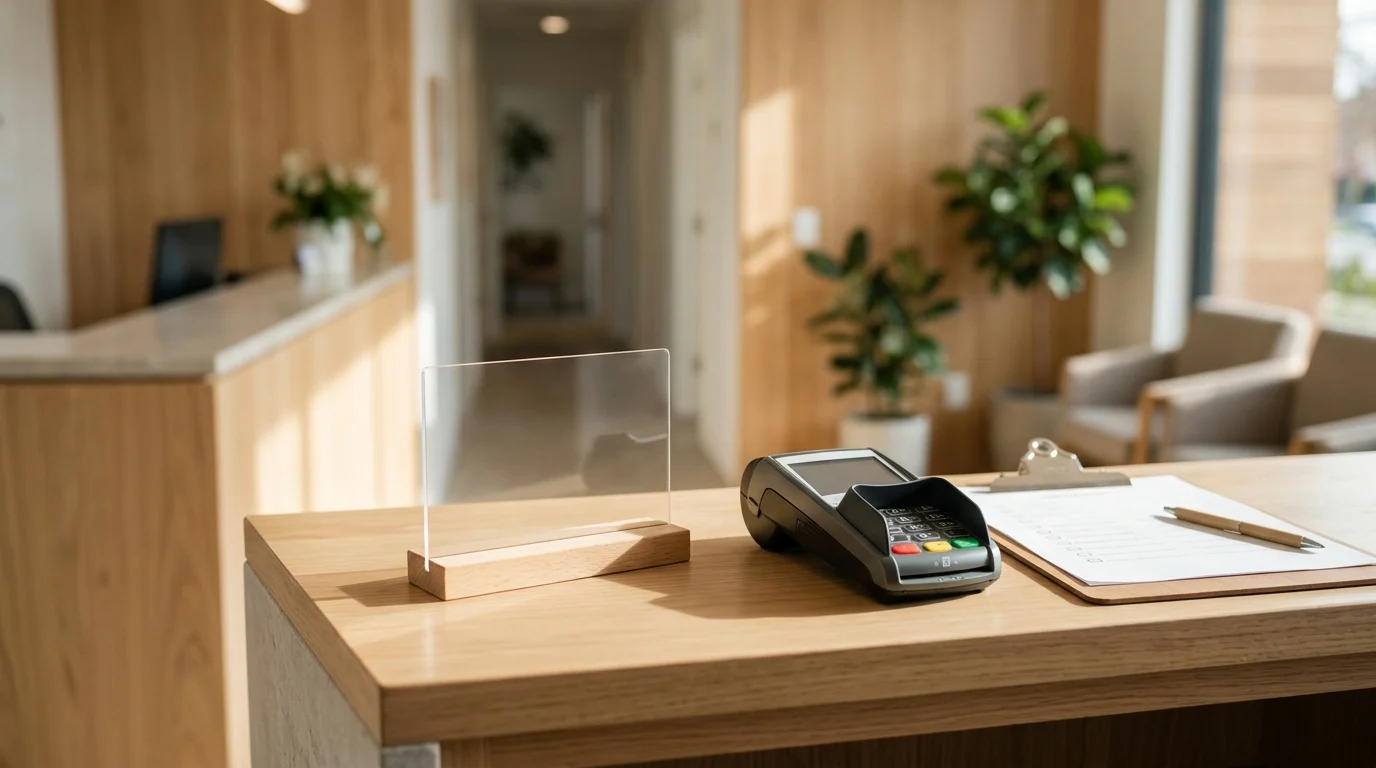
Some clinics also place a second sign near the exit door or next to the card reader. If your waiting room is large, a wall sign can work well too, especially when patients have a few minutes before being called.
Place the review prompt where the patient already pauses, not where they have to stop for it.
What wording should you use on the plaque?
Short wording works better than a long request. Patients do not need a sales pitch; they need a clear next step.
Good examples for a dental office include “Tap to leave a Google review,” “Scan here to share your visit,” or “We’d love your feedback.” Keep the tone friendly and professional, especially if your practice serves families, cosmetic patients, or emergency dental visits.
A clean layout matters too. If the plaque looks crowded, patients may miss the action. Simple text and a clear tap or scan cue usually do the job.
How do NFC and QR help patients leave a review faster?
NFC lets many phones open a link with a tap, while QR code scanning gives another easy option. That combination is useful in dental offices because patients use different phones, and some may not want to install anything or search manually.
For a smoother experience, pair the plaque with a dedicated review page that opens directly to your Google review flow. If you want to understand setup before ordering, the dental review card setup guide explains the basic workflow clearly.
How can you keep reviews ethical and compliant?
Ask every patient in the same fair way instead of only asking the happiest ones. Do not offer gifts, discounts, or special treatment in exchange for reviews, and do not pressure anyone who prefers not to leave feedback.
A neutral, optional invitation is best. That approach protects your reputation and keeps your review process aligned with Google’s policies while still making it easy for patients to respond.
Which plaque style fits different dental offices?
A small solo practice may prefer a compact tabletop plaque that does not take up much room. A multi-chair clinic may want a more visible stand at the main check-out area, while pediatric dentists often choose a friendly, simple design that parents can notice right away.
If your office has a branded interior, choose colors that match the space. White and black work well for modern clinics, while a wall-mounted option can suit a reception area where desk space is limited.
For offices that want a dedicated wall display, the google review NFC wall sign is useful when reception space is tight. If you also want to support team consistency across locations, the corporate solutions category can help with multi-location rollout.
What should you check before you start using it?
Test the plaque from the viewpoint of a patient standing at the counter. Confirm that the link opens correctly, the QR code scans easily, and the device works with both common phone types.
Also check the physical placement. It should be visible without blocking paperwork, payment terminals, or the handoff of aftercare instructions. A well-placed plaque feels like part of the office, not extra clutter.
Frequently asked questions
Can a dental office use one plaque for all providers?
Yes, if reviews are meant for the practice as a whole. This works well for group clinics where patients see different dentists, hygienists, and assistants but still review the same business profile.
Should the plaque be on the counter or the wall?
Use the counter if patients pause there during checkout. Use the wall if your front desk is crowded or if you want a more permanent display near the exit or waiting area.
Do patients need NFC to use the plaque?
No. A good plaque should include QR code access as well, so patients can scan if their phone does not support tap-to-open behavior or if they prefer scanning.
Is a plaque better than a verbal review request?
They work best together. A polite verbal prompt from your front-desk team plus a visible plaque gives patients a clear path without making the request feel awkward.
Conclusion
A google review plaque for dental offices helps you turn positive patient experiences into more visible feedback with less friction. Place it where patients naturally stop, keep the wording short, and make sure the tap or scan flow is simple.
If you want a ready-to-use setup, choose a plaque or stand that matches your reception area and test it with real patient devices before rollout.