Google Review Tap Card: Best Practices for Setup
Set up your google review tap card so customers can leave reviews in seconds. Learn the best placement, wording, and device setup for steady results.

A google review tap card should be placed where customers naturally stop, tap, and leave a review in a few seconds. The best setup is simple: put it at the point of payment, keep the tap target visible, and send people to the right review page every time.
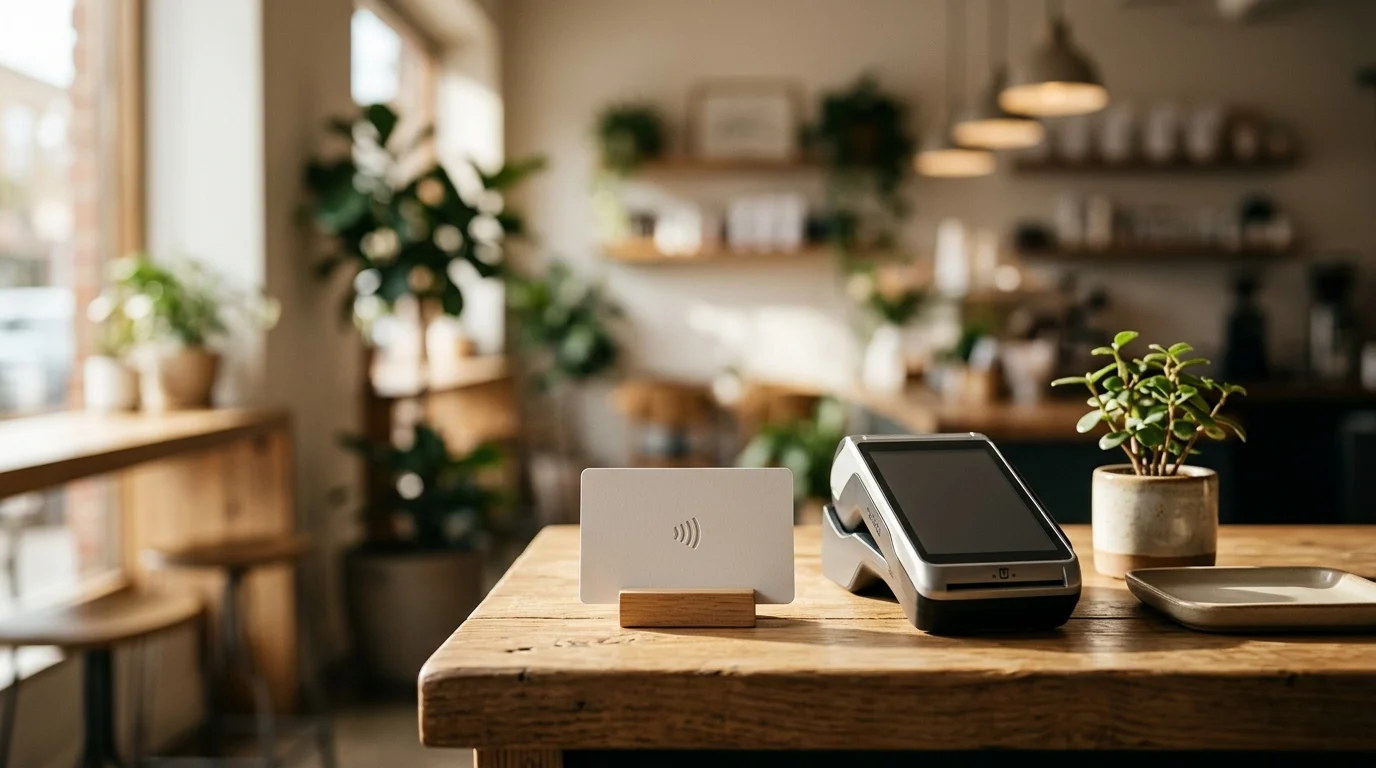
If you want a ready-made option, a google review card or a tabletop stand can do the job well for cafés, hair salons, dental clinics, auto shops, and real estate offices. For a counter setup, many businesses prefer the classic white review card because it is easy to spot and easy to hand to customers.
What makes a google review tap card work well?
A good setup removes friction. Your customer should not have to search for your business, type a name, or wonder whether they are on the right page.
The card should open the exact Google review flow for your business, and the message around it should be short. In a café, that might be placed next to the card reader; in a dental office, it might sit at checkout; in a car wash or tire shop, it can be near the service desk.
Make the review step visible, fast, and obvious, or most customers will skip it.
How should you place a google review tap card?
Placement matters more than most people expect. The card should be where the customer already looks, not hidden beside a receipt printer or under a stack of flyers.
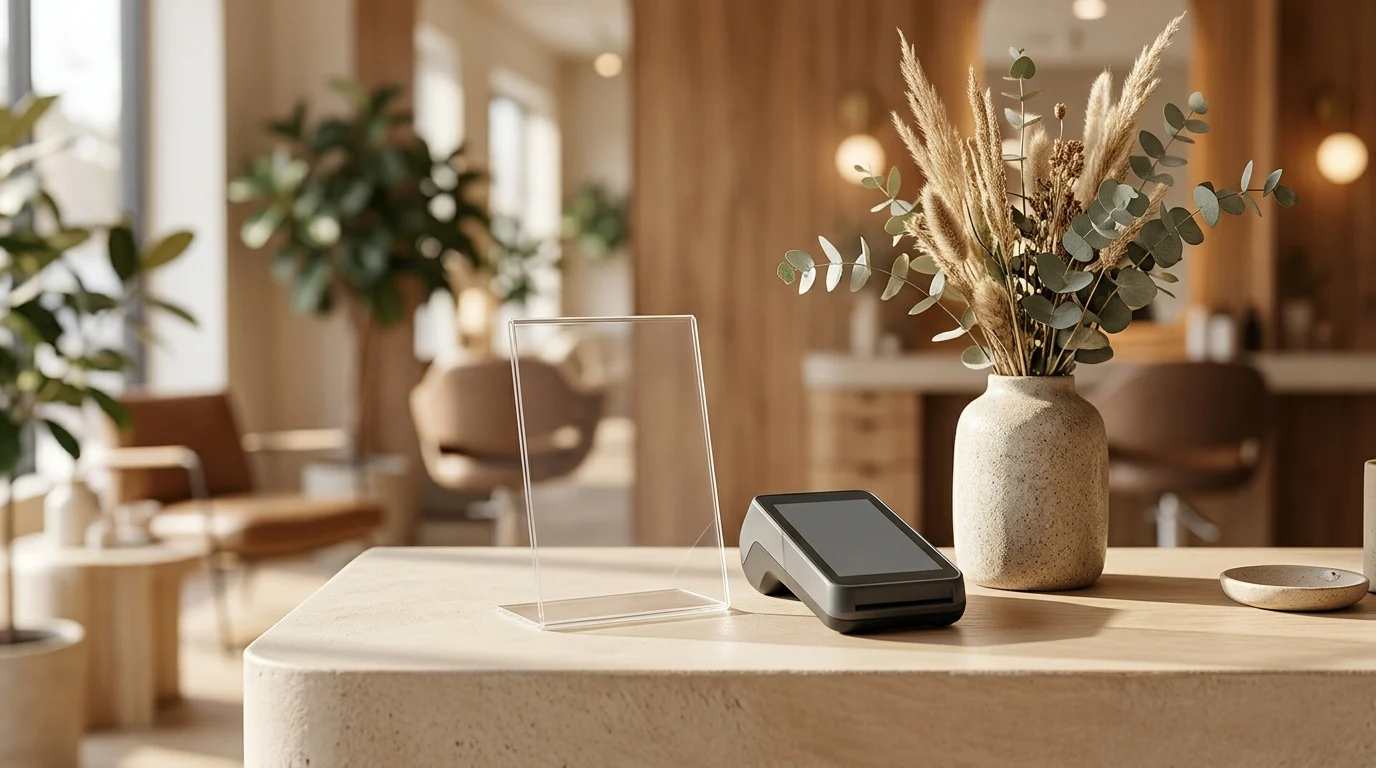
For storefronts, the best spots are the cashier counter, reception desk, waiting area table, or checkout window. If your team works face-to-face, such as a salon, clinic, or contractor office, place the card where the conversation ends and the payment begins.
Use the natural pause point
People are most likely to act when they are waiting, paying, or finishing a service. That is why a tabletop stand often performs better than a card stored in a drawer.
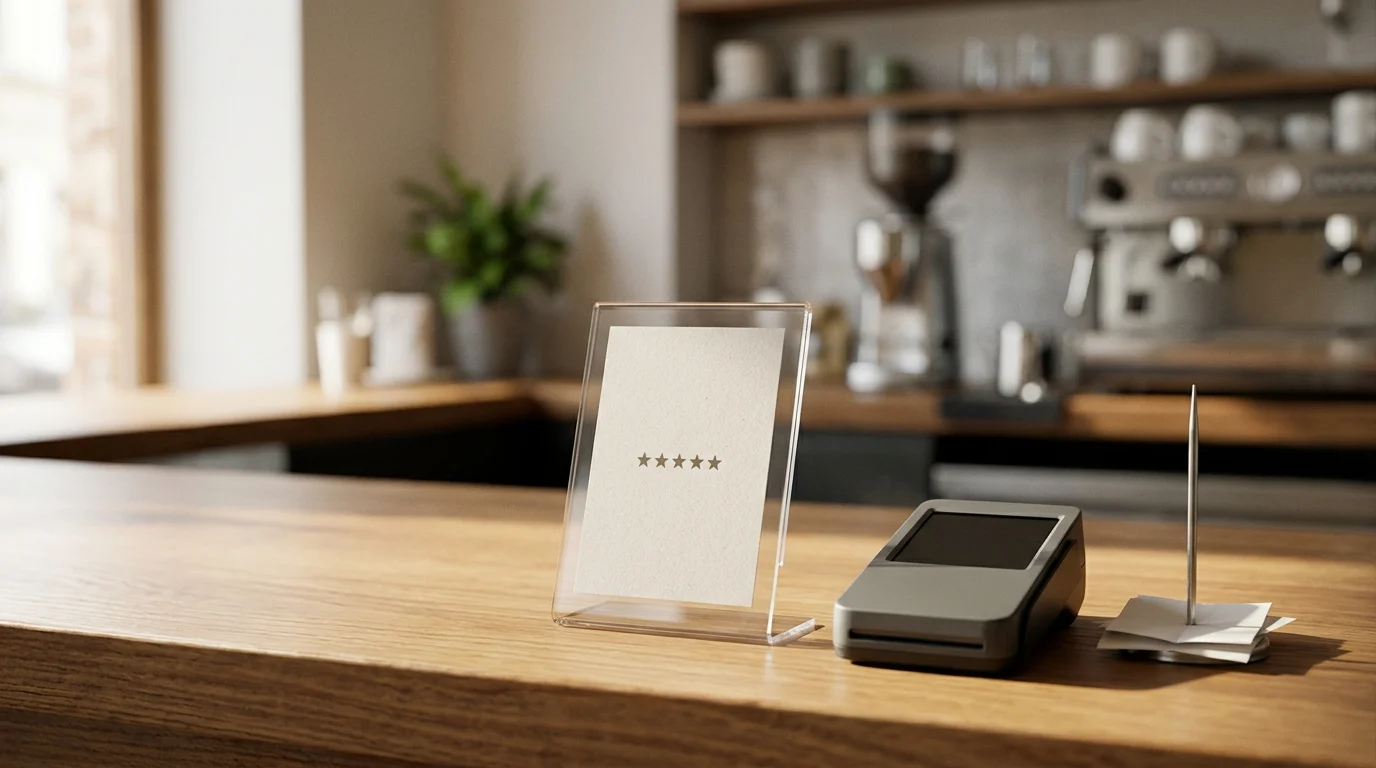
A product like the review stand with NFC and QR code can sit in that pause point and give customers a tap or scan option without asking your staff to explain the process every time.
What should the tap flow look like on the phone?
On iPhone and Android, the experience should be as close to one motion as possible. The customer taps the card, the phone opens the review page, and the review form appears without extra steps.
Test the flow on both device types before you put the card out. If the page opens in the wrong app, the wrong profile, or a browser that confuses people, fewer customers will finish the review.
If you want to understand the basics of phone detection and NFC behavior, the guide on how NFC cards work is a useful companion to your setup. It helps you avoid simple mistakes like poor placement or testing only one phone model.
How can you set the landing page for better reviews?
The landing page should feel like a quick handoff, not a marketing page. Keep the first instruction short and direct so the customer knows what to do next.
If you are sending people to a custom page before Google, keep it focused on the review action. The post on what to say on the landing page is helpful when you want wording that sounds natural and clear.
For example, a restaurant can ask diners to share their experience after the meal, while a clinic can keep the message calm and professional. A service business like an auto shop can use a simple line such as “Tap to leave a quick Google review.”
What design choices help customers notice the card?
High contrast usually helps. White, black, or navy stands are easy to see on busy counters, and a clean design looks better in places like salons, medical offices, and cafés where the front desk already has many items on it.
If your brand uses a specific setup, a custom stand can match the space more naturally. For example, a boutique or agency may prefer a branded display, while a takeout counter may need something compact and durable.
The review stand and sticker options are useful when you need a counter display for tables, windows, or reception areas. If you want a T-shape layout, the matte black review stand is a simple setup choice for modern interiors.
How should your team ask for the review?
Train your staff to ask at the right moment. The request should feel like part of the service, not a forced script.
- Finish the service or sale.
- Thank the customer by name if possible.
- Point to the tap card and explain that it opens the Google review page.
- Keep the request short and friendly.
This works well in businesses like hairdressers, chiropractors, pet groomers, and repair shops because the customer already has a clear opinion of the visit. If your staff is consistent, the card becomes a natural part of the checkout routine.
How do you keep the setup reliable over time?
Check the card regularly to make sure it still opens the correct page and still sits in the right place. A card that shifts behind a register screen or collects clutter will get ignored.
For multi-location teams or businesses with several employees, central control helps keep the experience consistent. If that is your situation, the corporate solutions category can support a more uniform rollout across branches or staff desks.
If you are setting up a wider review display for a café or restaurant, the QR menu stand and card category may also be useful for table service spaces where you want menu access and review prompts in different spots.
Frequently asked questions
Do customers need an app to use a google review tap card?
No, they usually do not. The phone reads the NFC tap and opens the review page directly, so the process stays simple for the customer.
Should I use tap, QR, or both?
Both is often the safest choice. Some customers prefer tapping with an iPhone or Android phone, while others are more comfortable scanning a code.
Where is the best place to use one?
Reception desks, cashier counters, salon stations, and service desks are common spots. The best location is wherever the customer finishes paying or waits briefly before leaving.
Can one review card work for a team?
Yes, but the setup should point to the correct Google Business Profile. If your business has multiple locations, each branch should use its own review destination.
Conclusion
A well-set-up google review tap card makes it easier for customers to leave feedback while their experience is still fresh. Keep the placement visible, the tap flow fast, and the message short.
If you want a simple counter setup, start with a card or stand that fits your space and test it on both iPhone and Android before using it with customers.